Nov 27, 2026
 = beta: new features stay in beta for at least one month and are enabled per organization. Talk to your Customer Success Manager if you want to be a part of beta.
 = needs a feature setting switched on for your organization. Talk to your Customer Success Manager if you want it switched on.
A brand-new ToolSense: one modern, consistent design across the whole web app
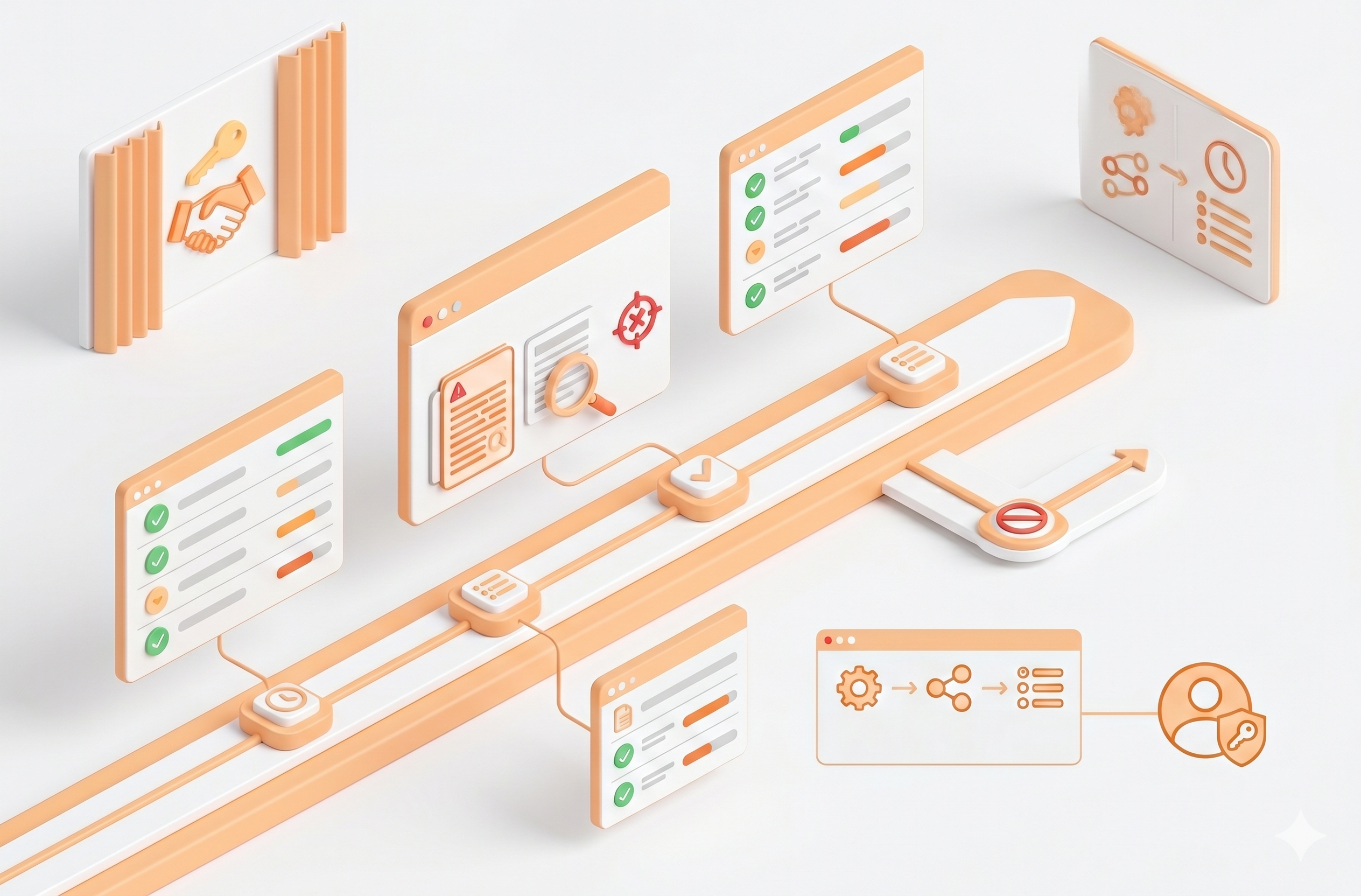
Ticket approvals : get a manager's or customer's OK on the ticket or by email
Mass edit : change hundreds of assets, sites, personnel or users in one go
Dashboards that read like reports : text and images, saved views, monthly reports
Integrations in your own hands : set up and test them yourself, and see every machine's sync on its own Integration tab
More machines connected: RV Tech / ZACO cleaning robots and Miele MOVE laundry machines
 A brand-new ToolSense
Live for everyone
One design everywhere: lists, panes, filters, menus and dialogs look and work the same way
Works on phones: panes open full screen, lists and toolbars fit the width
Faster lists: large tables draw only what's on screen
Command palette for everyone: Ctrl/Cmd + K finds any page or record
Your brand carries through: white-label colours and fonts apply to the new design
 Ticket approvals
Ask colleagues or any email address to approve; they decide in the app or with one click in the email
Nothing slips through: pending approvals block status changes, rejections block closing
Traceable: every request and decision is in the ticket history
Approvers and Waiting for approval columns and filter in the ticket list
 Mass edit
Assets, asset types, categories, sites, personnel and users: assign sites, types, roles and groups, attach documents, delete
A preview shows exactly what will change before you confirm
 Dashboards
Text and image widgets: headings, notes, links and your logo. Also in PDFs and scheduled emails
Saved filter views you can share with your team
Calendar months: pick "October 2026" or "Last month"
Tables by period: days, weeks or months as columns, with row totals
Native templates for the legacy Grafana runtime reports
 Self-service integrations
Connecting a new robot or telematics account used to require you sending a ticket to ToolSense and waiting. Now you can do it yourself.
Autonomous Set Up: admins add, edit and delete their organization's integrations
Test before saving: "Test connection" checks the credentials straight away and explains what went wrong
Guided: downloadable setup guides you on getting the API key
Traceable: every settings change is kept in a history
Under control: admins decide which users may manage integrations
 Integration tab on every asset
"Why does this machine show old data?" used to be a support question. Now the answer is on the asset.
See the last sync: when it ran, how long it took, what changed, the last successful sync and the next scheduled run
See the raw data: what the manufacturer actually sent for this machine
Run now: admins refresh just this one machine instead of waiting for the next sync
Pause sync: stop updating one machine without touching the rest of the integration
 New integrations
New: RV Tech / ZACO cleaning robots. Missions, alarms, battery and water levels
New: Miele MOVE laundry machines. Sites, operating hours, programs, consumption and service due dates
Gausium: new robots are created as assets automatically
 IMPROVEMENTS
 Mobile app
Live for everyone
Switch groups from Settings, same as on web
Camera scanners get zoom, tap-to-focus and a torch. Small QR codes read much more easily.
Scan serials, IMEIs, BLE tags and plates into the QR create-asset form
Clearer, step-by-step registration (also on web)
 Disposition board
(FSM v2 and Personnel beta)
Several workers on one work order, each notified by email
Create a work order by clicking or dragging across an empty slot
 Just ask: ToolSense in Claude and ChatGPT (MCP)
Plan ahead and look back: "What's due next week?", "What changed since yesterday?"
Briefings: everything about one machine or one site in one answer
IT can roll it out company-wide through single sign-on
Read more about what Just ask unlocks for you. We also prepared a prompt library and all important info for your IT: https://toolsense.io/just-ask.
 Tickets & procedures
Add a repair cost while changing the ticket status (costs switched on), web and mobile
"Created from" ticket filter, web and mobile
Procedure site fields can offer only matching sites, like asset fields already could
Tag permissions : decide which users may add or remove ticket tags
Jotform to procedures: CSMs and admins convert Jotform services into native procedures, and can switch back
 Assets & parts
Parts import : create and update parts from an Excel file
Parts used column : on the ticket and work order lists and exports
An asset's classification always follows its asset type. Robots always show in the Robots tab.
Monthly purchase cost : purchase cost spread over the depreciation months
Hide check documents on the QR page : keep inspection PDFs away from visitors outside your organization
 Rules & Inspections
Choose whether the first check is due on the start date or after the interval
Rules are visible and editable within your group and its sub-groups
 Users & organization
Live for everyone
Admins switch users between SSO and password login
Phone fields preselect the user's country
Users list shows the user ID
Group settings can go back to "inherited"
Branding per sub-group : sub-groups get their own white-label brand (set up by ToolSense)
 NOTABLE FIXES
Live for everyone
Mobile procedures: fields show when any matching condition applies, like on web
Mobile notifications: Android shows the full text
Ticket PDFs: photos always included
Work orders: rejected comments are kept
Kärcher robots: stay online while quiet
PUDU robots: a stuck robot shows as an error
Miele and MachineMax: machine states are translated
HAKO: machines deactivated at HAKO are retired in ToolSense
Your ToolSense Team
Oct 22, 2026
= beta: new features stay in beta for at least their first month and are enabled per organization. Talk to CSM/product to get them turned on for a customer.
Your reports, built in minutes : dashboards from templates or an AI draft, emailed on your schedule
AI Support Manager, ready for customer testing : scan the QR code on any machine and get step-by-step help from the manufacturer's manuals
Just ask : Claude and ChatGPT answer questions about your machines, tickets and inspections
Make sure your machines are deployed at highest productivity : see which machines barely run, redeploy instead of buying or renting
A faster ToolSense: performance work across the platform, plus a new search engine
Tickets sorted your way: tags, set by hand or automatically from procedure answers
 NEW FEATURES Dashboard Builder
Admins build, colleagues can open them
Reports used to mean an afternoon in Excel. Now admins build dashboards in minutes.
Templates or AI: about 40 ready-made boards (fleet utilization, ticket resolution, parts stock, maintenance costs, robot performance), or describe what you need
Everything in one view: assets, tickets, work orders, parts, costs, inspections, trips and robots; click any chart to filter the board
Share it: export to Excel, CSV or PDF, or get it by email daily, weekly or monthly
AI Support Manager, now ready for customer testing Many call-outs could be avoided if the person at the machine knew what to do. Now that help is one QR scan away.
Any machine: works for every asset whose manufacturer documents are enabled for the assistant: scrubbers, sweepers, robots, vehicles and more
Help at the machine: operators scan the QR code, describe the problem and add photos. The assistant asks targeted questions and suggests safe next steps.
Grounded in the manual: answers come from the manufacturer's documents in ToolSense, read in full, with the source cited
Knows its limits: when it can't solve the issue, it hands over to your team with a ticket containing the conversation and photos
Try it now: we're inviting customers to test it. Talk to CSM/product to switch it on.
ToolSense in Claude and ChatGPT (MCP) Read-only
"Which sites need me today?" used to mean several apps and a lot of clicking. Now you just ask.
Just ask: "Which machines are overdue?", "Which machine breaks down most often?", "What's still open on this asset?"
Your daily to-do list: "What needs my attention?" ranks overdue inspections, open tickets, down machines, robot alerts, silent IoT devices, low stock and ending contracts, each with a next step
One morning briefing: combine ToolSense with your shift plans or emails in the same assistant
Your data stays yours: own login, only what you're allowed to see, read-only, revoked the moment you disconnect
How it works: MCP is the standard "plug" that connects AI assistants to your tools; IT can roll it out to all Claude desktop installs at once
 Ticket tags
Live for everyone
Service and status say what kind of ticket it is. Tags say what matters to your team, and make patterns visible.
Your own tags: admins manage coloured tags under Organization → Tags, e.g. warranty, vandalism, needs follow-up
Everywhere: tag on web and mobile (also offline); filter, save views, and see tags in exports, PDFs, emails and the ticket history
Automatic: procedures can ask the reporter to pick tags, and conditions can add them from the answers (e.g. "leak detected → Urgent")
 Asset utilization, rebuilt
In most fleets 10–25% of the machines barely run, and a single average hides which ones. Now you see them, and redeploy instead of buying or renting more.
Any time window: last 30, 90 or 365 days, since arriving at the current site, or in total (for IoT-connected machines)
Context, not just a number: history charts, custom date ranges and the machine's typical operating pattern
Honest signals: new machines show "learning routine" instead of misleading early numbers; over 100% turns red
Wherever you work: web and mobile (offline too), plus list columns, filters and exports
 Faster asset search
The more assets you have, the slower the asset list could get. Now it stays fast.
New search engine: powers the asset list, search and filters
New filters: filter assets by your custom fields
 Procedures from your existing documents
Digitising a paper checklist meant retyping it field by field. Now you upload it.
Upload: PDF, Word, Excel, CSV or a photo. AI drafts the procedure.
Review: check the draft before applying; anything not converted is listed
Background: you get an email when the draft is ready
IMPROVEMENTS Clearer wording in every language
Live for everyone
Frontline teams work in many languages, yet errors often showed up as technical English. Now everything speaks the user's language.
New translation system: consistent wording and proper singular/plural forms across web, mobile, emails and PDFs
Understandable errors: messages say what went wrong, in the user's language, the same on web and mobile
IntegrationsLive for everyone
One more brand in one place, and machine data you can trust.
New: MachineMax. Construction and heavy equipment syncs machines, sites, operating hours and locations
HAKO: machines get their site and rental or leasing dates automatically (switched on per integration)
Clean up: delete integrations you no longer use. Synced assets and IoT data stay.
More accurate data: Nexaro runtime from the manufacturer's counter, exact serial matching for IntelliTrail, correct HAKO GPS, no more impossible utilization for machines imported with existing hours
Rules & Inspections Only for organizations on the new rules
Every check provably done, on the schedule the manufacturer actually specifies.
Whichever comes first: e.g. service every 12 months or every 500 operating hours
Overdue at a glance: overdue inspections are marked in lists, cards and mobile, and included in "Due inspections"
Linked to tickets: tickets show the inspection's rule, due and completion date, with columns, filters and exports
Fixed: "complete the check when the ticket is closed" now waits for the closed ticket, and links to it to prevent duplicates
 Restore deleted records
Performed by ToolSense support
Mistakes happen. Now they can be undone.
On request: support restores deleted assets, asset types, categories, sites and groups, with conflict checks
Traceable: every deletion now records who made it
Mobile appNo more typing serial numbers on a phone, and a QR code on every machine in one walk-through.
Camera scanning (OCR): point at the type plate to read serial numbers, IMEIs, licence plates and BLE tag IDs
Asset pictures: add, replace or remove them from the phone
BLE tags: edit them on mobile, with an instant check if a tag is already in use
Mass QR-to-serial pairing : scan the QR sticker, then the serial barcode, next machine; unknown serials become new assets on the spot with your remembered type and site
Heads-up: the app now requires Android 8.0 or newer
 Work orders
Internal comments: now push to your internal team, never to customers
Consistent defaults: new work orders last 30 minutes instead of 1 hour, everywhere
Manual time entries (FSM v2 beta): forgot the timer? Add the time afterwards, on web and mobile
Organization settingsLive for everyone
Set it once for the group instead of fixing it user by user.
Regional defaults: units, date and time format, time zone and language per group, inherited by sub-groups and new users
Invitation emails: switch them off per group when users join through your own single sign-on (SSO)
Tickets, procedures & assetsCorrectable dates: mark procedure date questions "editable in ticket"; every correction is in the history
Clearer emails: assignment emails show the service in the subject, e.g. "[Problem Report] You were added as assignee…"
Depreciation in months: 18 months instead of 1.5 years, plus a "remaining depreciation" field and filter
Your units in rules: IoT thresholds in each user's units, e.g. mph
Runtime report: filter by asset category, make and type (several at once) before exporting
Asset packages : the site field now lists sub-group sites too, like on assets; picking a site in another group moves the package there, with a warning and confirmation, and cancelling that prompt keeps the asset's current site
Custom fields in the importer : bulk imports fill them in directly
 Faster and more stable
Live for everyone
Performance: less server load, faster filtered lists, quicker loading after login, and PDFs no longer slow everyone else down
NOTABLE FIXESLive for everyone
Offline sync: customer signatures on work orders no longer get lost in rare cases
Inspection reminders: no longer occasionally sent twice
Mobile: saving an asset keeps unchanged date custom fields
Exports: no longer fail when an asset type or category was deleted
Attachments: saved files are no longer flagged invalid when editing a comment or cost
QR landing: procedures can let users choose status, urgency and availability; failed asset creation can be retried
Webhooks: slow receivers no longer hold up deliveries; URL changes during a delivery stick
Asset importer: types matched by manufacturer too, rows stay matched after deletions, new types land in the right group
Your ToolSense Team
Sep 3, 2026
= beta. New features stay in beta for at least their first month and are enabled per organization. Contact your Customer Success Manager to have them turned on.
 Disposition Board (beta)
FSM v2 beta. Also needs the new "schedule disposition" permission granted per user.
Schedule work orders by drag & drop on a Gantt-style board: technicians in day/week view, drag work orders from the inbox onto a person and time slot, resize to change duration, convert tickets into work orders on the spot.
Asset Packages (beta)Bundle several assets into one package: assign and move them together, track package history, and reach the whole bundle via QR code.
 Imports, rebuilt from the ground up
Live for everyone
The importer for assets, sites and personnel was completely rebuilt. It is the single biggest change in this release.
A brand-new import experience in the web app, replacing the old importer widget
Large files are validated and imported in chunks, so big imports run reliably instead of timing out
Smarter duplicate handling, address geocoding for sites, and automatic follow-ups (schedules, webhooks) after import
Personnel import extras: update existing people via import (matched by ID, email, personnel number or ERP ID), groups & languages matched by ID instead of names, optional first/last names, dates read in your own date format
 Big exports without the wait
Live for everyone
Excel exports (assets, tickets, work orders, costs, personnel, 15 list types) now run in the background on our servers. You get an email with a download link instead of a frozen browser tab, plus a console to track your export jobs.
 New Rules & Inspections experience grows (beta)
Only for organizations on the new rules
Maintenance can now trigger on real machine usage (operating hours, mileage) instead of only calendar dates
New email & push inspection reminders: before due, due today, overdue, and when a new asset joins a rule
iPhone as a Bluetooth gateway (beta)Pending Apple approval
iPhones can now act as background gateways for SIRIN beacons: asset telemetry without extra hardware.
Work order upgradesLive for everyone
Saved views for the work order list
Multiple customer signatures per work order (previously only one)
New push notifications: worker added/removed, date changed, new comment
Completed work orders are locked. Costs, parts and time entries can no longer be edited afterwards.
FSM v2 beta
Assignment based on personnel, including working hours for teams and individuals
PersonnelUser accounts and personnel records can now be linked and stay in sync automatically
Auto-generated inventory & personnel numbers with a custom prefix (enabled per organization)
IntegrationsLive for everyone
When a vendor API rate-limits us, syncs are politely postponed and shown as "deferred" with a resume time, instead of failing
Runtime values now indicate whether they were reported by the machine or derived by ToolSense
 Notable fixes
Live for everyone
Mobile offline sync: closed a data-loss scenario during large syncs
iOS: NFC scanning can no longer lock the app
Costs in multiple currencies now display correctly
Deleted assets remain visible (marked "deleted") in historical tickets & work orders
QR codes: warning before overwriting an existing code, and no more duplicate assets from double scans
Replies to emailed ticket PDFs now only add comments. Email replies can no longer trigger ticket actions.
Some equipment really is one unit made of several assets: a scrubber with a docking station and battery pack, or a container full of tools. Asset Packages let you treat them as one thing without losing per-asset tracking.
A new Asset Packages page lets you create a package, give it a name, group and site, and add assets to it. You can also create a package on the fly straight from an asset.
One asset is the primary asset, the face of the package
Site inheritance is the key choice. Set to Inherited, every asset automatically takes the package's site, both when it is added and whenever the package moves. Set to Custom, each asset keeps its own site and the package site is only informational.
If assets drift apart, the package shows a mismatch warning ("3 of 5 assets not on Site X")
Every change is recorded in the package history: assets added or removed, site moved
Scanning an asset's QR code shows which package it belongs to. ToolSense also guards you against surprises: bulk edits and site deletions warn you when they would affect a package.
Beta for now. Contact your Customer Success Manager to have it enabled for your organization.
It is a planning board for field service. Think of a calendar where every row is a technician and every bar is a work order.
Switch between day and week view, zoom in and out, jump to today. A line marks the current time.
Rows show the personnel you have marked "Shown on the Disposition page". Filter by assignee or specialization level (L1/L2/L3).
Drag a bar to reschedule it, drag it to another row to reassign it, drag its edges to change start and end. The board warns you about overlapping assignments and shades hours outside a person's working hours, taken from the new working-hours settings.
The Inbox panel on the side collects everything waiting to be scheduled: unassigned work orders in one tab, open tickets in the other. Drag a work order straight onto the board, or drag a ticket and it is converted into a work order on the spot. You confirm the assignee and time window in a small form.
Hover any bar for details, click to open the work order
Access is per user: an admin grants the new "schedule disposition" permission, so only dispatchers see the page. Part of the FSM v2 beta.
Jul 28, 2026
Release 118 introduces the foundation for Field Service Management with our new Work Orders Beta, giving technicians a live mobile workspace with time tracking, customer signatures, and on-hold workflows, alongside a new Personnel Database Beta to track and assign your entire workforce to assets, even those without a ToolSense account. We have also expanded fleet connectivity with new Volvo and Schneidereit integrations, added dropdown custom fields that flow seamlessly into generated PDFs and emails, and delivered smarter trip data with customizable fuel units and live on-screen updates. Rounding out this release is an Asset Types Merge tool, mobile SSO passkey support, and localized push notifications to clean up friction everywhere you work.
Work Orders: Field Service Management v1 (Beta)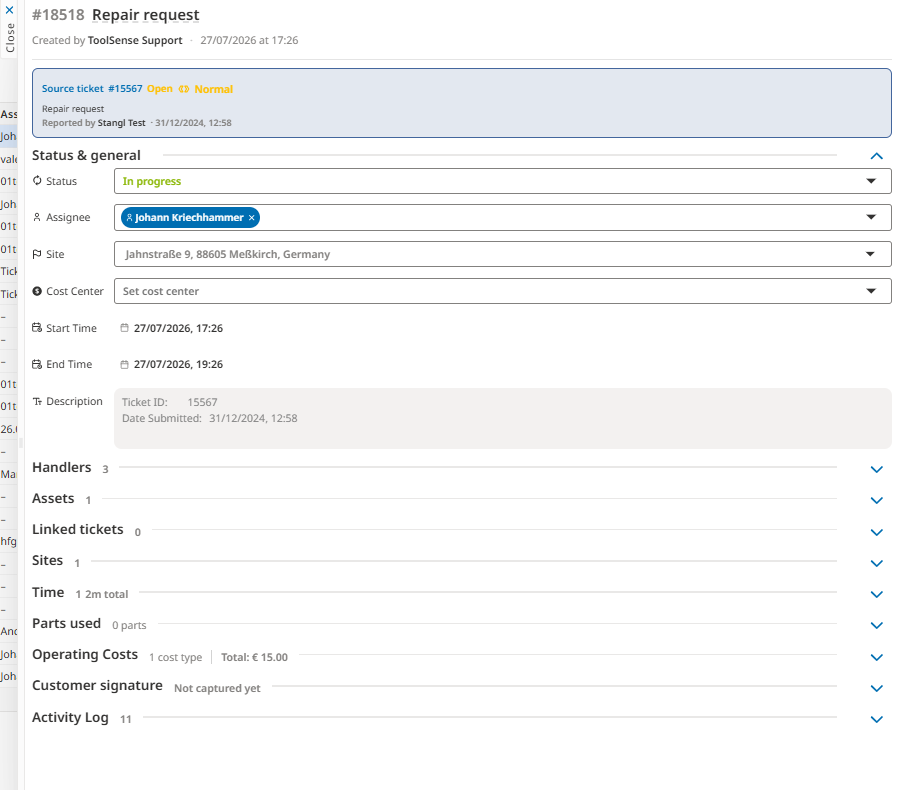
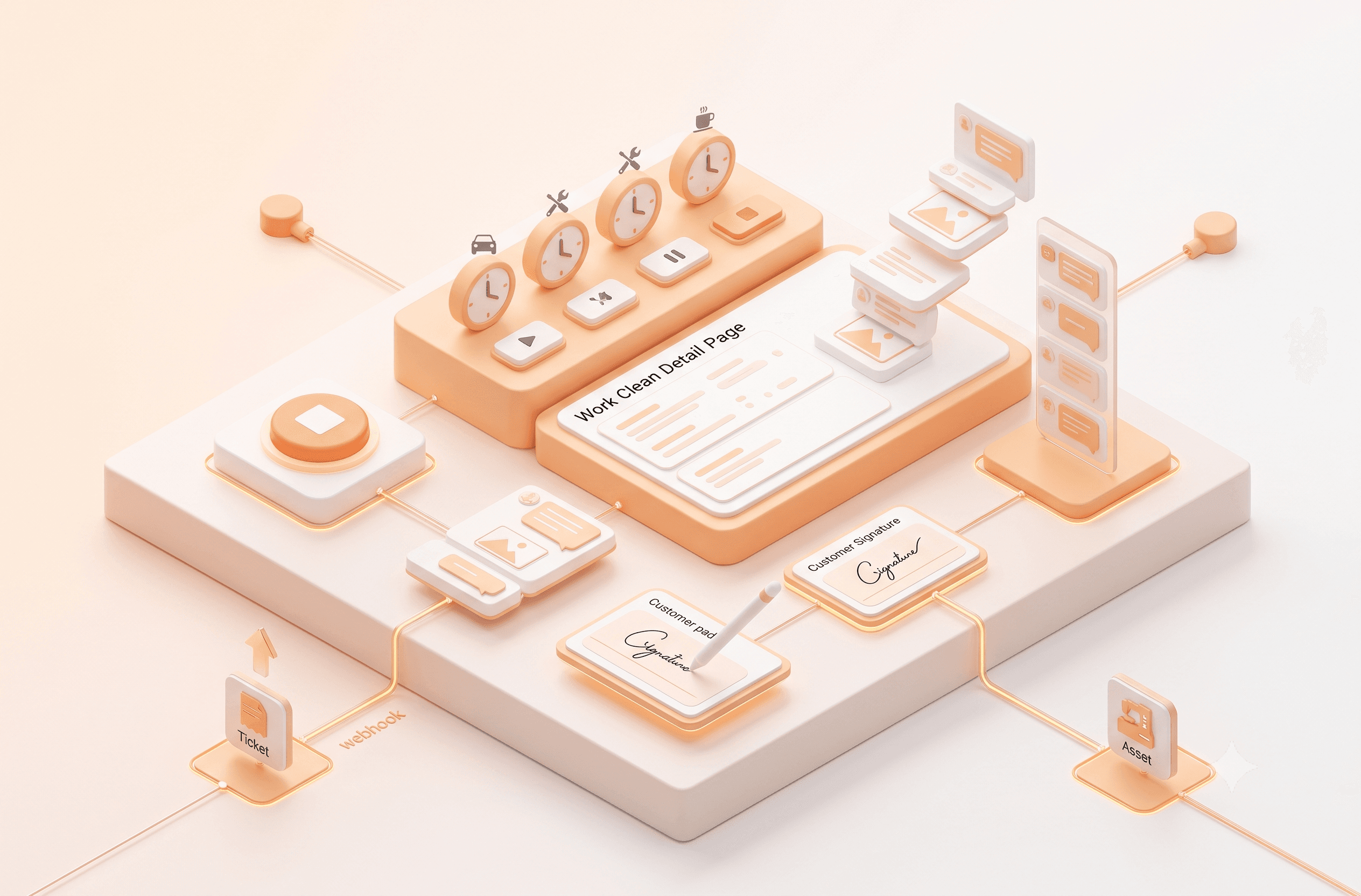
As the foundation of Field Service Management in ToolSense, work orders are no longer static records, but a live workspace your technicians actually operate in the field.
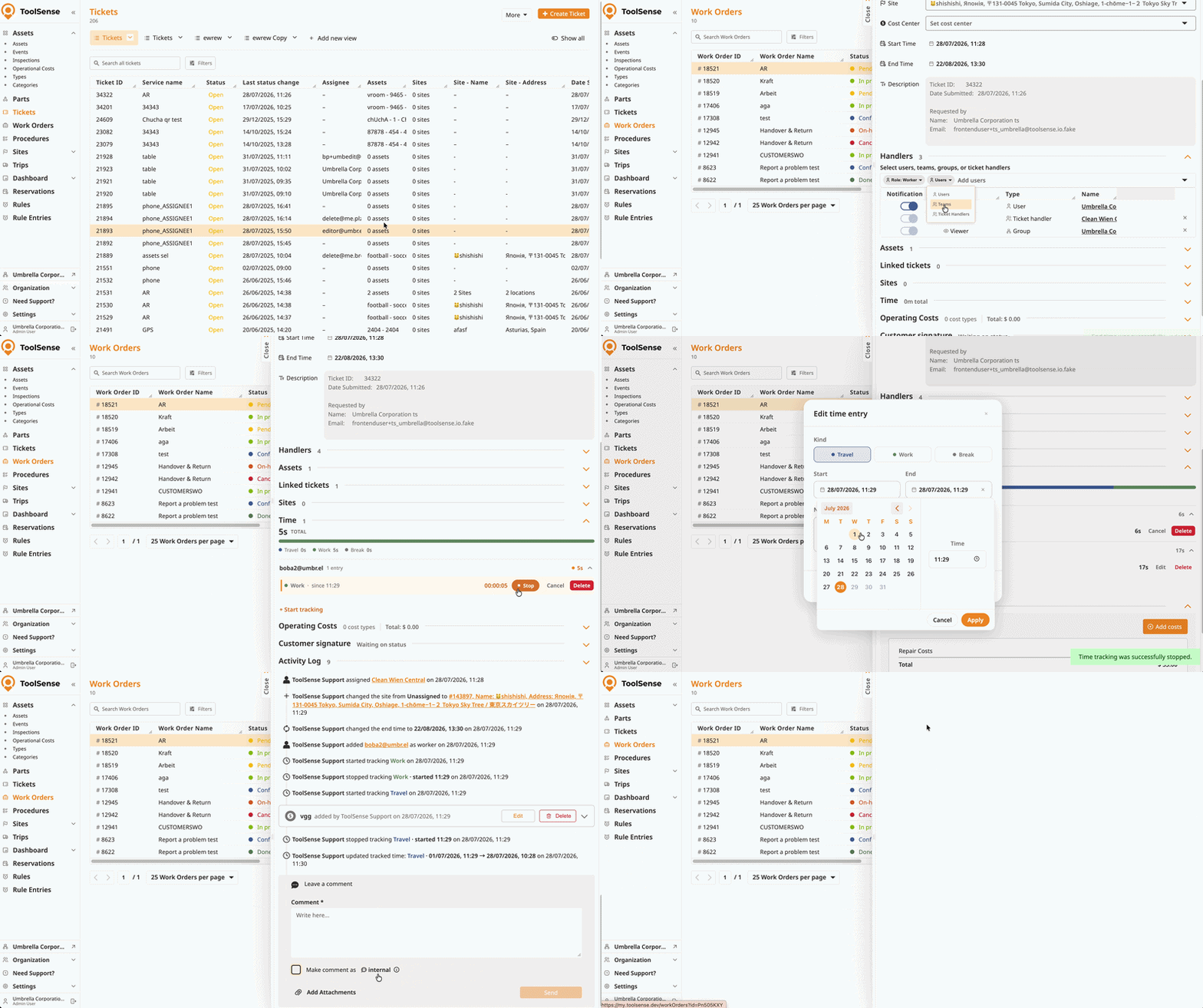
Time Tracking: Technicians log their time per person, split into Travel, Work, and Break entries with start and stop actions, ensuring every work order carries an accurate record of effort.
Notes & Images: An append-only comment thread with image attachments keeps a running log of what happened on the job.
Customer Signature: Capture the signature on completion, stored right on the work order.
On-Hold Workflow: Pause a work order when the job cannot continue. This automatically stops the running timer and records the reason in one step, making it visible to the dispatcher on the linked ticket.
One Clean Detail Page: A single, continuous work order page matching the ticket layout features inline editing and auto-save. There is no separate edit screen and no Save button.
Connected End-to-End: Work orders are linked to their ticket, recorded in the asset's history, and fire outbound webhooks so your connected systems stay in sync.
Beta: This feature is not enabled by default. Ask your ToolSense CSM to activate Work Orders for your organization.
Who can use it: Users with Work Orders access.
Personnel Database (Beta)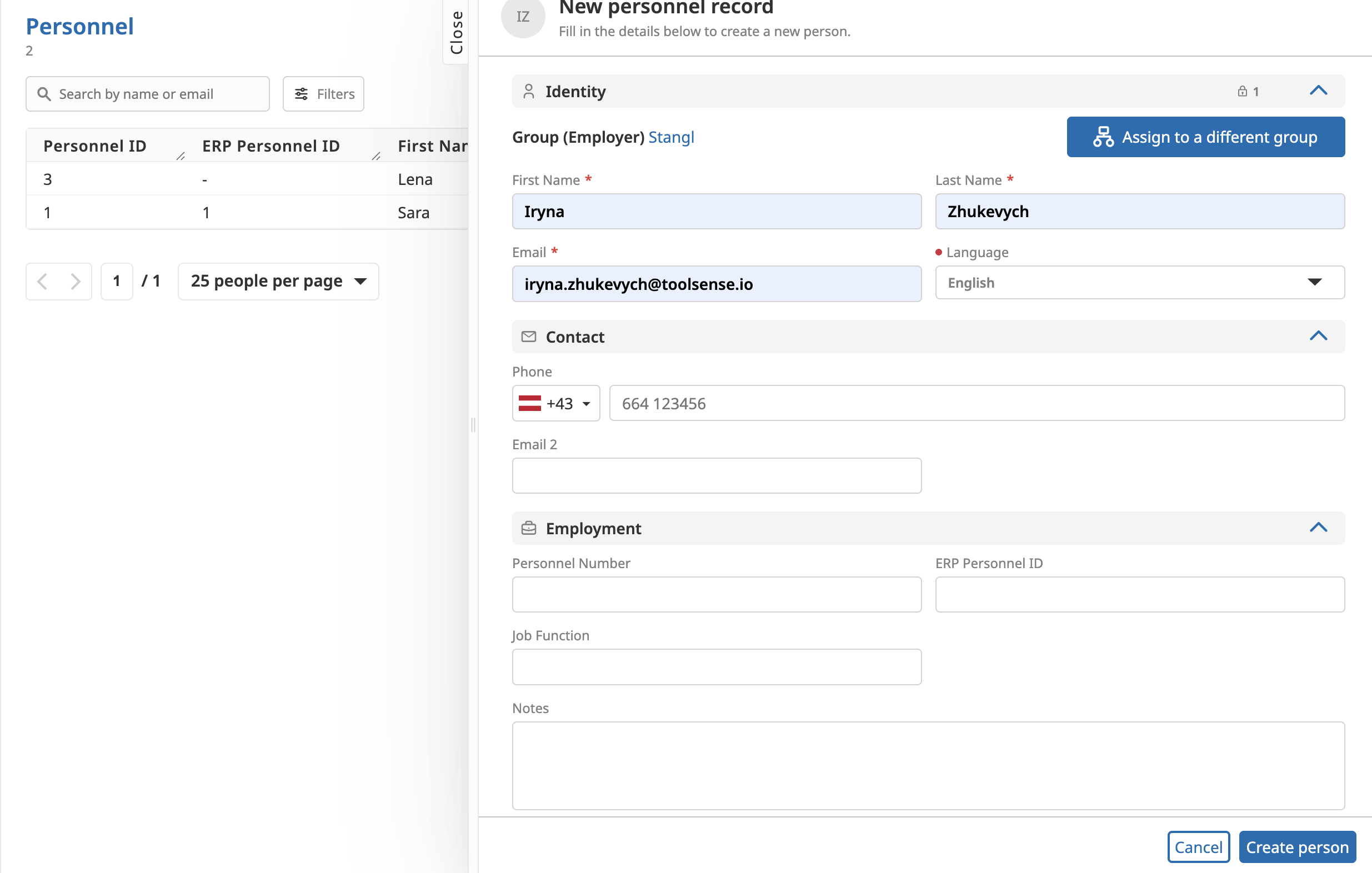
A single, central directory of everyone in your operation, including the people who don't have a ToolSense account.
One Record for Every Person: Keep a master list of your workforce, including employees, subcontractors, drivers, even those who aren't platform users.
Assign Personnel to Assets: A new Personnel custom field lets you assign people to assets by role, such as Driver, Project Manager, Site Manager, and more. You can finally answer "who's responsible for this machine?" and "which assets belong to someone who has left?" at a glance.
Full History: Every change is tracked, covering when a record is created, edited, assigned or unassigned to assets, and deactivated.
New Integrations & Fleet SyncA new commercial-laundry integration, plus a more transparent and reliable sync engine.
Schneidereit (Electrolux): Connect Electrolux Professional laundry equipment (washers, dryers, and ironers) to sync machine data automatically. ToolSense pulls each machine's operating hours, completed cycle counts, and total program runs straight from the manufacturer, so usage is tracked without any manual entry.
Volvo: New Volvo integration for syncing machine data.
Who can use it: New integrations require setup. Ask your ToolSense CSM to get started.
 Richer Custom Fields
Capture more structured data and carry it directly into your documents.
Dropdown Custom Fields: New single-select and multi-select dropdown custom field types, available on web and mobile.
In PDFs & Emails: Custom field values now render in generated PDFs and email notifications, so the details you capture show up where they matter.
 Trips & Vehicles
Clearer, more accurate, and more private trip data.
Fuel Units: Trips now display fuel usage in your configured unit.
Trip Sorting: Sort the trips list to find what you need faster.
Live Updates: Asset moves during a trip now update live on screen.
Robots DashboardSeamless navigation.
Site Search: You can now search robot sites directly.
 Asset Types Merge
Clean up duplicate asset types without losing data.
Merge Asset Types: Combine duplicate or overlapping asset types into one, keeping your catalog tidy.
Sharper Ticket PDFs & EmailsImproved rendering of PDFs and Emails.
iPhone (HEIC) Photos: HEIC photos uploaded from an iPhone's photo library now render correctly in generated PDFs (previously they appeared as a link instead of the image).
Custom Fields Included: Your custom field values now appear in PDFs and emails (see above).
Improvements & Bug Fixes Mobile Features & App StabilitySSO Passkey Sign-In: Logging into the mobile app with your company account (SSO) now supports passkeys, including Face ID, fingerprint, device PIN, or a security key. Sign-in opens securely and returns you straight to the app.
Move-Asset Tickets on Mobile: For a ticket that will move an asset to a new site, the mobile app now shows the asset's current site, not just the new one, while the ticket is still open. This matches the web app.
LocalizationPush Notifications: Ticket push notifications are now delivered in the recipient's language.

Jul 6, 2026
Release 117 speeds up your data and cuts friction in the field. Every customer can now export large asset lists in the background — delivered straight to your inbox — and read ticket PDFs in a clean landscape table layout. Out in the field, staff can scan an asset's QR code to upload documents instantly (including .eul files) with no sign-in required.
We're also opening a new mouse-free Ctrl+K / Cmd+K command menu for the web app to Closed Beta, alongside two upgraded betas — fully offline reservations for mobile operators and a more transparent Robots Dashboard for mixed-brand fleets.
 Command Menu (Ctrl+K/Cmd+K) (Closed Beta)
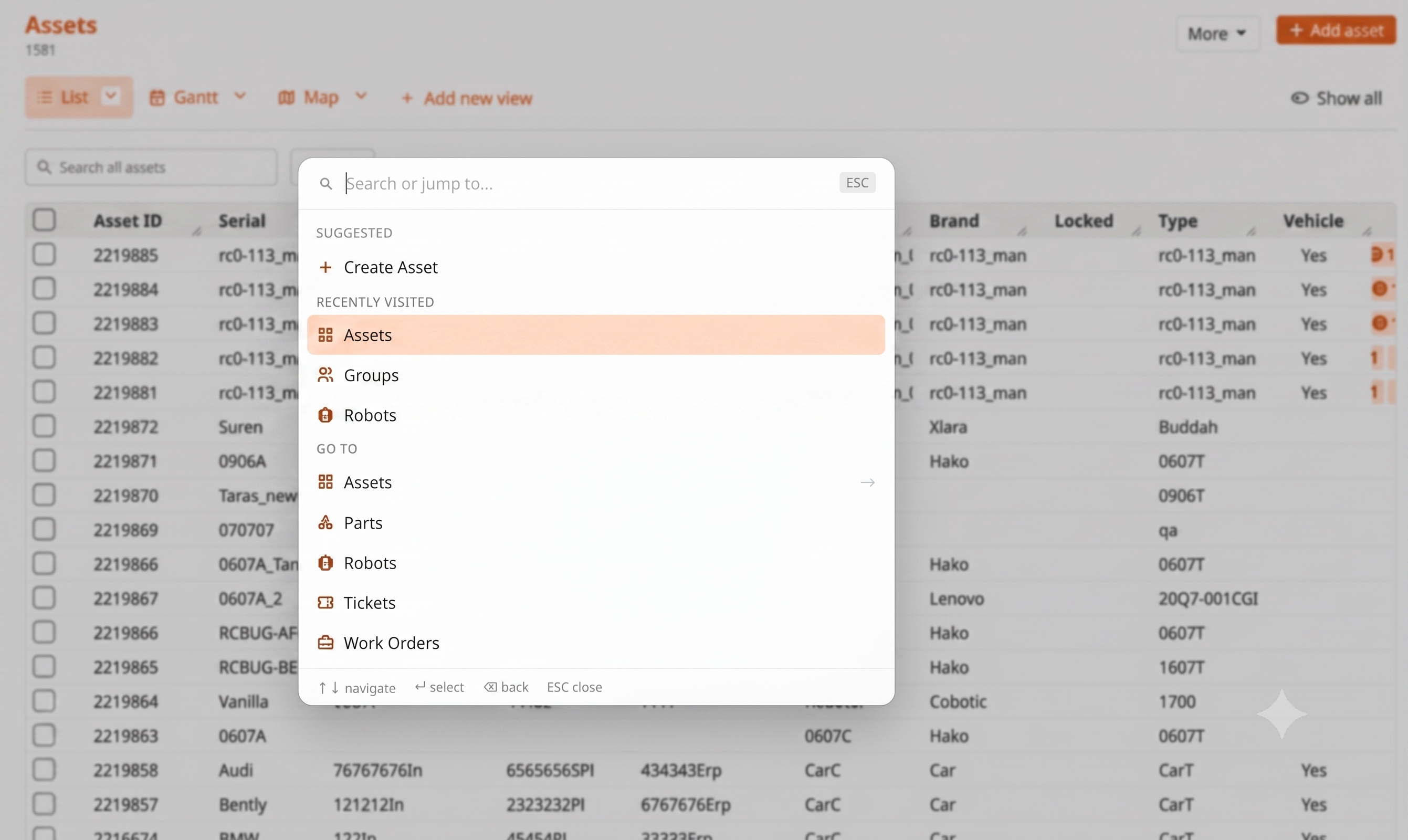
Navigate the entire web app without touching the mouse.
Instant Navigation: Press Ctrl+K (Cmd+K on Mac) to search every page and jump straight to it.
Recent Pages: Quickly return to the pages you visited most recently.
Quick Actions: Run common actions like Create Asset, Create Ticket, or Create Reservation directly from the menu — all respecting your existing permissions.
Reservations on Mobile (Closed beta)A complete Reservations workflow, now in your pocket — with offline support.
Browse & Search: View and search all reservations directly in the mobile app.
Issue From a Ticket: Hand out reserved assets straight from a ticket.
Flag Problems: Report issues on individual reserved items; flagged assets are automatically excluded from new reservations.
Robots Dashboard & Integrations Update (Closed beta)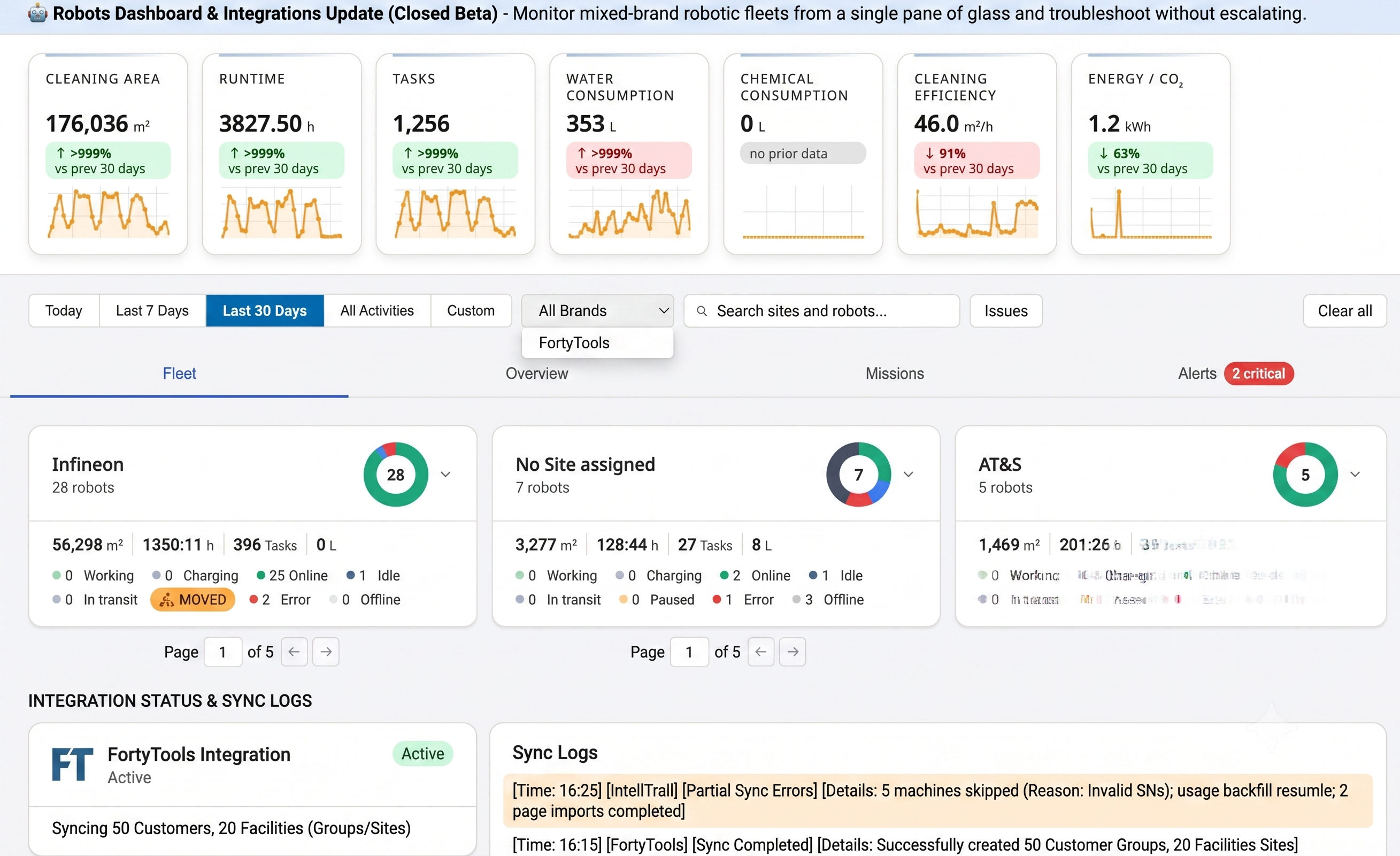
Monitor mixed-brand robotic fleets from a single pane of glass and troubleshoot without escalating.
Unified Dashboard: Filterable, paginated Sites view with clearer statuses and a "Moved" badge for reassigned robots.
Sync Transparency: Runs now report how many machines were skipped and why, instead of dropping them silently — and partial sync errors surface in the sync logs.
New Integration: FortyTools (syncs customers and facilities as groups and sites).
IntelliTrail Reliability: Faster, more reliable syncing with automatic retries, complete page imports, and resumable usage backfill.
\
Asset List Export for Large FleetsExport any asset list, even with tens of thousands of assets, without timeouts.
Background Exports: Large exports now run in the background — even for fleets with tens of thousands of assets.
Email Delivery: You receive an email with a download link as soon as the file is ready.
Maps & Vehicles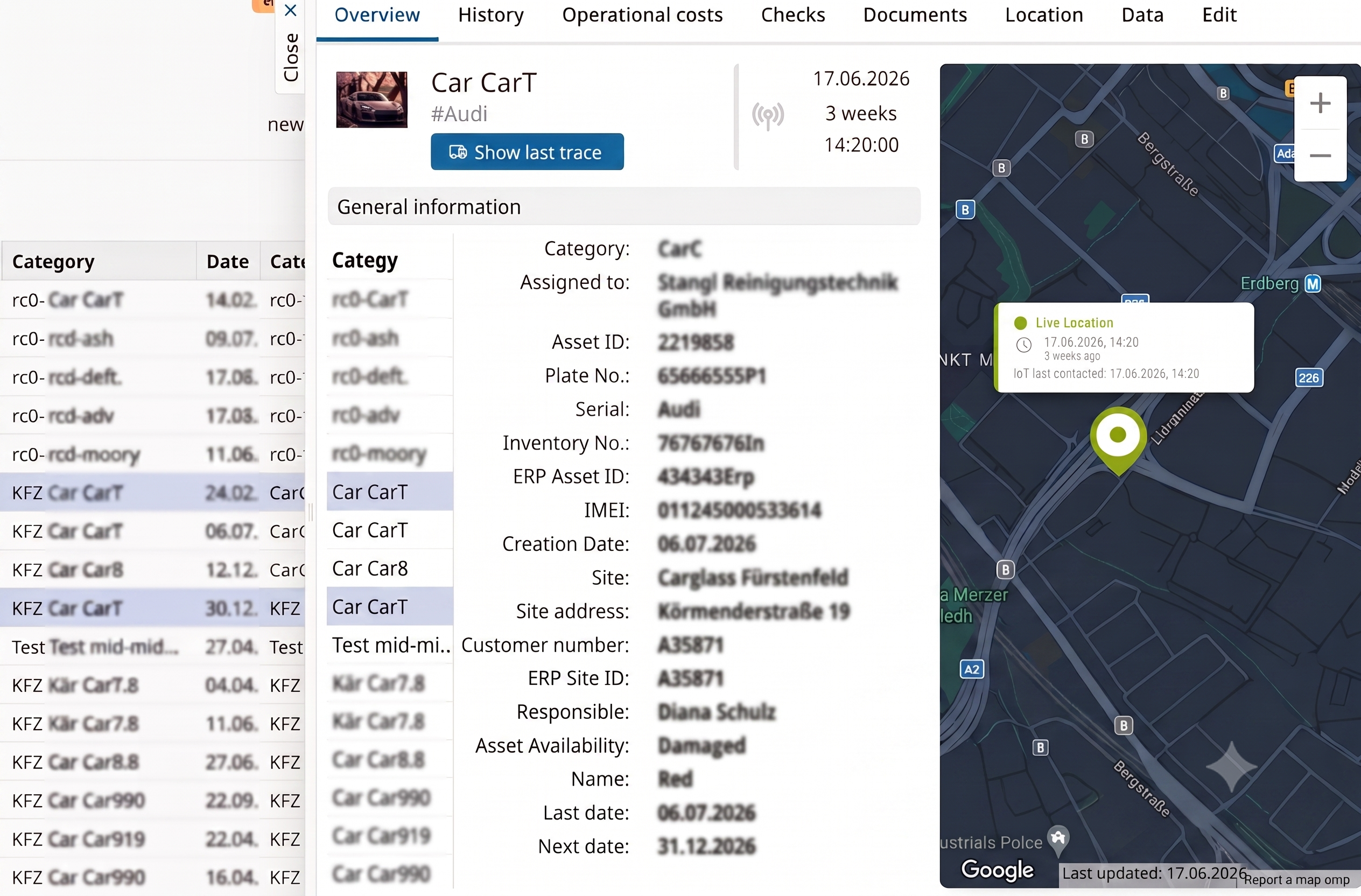
Clearer location context for your vehicles and trips.
Interactive Location Maps: Vehicles now show interactive maps on the asset overview and location pane, including a pin for the assigned site.
Private Trip Traces: Trip traces indicate where a private trip occurred, so routes no longer appear broken — with speeds and distances following your km/miles preference.
Sharper, Shorter Ticket PDFsCleaner ticket documents and email attachments — especially for tickets covering multiple assets.
Wide Tables, Cleanly Split: Tickets with wide input tables now export in landscape with tidy column pagination — no more cramped or cut-off columns.
Polished Rendering: Section breaks stay intact, images render correctly in headings, and dates follow your locale's format throughout.
 Document Upload via QR Code
Attach files to an asset straight from its QR code, no login required, with support for proprietary .eul files.
On-the-Spot Uploads: Scan an asset's QR code and attach documents directly from its landing page. Perfect for field staff capturing paperwork without opening the full app or signing in.
.eul File Support: ToolSense now accepts Oracle .eul files alongside all existing document formats, so specialized equipment metadata can live right on the asset.
Who can use it: Anyone who can scan the asset's QR code, no account required. Uploads are rate-limited to protect against spam.
Improvements & Bug Fixes Mobile Features & App StabilityImproved NFC Scanning: Enhanced the reliability and responsiveness of NFC scanning.
Unified Asset Filters: Introduced a new mobile date filter to match the web experience, and resolved an issue where the asset filters panel would initially open blank while operating in offline mode.
 Other Improvements
Bulk Delete for Sites: Now available via Mass Edit (requires the Mass Edit feature to be active for your organization).
Asset Group History: Group changes are now recorded in the asset history.
Scoped Serial Checks: Serial number duplicate checks are now scoped to your organization, preventing false warnings.
May 29, 2026
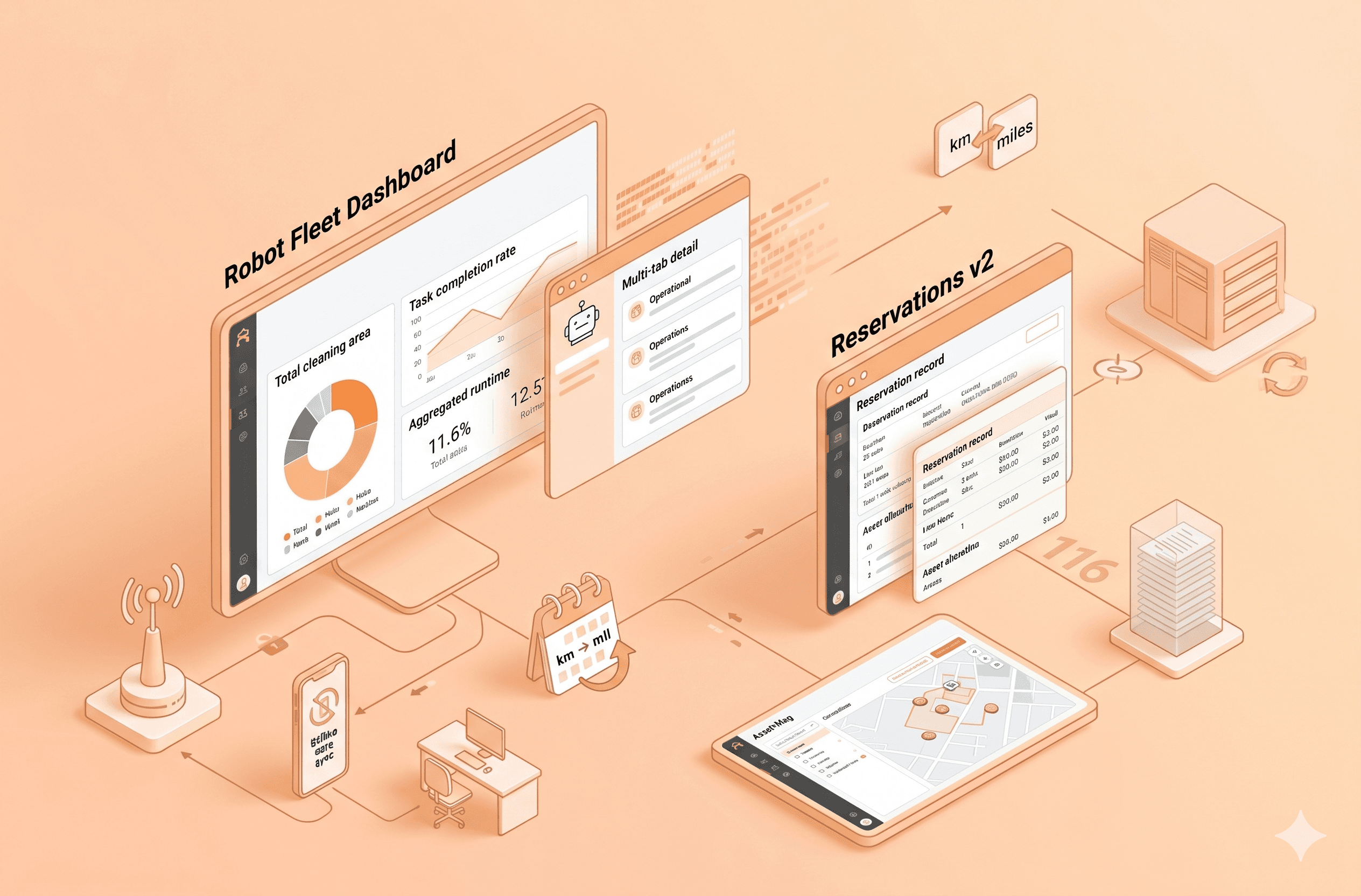
Release 116 introduces two major upgrades: a completely overhauled Reservations system featuring granular line items and easy to use ERP connectivity, and a dedicated Robot Fleet Dashboard that unifies your autonomous machinery into a single operational view.
Alongside these headline updates, we’ve delivered our most comprehensive suite of offline, PDF, and IoT stability enhancements to date—ensuring the platform performs with absolute precision whether your team is in the back office or working deep in the field without a signal.
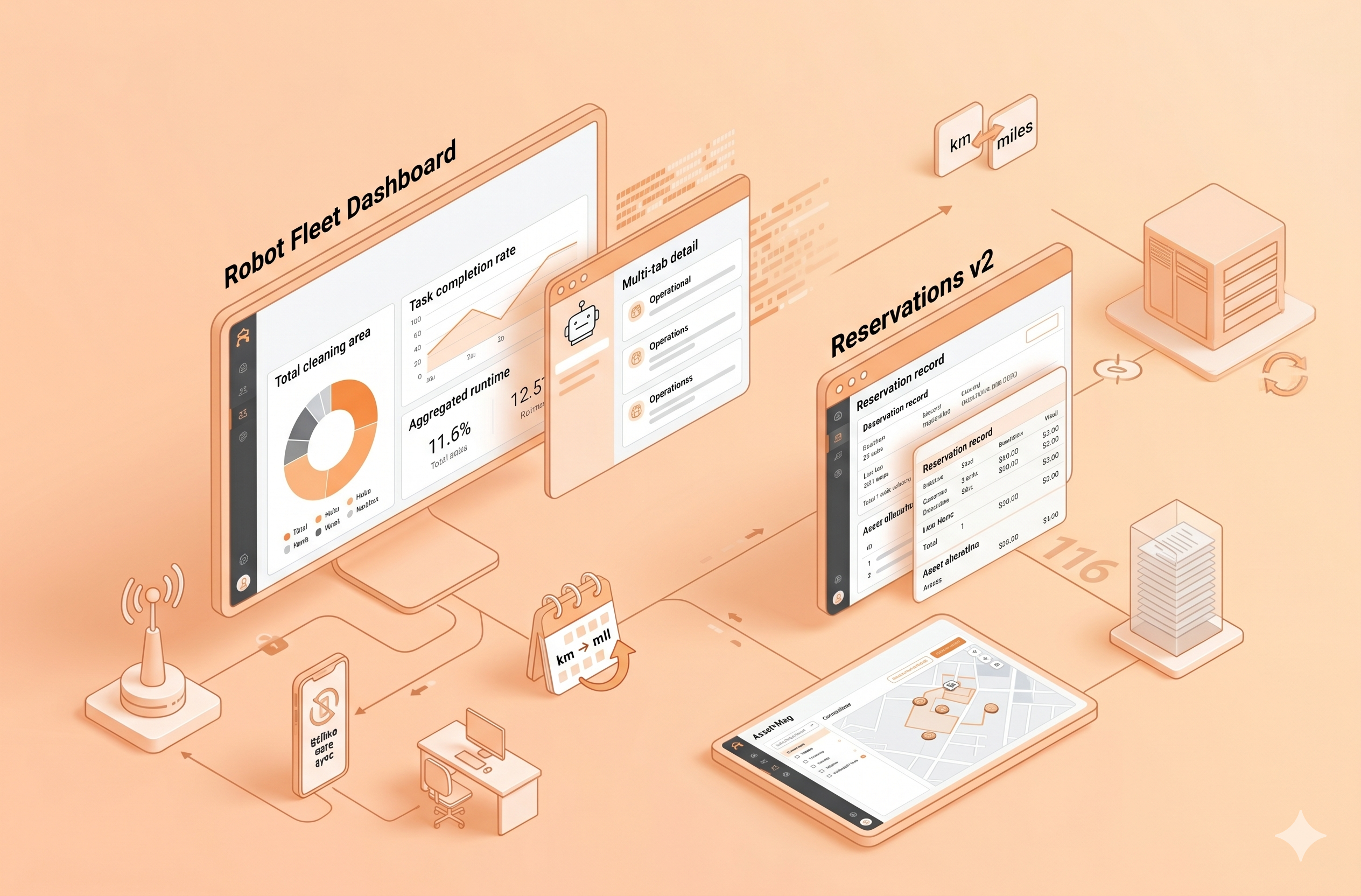 Robot Fleet Dashboard (Closed BETA)
A central command center for mixed robotic fleets. Give your operations managers a live, aggregated view of robot performance, availability, and cleaning outcomes across multiple brands: including PUDU, Gausium, Lionsbot, Nexaro, Kärcher, Cleanfix, i-Team and more. All within a single workspace.
Fleet-Level KPIs: Get an instant snapshot of your entire fleet's productivity with high-visibility metrics for total cleaning area (m²), task completion rates, and cumulative runtimes.
Multi-Tab Detail Panel: Click any robot to slide open a dedicated side panel featuring three focused operational views:
Overview: Real-time operational status, current missions, and active error states.
Performance: Historical mission trends, outcomes, and uptime analytics.
Info: Hardware specifications, integration sources, and direct shortcuts to the core asset record.
Live Status Feeds: Telemetry and operational states refresh automatically via a live connection—keeping your data current without manual page reloads.
Mission & Alert Tracking: Capture completed missions, sub-zone tasks, and active faults per machine, allowing you to address issues before they impact your SLAs.
Sustainability Insights: A dedicated metrics tab tracks resource consumption and cleaning efficiency data to simplify your environmental and ESG reporting.
Universal Brand Compatibility: Connects natively with all ToolSense-supported robot manufacturers to completely eliminate fractured vendor portals.
Built for Scale: Engineered for enterprise fleets. Progressive page loading and smart pagination keep the dashboard lightning-fast, no matter how many autonomous assets you deploy.
Integration History: Run DetailsGet complete transparency into when and how your active integrations execute, complete with per-run diagnostic logs.
Comprehensive Run Logs: A transparent, timestamped audit history of every integration execution, highlighting its exact status and processing duration.
Direct Error Visibility: Failed runs now explicitly surface detailed error logs directly inside the user interface, removing the guesswork from troubleshooting.
Hardened Cancelation Logic: Background processes now handle manual cancelations and invalid configurations gracefully, preventing background syncs from hanging silently.
Getting Started: New vendor integrations must first be activated behind the scenes by your ToolSense Customer Success Manager (CSM).
How to use it: Go to Settings ➔ Integrations, choose an active vendor platform, and select the History tab to audit past synchronization runs.
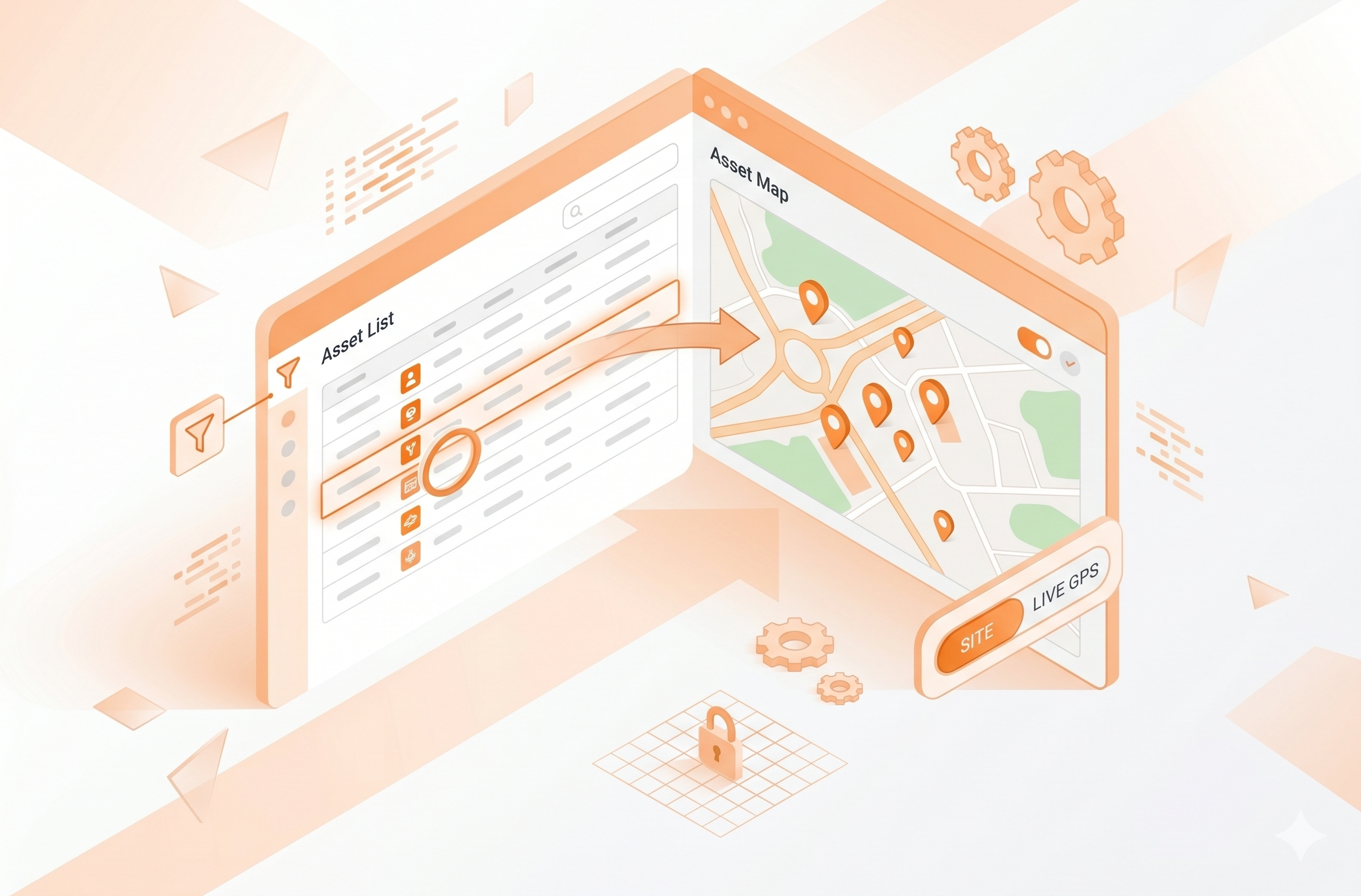
Asset Map: Smarter Navigation & FilteringThe asset map now responds more intelligently to your active workspace. Filters, display modes, and fleet navigation all stay perfectly in sync.
Live Filter Mirroring: Active filters from your asset list carry over directly to the map view in real time, showing you only the context that matters to your current task.
Stabilized View Toggling: Switching between Site views and Live GPS tracking has been entirely optimized, completely eliminating stale marker data.
 Distance Unit Conversion
Switch between kilometers and miles based on your regional or client preferences.
Platform-Wide Integration: Toggle between kilometers (km) and miles (mi) seamlessly. The choice applies uniformly across asset details, IoT data, exports, and PDF reports.
Personal View (All Users): Tailor your own distance metrics at any time directly within your user Profile.
 Overnight Hours Support
Service schedules and time tracking now handle shifts that cross midnight naturally. No manual workarounds, split logging, or calendar adjustments required.
Cross-Midnight Shifts: Seamlessly configure working hours that start in the evening and end the following morning. Scheduling logic, automated reporting, and rules evaluate the range perfectly.
Precise Reporting: Overnight hours are accurately attributed to the correct shift and calendar date, eliminating double-counting and truncated entries.
 Reservations v2 (Closed BETA): Line Items, Allocation & ERP Integration
Full asset reservation management, rebuilt from the ground up. Plan, allocate, and invoice resources directly within ToolSense, and sync the results to your ERP system without manual double-entry.
Granular Line Items: Define exactly what is being reserved, the precise duration, and the associated costs—all managed within a single, unified reservation record.
Live Allocation Management: Assign specific assets or tools to a reservation and monitor their real-time availability to completely eliminate scheduling conflicts.
Flexible ERP Syncing: Once confirmed, reservations and their individual line items are instantly ready to sync with your connected ERP system, simplifying your billing and inventory tracking workflows.
Improvements Mobile AppMobile Ticket Reopening: Technicians can now reopen closed or declined tickets directly within the mobile app interface.
Smarter Barcode Fallback: Scanning a non-QR barcode inside a procedure now automatically falls back to a global asset search to save time.
Broadened Offline Search: Expanded offline asset search parameters to better mirror backend behaviors, drastically reducing missed results when working in areas without a signal.
Duplicate Scan Warnings: Added a proactive warning prompt that alerts users if they scan an asset or site that is already attached to the active ticket.
Parts & InventorySpare Parts Notes Visibility: The dedicated Notes field is now fully visible directly on the Spare Part overview page for quick reference.
 Integrations & IoT
Extended Telemetry Support: Expanded our integration capabilities by adding support for new vendor telemetry parameters for Hako fleets, alongside support for the PARTIAL observation status for Kärcher fleets.
Performance OptimizationRapid Offline Sync: Significantly optimized data compression for mobile field teams, drastically reducing the time required to pull data updates after reconnecting.
Asset Tree Loading: Re-engineered the relative tree query with map-based traversal patterns and active Redis caching, heavily reducing load times across all structural navigation menus.
IoT Event Processing: Refined per-asset IoT commit granularity to eliminate database lock contention, and introduced index-bound batch limits for notification polling loops to maximize platform speed.
 Email & Web Platform
Outlook Layout Refactoring: Upgraded HTML structures for buttons and layout grids to ensure clean, consistent rendering inside the Outlook Desktop client.
Jotform Timezone Mapping: Forms submitted via Jotform now automatically adapt to the submitting user's local timezone to ensure absolute date consistency.
Apr 23, 2026
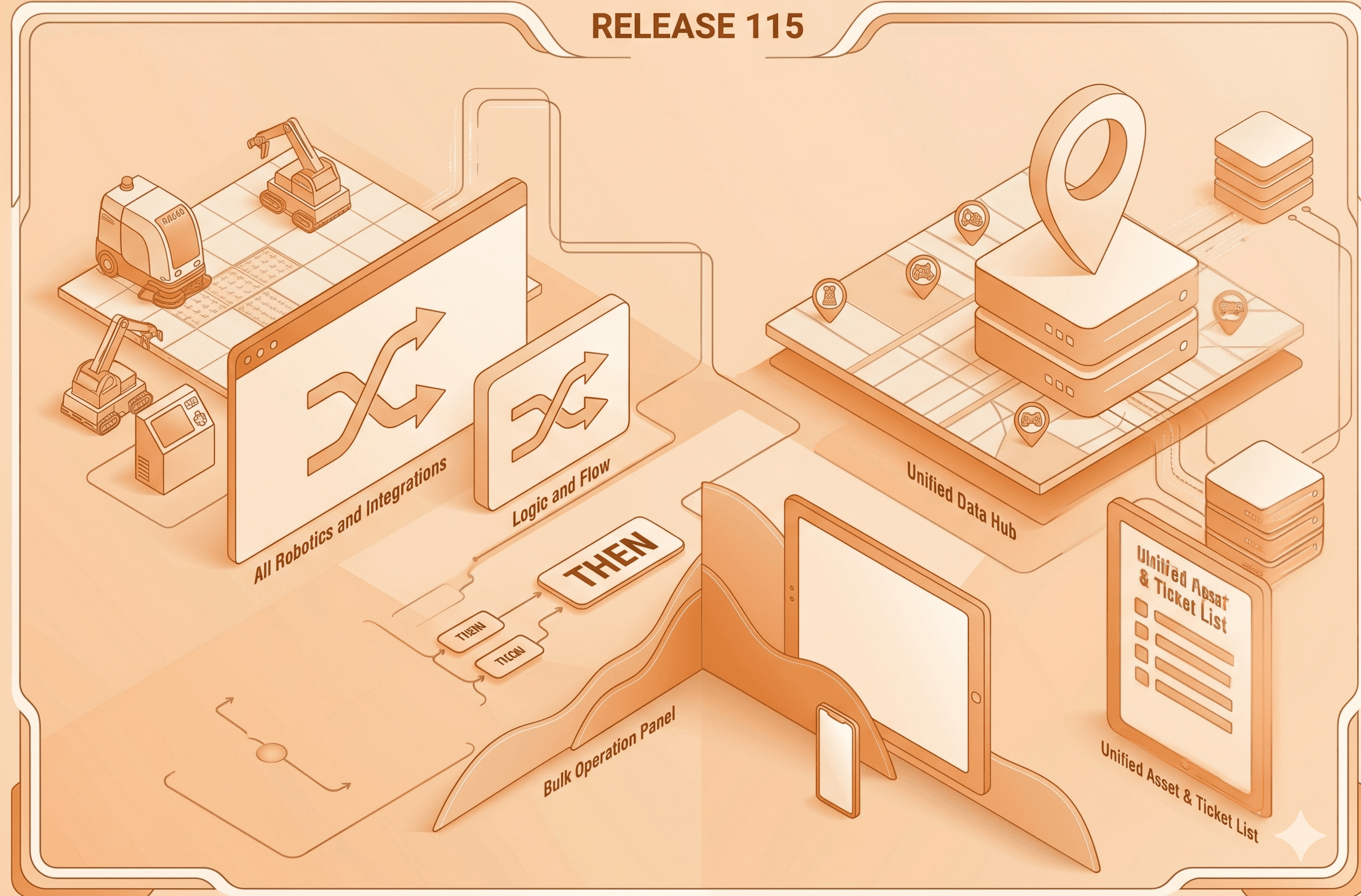
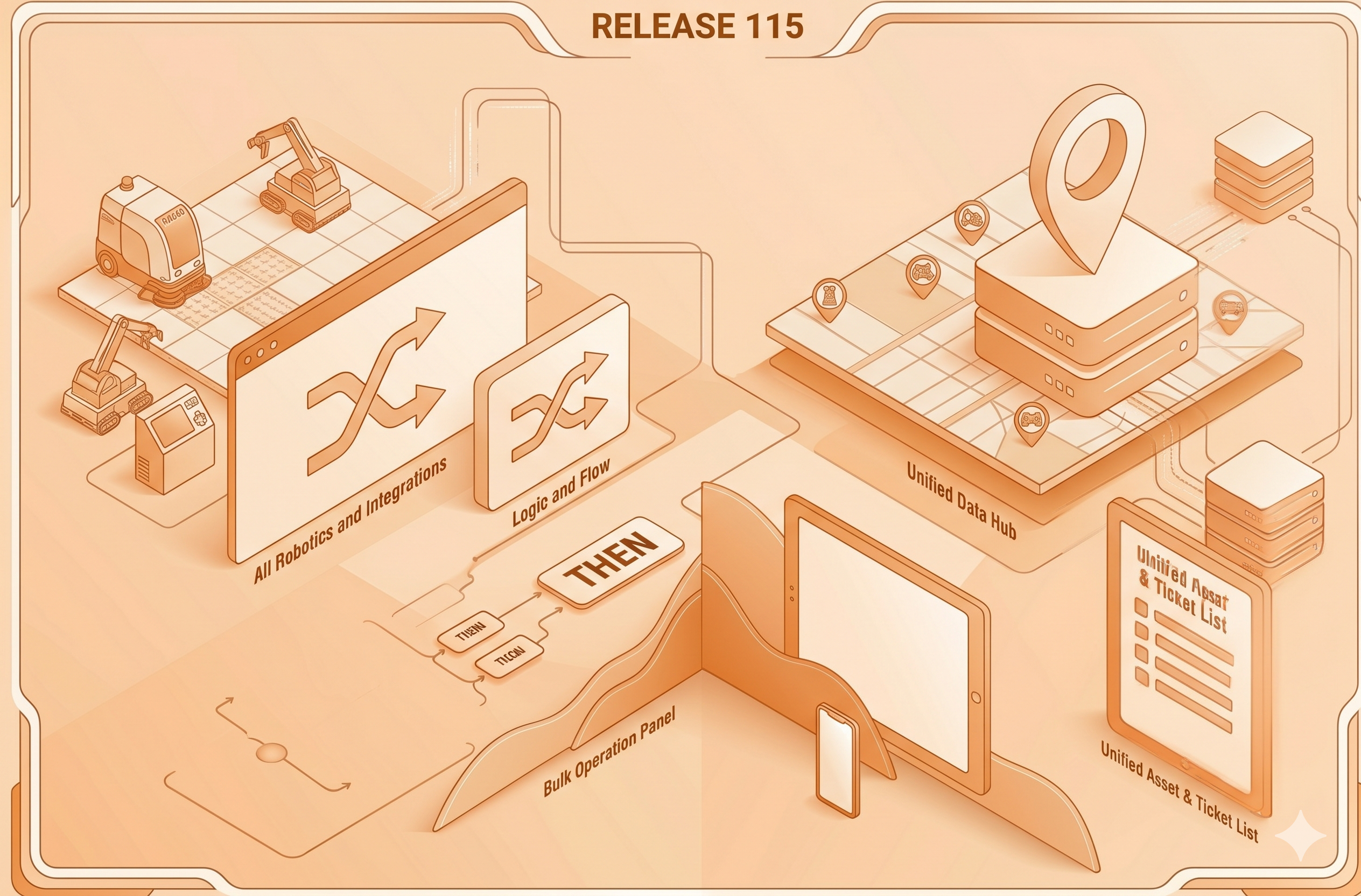
Welcome to Release 115! This update brings meaningful improvements to your daily workflows — from a powerful conditional logic engine for procedures to streamlined mass editing and faster, more reliable document handling.
Alongside these core upgrades, we've sharpened permission controls for standard users, improved asset visibility in ticket views, and made procedure management more efficient with instant attachment uploads and a "Save as New" shortcut.
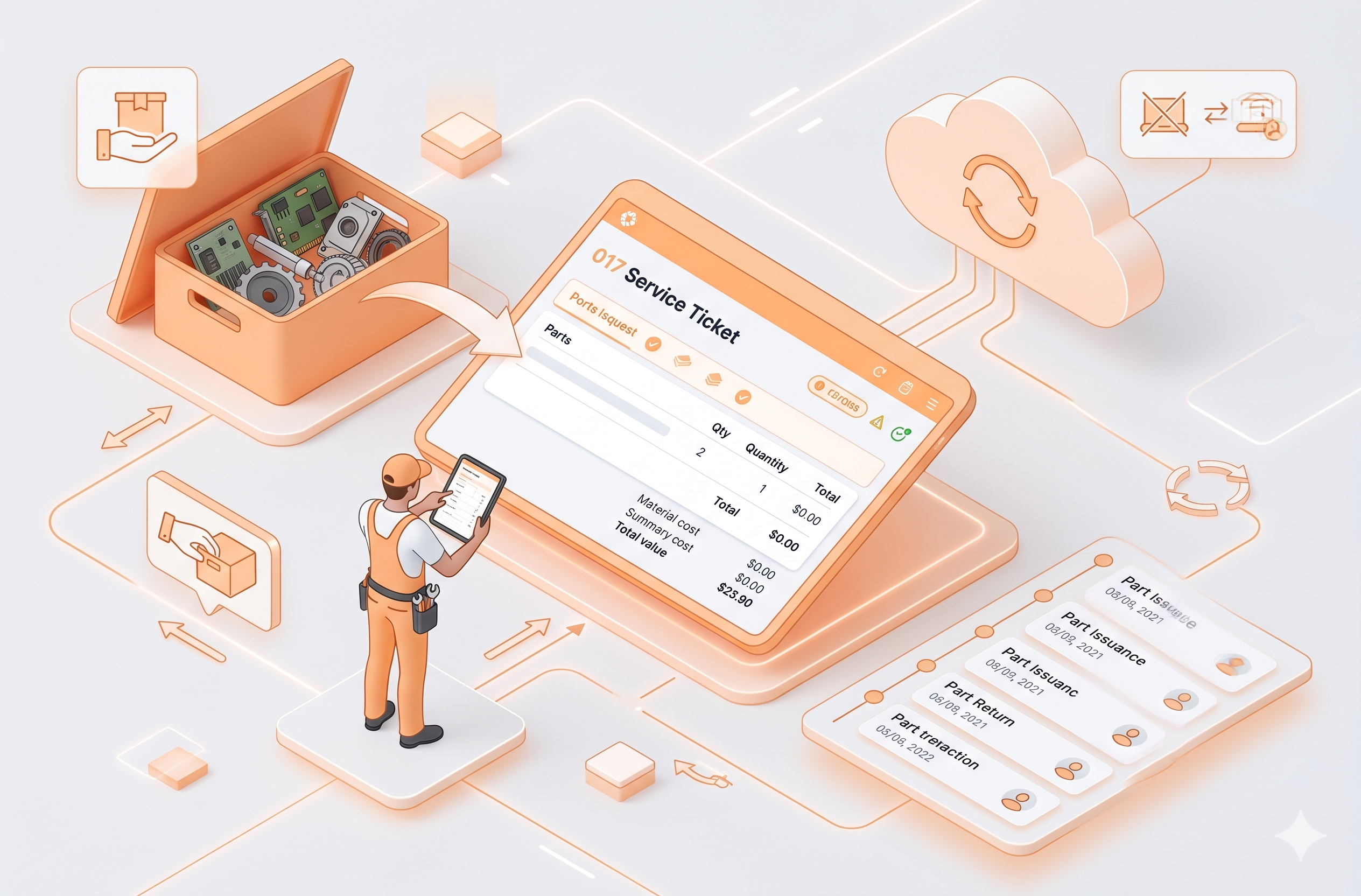
 Parts Issuance on Tickets (BETA)
Track inventory consumption directly within your ticket workflow. Technicians can now issue parts from stock to a ticket as they work and return unused items instantly—ensuring stock accuracy without ever leaving the job.
Integrated Workflow: Issue or return parts with a single action. Quantities and total material costs are automatically summarized on the ticket view and the generated PDF.
Audit & Offline Sync: Every transaction is recorded in the activity log for full transparency. Updates made in the field sync automatically as soon as the device is back online.
Please contact your Customer Success Manager to enable this feature for your account.
 Reimagined Asset Map
A high-performance navigation tool for large fleets.
Filter & Color Sync: Map views now respect your active list filters. Toggle between Availability and Ownership color modes to visualize fleet health instantly.
Cluster Modals: Clicking a group of assets opens a searchable list, ensuring you can select specific machines even in high-density areas.
Detailed Tooltips: Lazy-loading info windows show site, group, and status details without slowing down map performance.

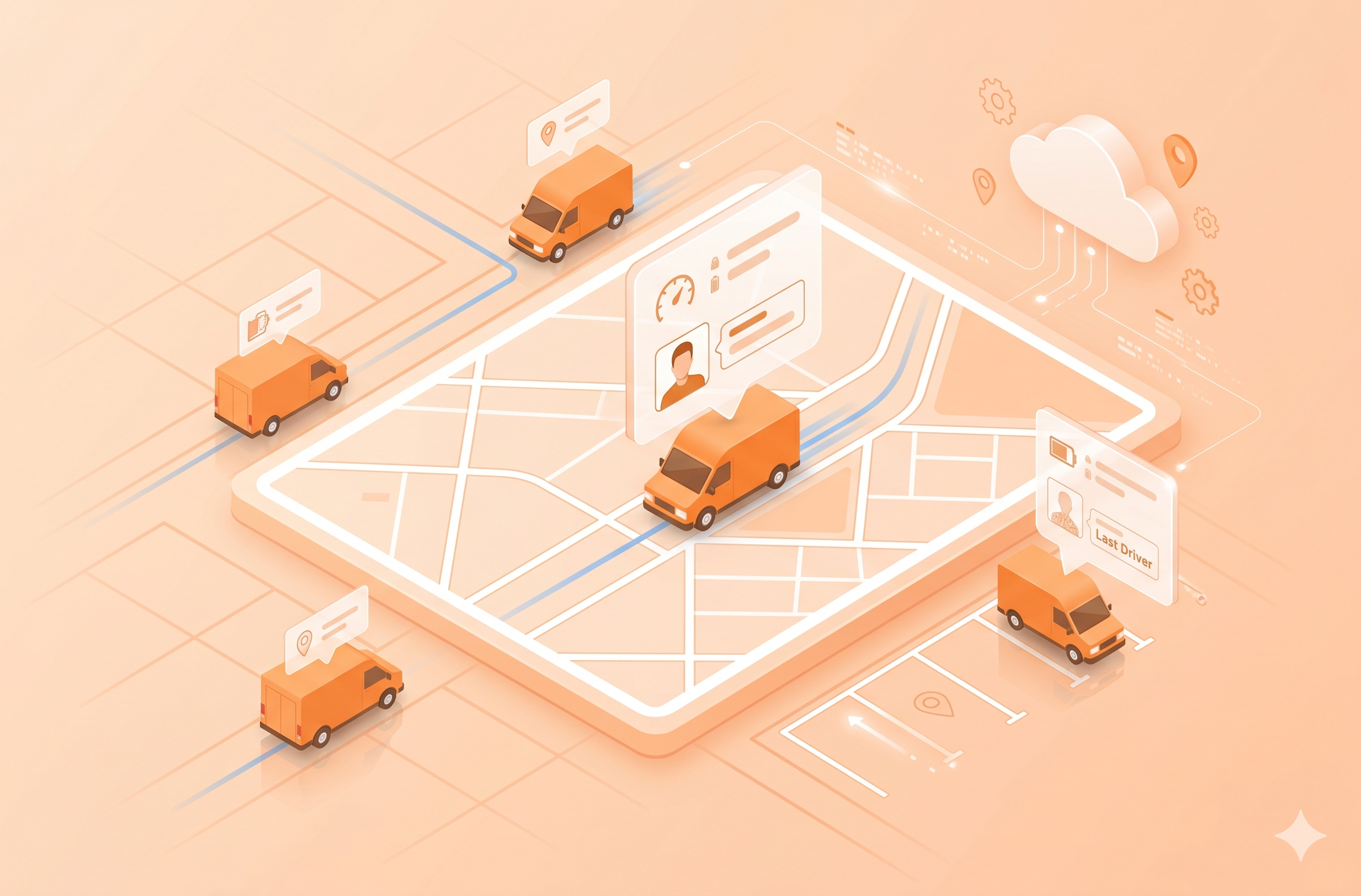
 Driver Visibility on the Vehicle Map
Know who is operating each vehicle without leaving the map. Pop-ups now display driver information alongside the standard vehicle details.
Current & Last Driver: Each vehicle pop-up shows the active driver by name. If the vehicle is stationary, the last known driver is displayed instead — so accountability is always clear even when the engine is off.
 Cleanfix RA660 Navi: Integrated Monitoring
Monitor your autonomous fleet with a unified overview and real-time status tracking.
Smart Data Mapping: Robots sync automatically via serial number. ToolSense maps Total Cleaning Area (m²) and Task Counts from successfully completed missions.
Runtime Logic: While total operating hours are tracked, path-finding (dry-run) sessions are automatically excluded from cleaning metrics to prevent data inflation.
Live Operational Status: Monitor 7 real-time states—including Running, Charging, and Error. Each robot is tracked independently, and ToolSense retains the last known status even if a robot goes offline.

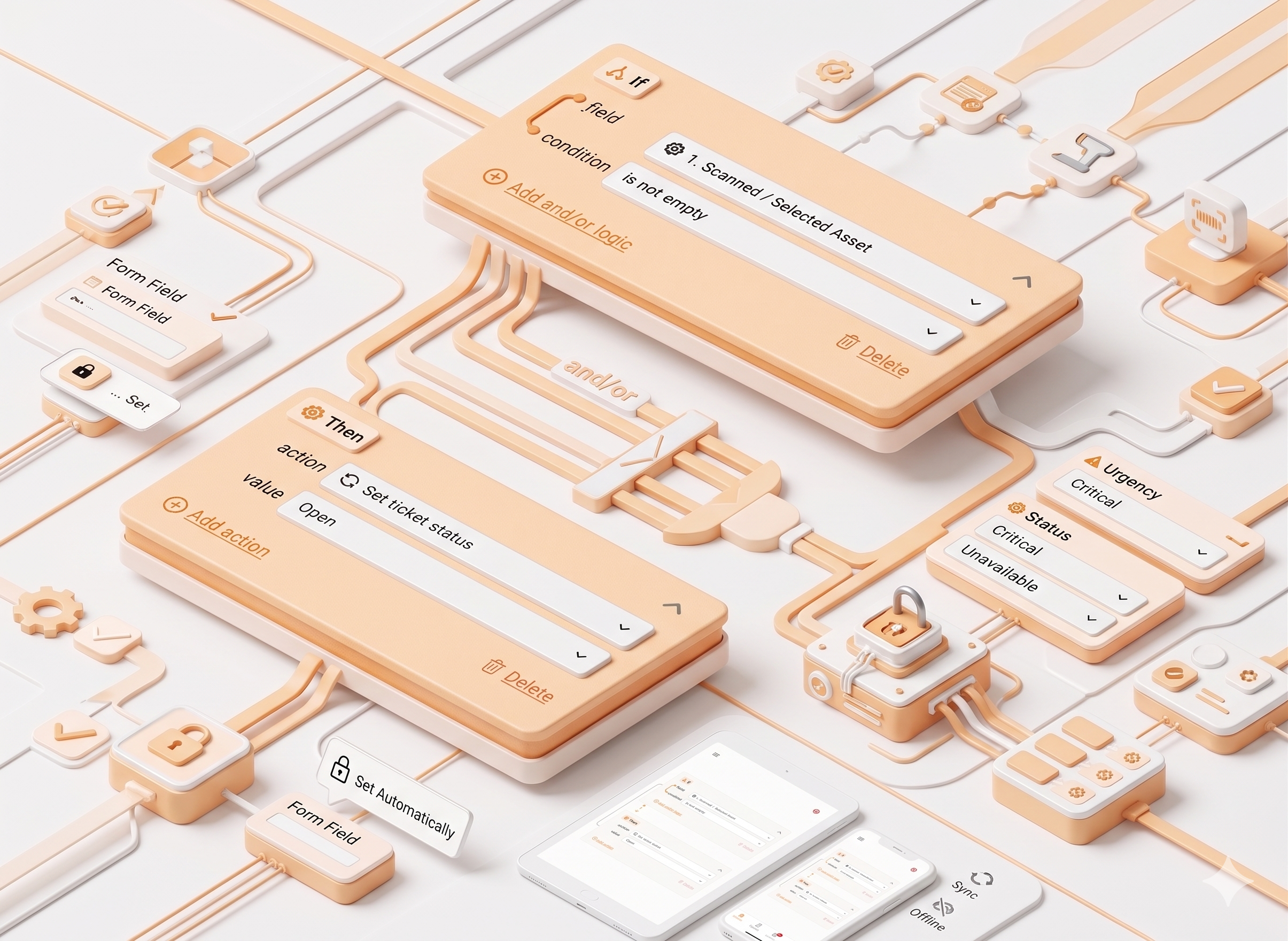
 Advanced Conditional Logic
Our procedures are now faster and more efficient than ever. You can automatically set Ticket Status, Urgency, and Asset Availability based on how a user fills out a form—no manual follow-up needed.
Scenario: In the event of a critical breakdown where the machine cannot be fixed:
Rule: If a user selects "Machine not repairable," the ticket is automatically Closed and the asset status is updated to Unavailable.
Example 2: Safety Compliance Check
Scenario: During a routine electrical safety inspection:
Rule: If the "Leakage Current" reading exceeds 3.5mA, the ticket is automatically set to Open with a Critical urgency level.
User Choice vs. Strict Automation: You now have granular control over how conditions influence fields.
"Let users choose" Enabled: The logic updates the default field option, but users can still manually override it before submission.
"Let users choose" Disabled: The condition strictly enforces the value. Users will see a tooltip explaining that the option was set automatically.
Intelligent Status Visibility: Ticket statuses hidden in the workflow builder will automatically become visible if a condition triggers them during execution — so the workflow always progresses without getting stuck.
Full Mobile & Offline Support: Conditional ticket properties are fully supported on the mobile app and evaluate perfectly in Offline Mode using locally synced data.
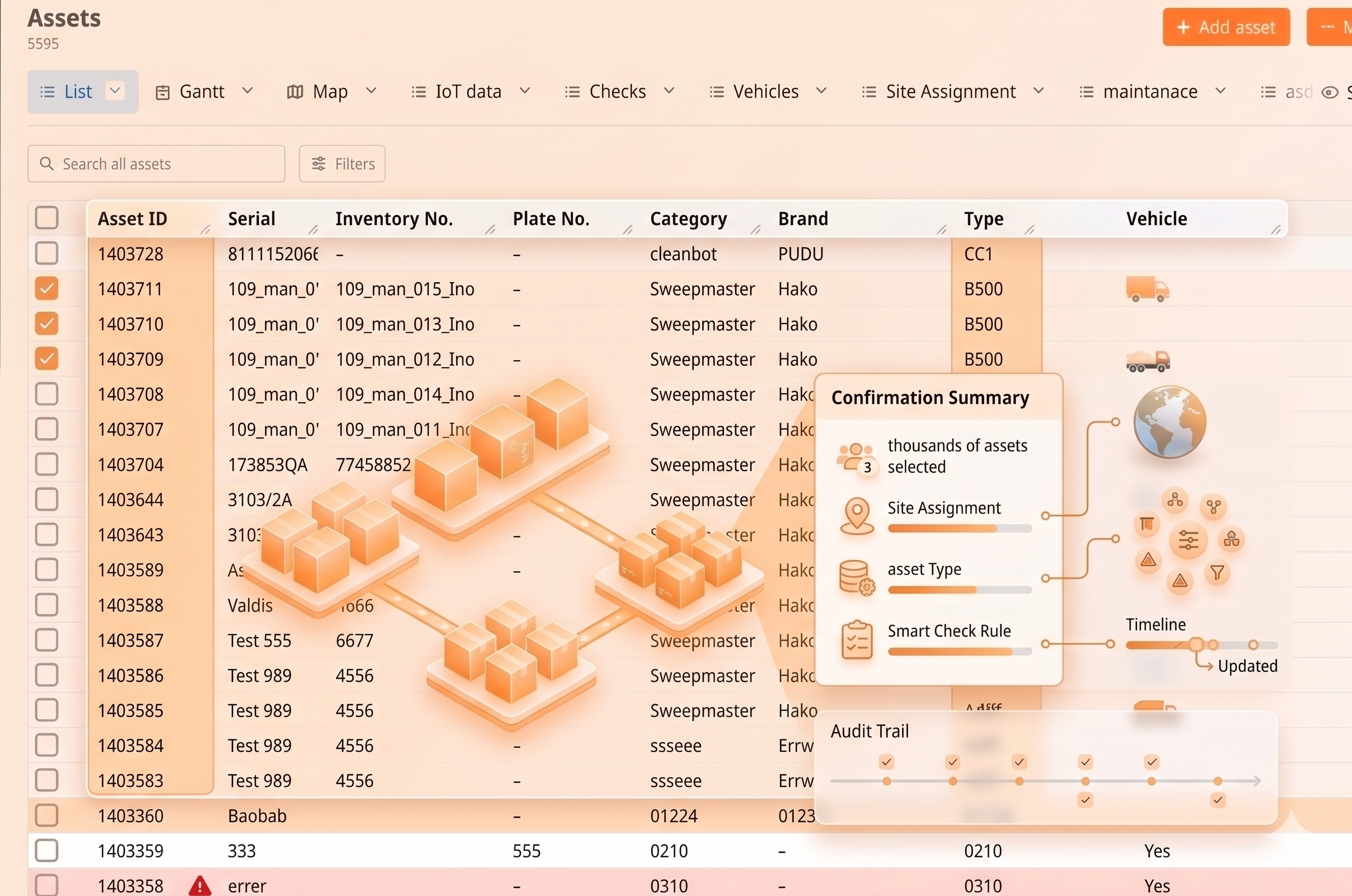
 Asset Mass Edit: Powerful Bulk Operations (Closed BETA)
Keeping your data clean and organized just got significantly easier. We are introducing Asset Mass Edit, allowing Administrators to perform structural updates across thousands of records in seconds.
To ensure this feature meets the complex needs of our users, we are launching it in Closed Beta. We’ve prioritized the most frequent customer requests for this first version and plan to expand its capabilities further before the full public release.
Bulk Updates: Quickly change site assignments, update asset types, or assign check rules across your entire registry.
Safety & Transparency: Every mass edit includes a detailed confirmation summary and a full audit trail for complete accountability.
Guided Growth: We are actively adding more functionality to this tool based on early feedback.
This feature is deactivated by default. If you are interested in testing these bulk operations and helping us shape the future of this tool, please contact your Customer Success Manager (CSM) to request access.
 Procedures & Collaboration
We’ve overhauled how you interact with data within procedures and tickets to make collaboration more fluid.
Instant Attachment Uploads: Files are now transferred to storage the moment you pick them.
No More Slow Submissions: By the time you finish a form, your files are already uploaded.
Progress & Retry: A status indicator shows each file's state; retry individual failures without re-uploading the whole batch.
Mobile Aware: Uploads pause when connectivity is lost and resume automatically when back online.
Enhanced Procedure List: New columns for Preset types, Automations, and usage counters (Components/Tickets) provide at-a-glance insights.
 Mobile Intelligence & Hardware Tracking
We’ve enhanced our mobile capabilities to give field teams more control over IoT hardware and navigation.
IMEI Tracking on the Go: Users can now add or edit IMEI numbers for assets directly from the mobile app. To prevent data errors, we’ve included automatic uniqueness verification to stop duplicate entries.
Stable GPS Tracking: We resolved an issue where the GPS component would "jump" on mobile. The auto-detect feature is now smarter, preventing unnecessary re-renders.
Refined UI: We’ve resolved Android-specific crashes after QR scanning and fixed layout issues in procedures, ensuring text is never cut off and rows scale dynamically.
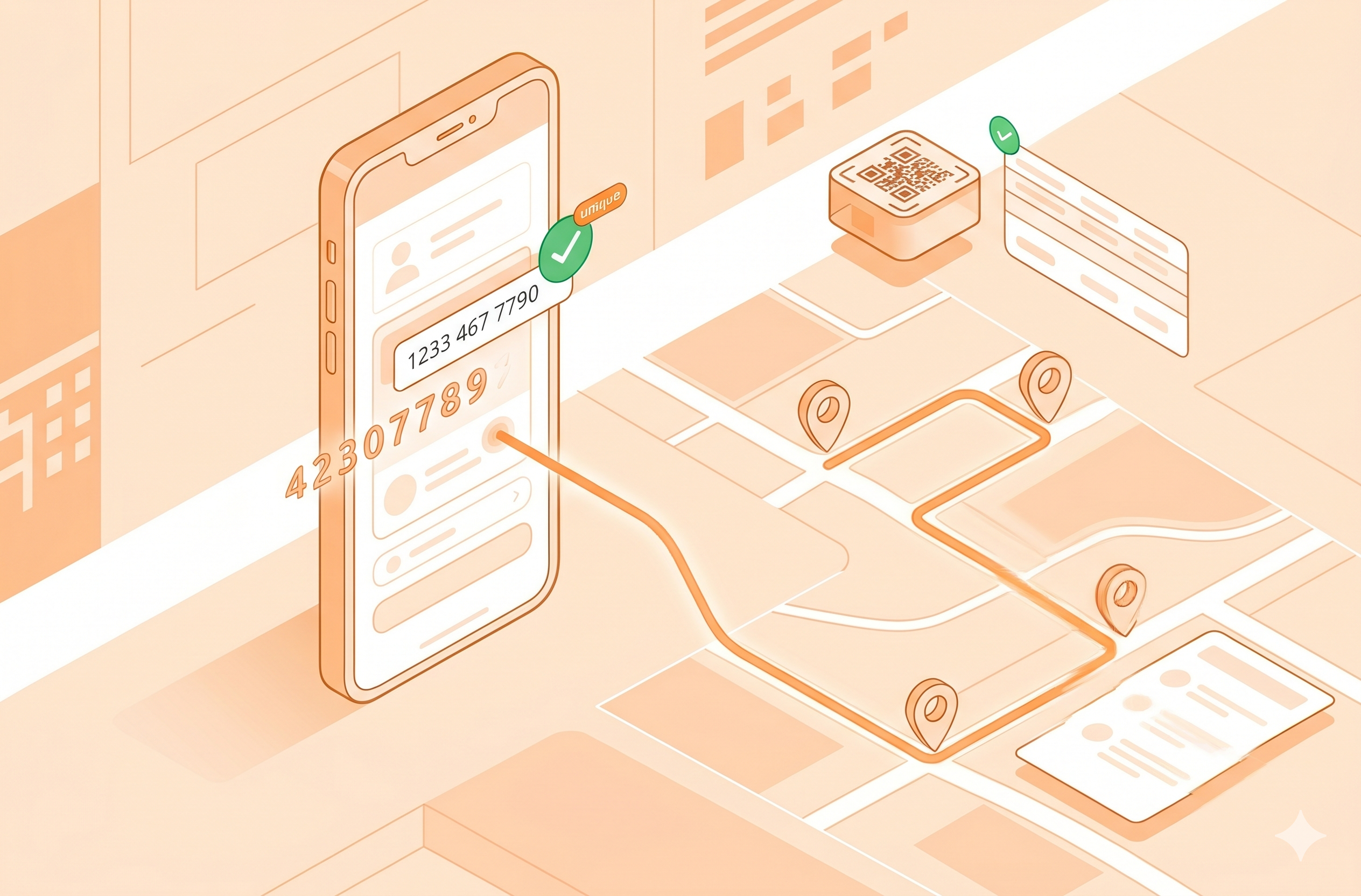 Workflow Efficiency & Performance
Procedure "Save as New": Speed up template creation with our new split-button functionality. Effortlessly duplicate an existing procedure into a new template with a single click.
Asset ID Visibility: The public Asset ID is now a dedicated column in the Ticket List table, making it easier to identify specific machines at a glance.
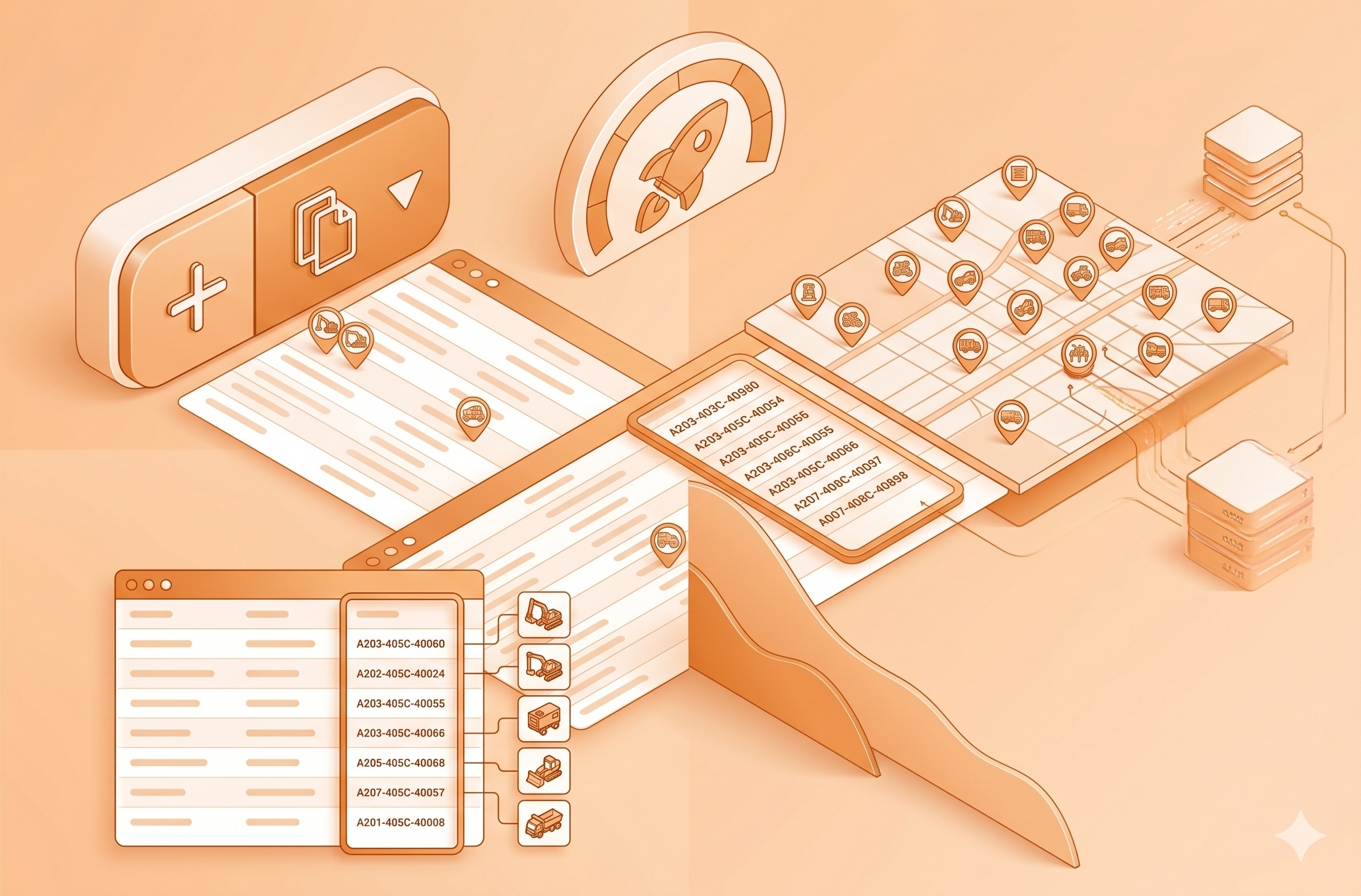 Improvements & Bug Fixes Integrations & IoT
Historical Data: Implemented aggregations for historical IoT data to boost graph performance and accuracy.
API Support: Provided a standard Postman collection for all active integrations to assist technical partners.
 Security & Permissions
Standard User Controls: Admins can now restrict Standard Users from editing tickets. These users will see helpful tooltips explaining why an element is locked.
Procedures & TicketsDecimal Precision: Number fields in the procedure builder now support decimal inputs and commas as separators across all platforms.
PDF Accuracy: Resolved a date mismatch where the Next Check Date incorrectly displayed the Last Check Date.
PDF Integrity: Fixed visual breaks in PDF generation caused by overly long descriptive titles in tables.
Logic & Duplication: Resolved bugs where phone numbers and location fields were improperly duplicated when copying procedure sections.
Global StabilitySpeed Improvements: We updated our backend systems to reduce loading times and improve overall app performance.
QR Reliability: Fixed a bug where QR exports were only capturing the first page of filtered items; bulk exports now capture all selected items.

Mar 16, 2026
Release 114 introduces improvements and deeper automation to streamline your field operations. From tamper-proof signature watermarking and expanded PUDU robotics integration to automated PDF distribution and enhanced mobile navigation, this update is built to maximize transparency. Whether you are managing complex IoT telemetry or executing procedures in offline environments, Release 114 ensures your data remains accurate, secure, and accessible.
 Signature Watermarking
We've added a layer of protection to your digital signatures to prevent unauthorized reuse or tampering.
Dynamic Protection: Signatures during execution of a form, now feature a secure watermark in the created tickets.
Traceable ID: The watermark automatically displays the specific Ticket ID it belongs to, ensuring that a signature from one task cannot be "clipped" and used elsewhere.
Universal Coverage: This security feature applies across all Ticket views, PDF exports, and Email summaries.
How to use: Signature watermarks are applied automatically — no setup required. Whenever a user signs a form, the watermark with the Ticket ID is embedded into the signature image. You'll see it in the ticket detail view, in exported PDFs, and in email summaries. Required role: All users — this feature is active platform-wide with no configuration needed.
 Expanded Robotics & ERP Ecosystem
We’ve deepened our integration with PUDU Robotics to provide total visibility into your autonomous fleet.
Expanded Model Support: Full lifecycle support for SH1, MT1, and BellaBot models.
Standardized Metrics: We now fetch and display "Total Cleaning Area m2" across CC1, MT1, and SH1 models for unified reporting.
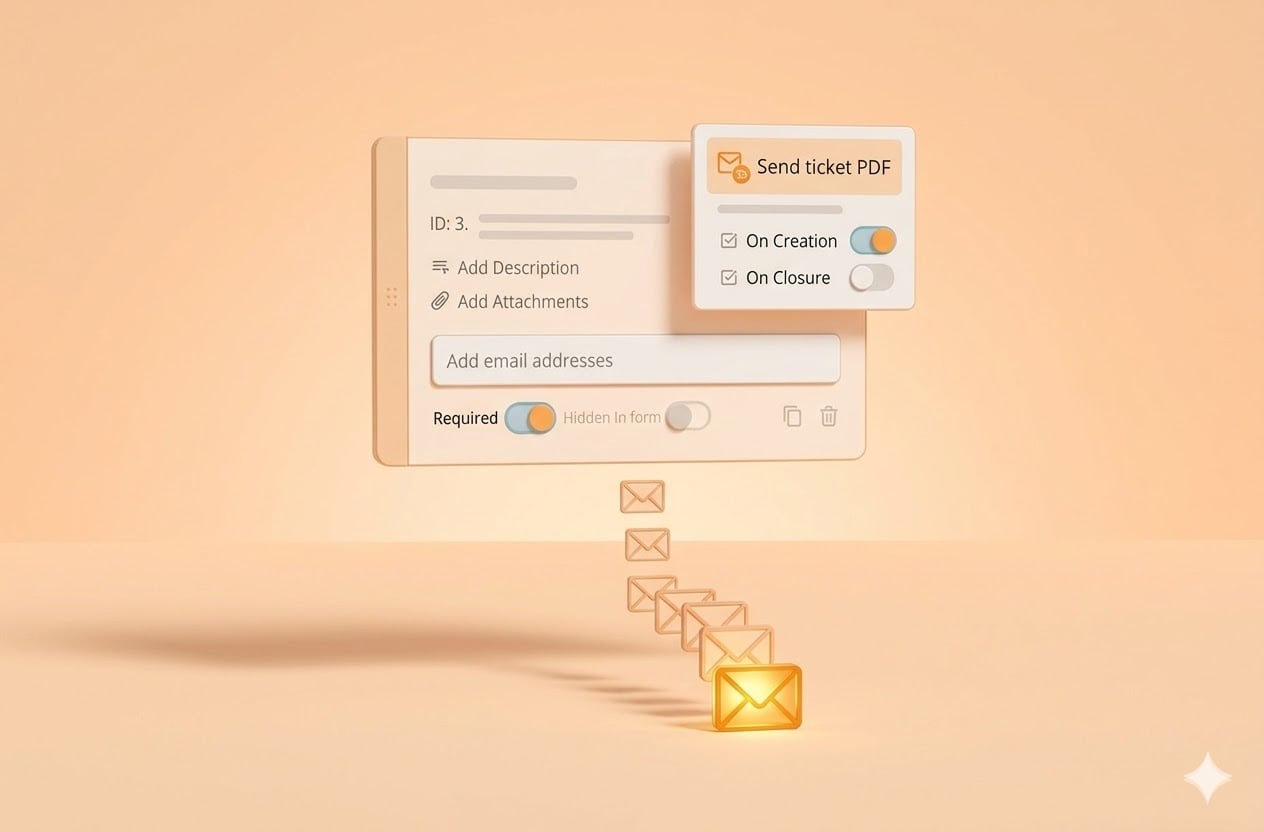
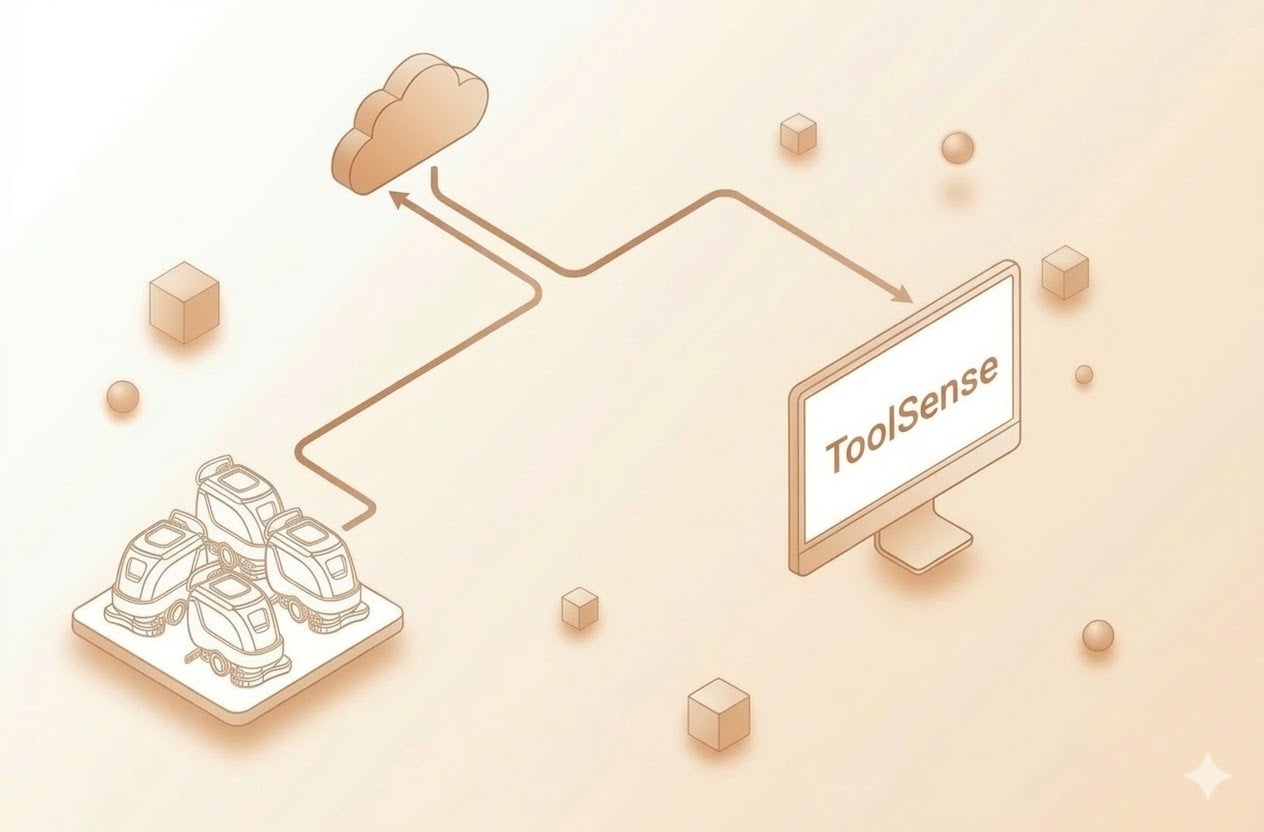 Procedure Automation: Instant PDF Delivery
We've closed the loop on documentation by allowing you to share generated reports with external stakeholders automatically.
Direct Email Integration: A new email content field in the procedure builder allows you to designate up to 50 email addresses per from.
Automatic Attachments: Once a ticket is created or closed (dependent on the setting of the form), the system automatically generates the ticket PDF and sends it as an attachment to your contact list.
Mobile Compatibility: On the go? Field users can input multiple email addresses using a new input сomponent during execution.
Offline Queuing: If you are working without a signal, the app saves the ticket and email data locally, firing off the PDF the moment connectivity is restored.
How to use: Open the Procedure Builder and select the procedure you want to configure. In the procedure settings, you'll find a new Send ticket PDF automation. Choose whether the PDF should be sent on ticket creation or closure. On mobile, field users can add recipients on the fly using the email input while executing the procedure. Required role: Admin or Editor to configure email delivery in the Procedure Builder. All users can add email recipients during mobile execution.
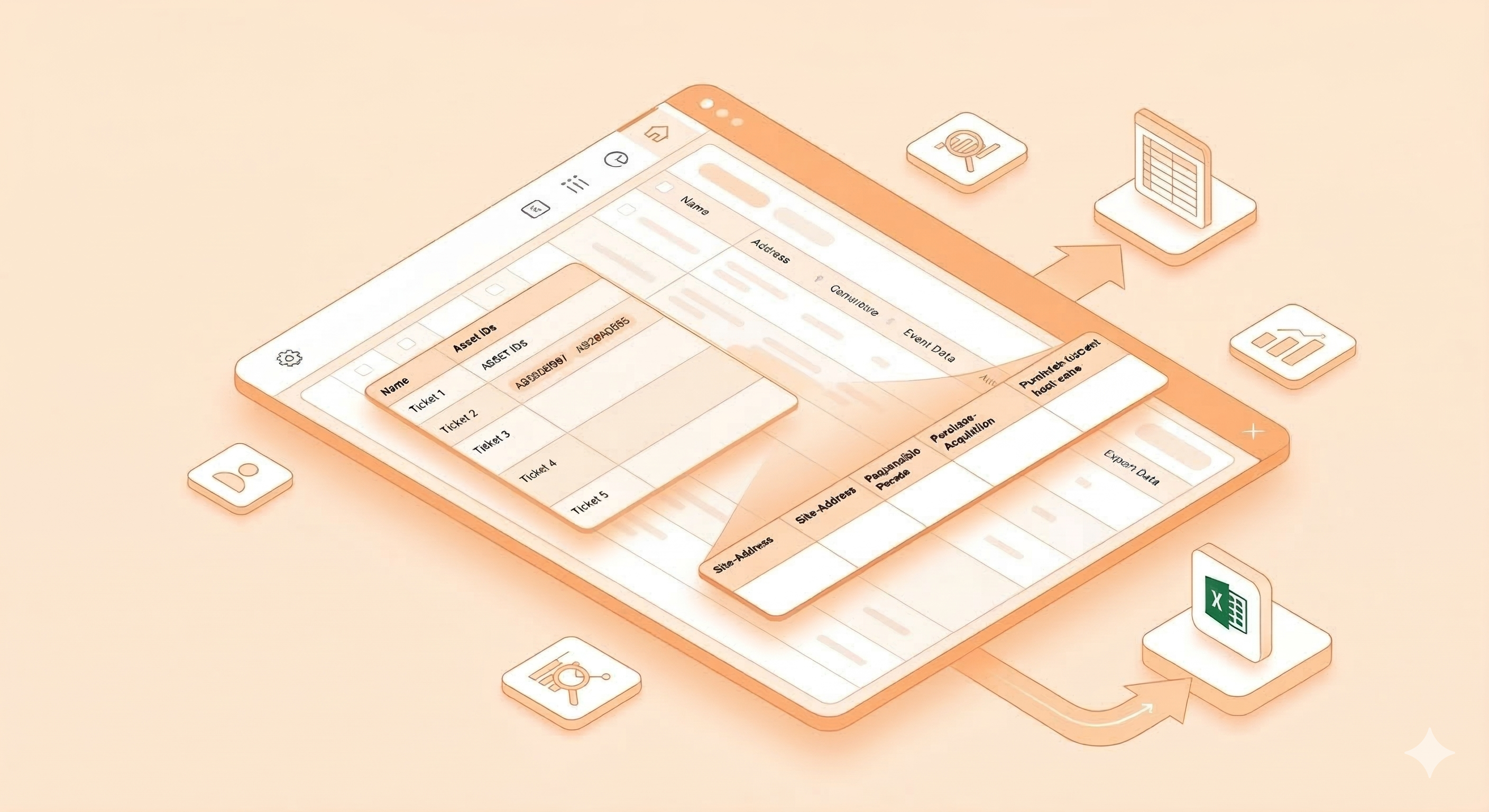
We have optimized our data tables to prioritize high-value information, eliminating the need for manual navigation and improving overall workflow efficiency
Expanded Event Details: The events table now includes dedicated columns for Site-Address, Responsible Person, Purchase-Acquisition cost and Purchase-Current book value
Seamless Exports: These new columns are fully supported in Excel exports, making your financial and inventory reporting more robust than ever.
 Standard Users: Document Permissions
We've refined how documents are handled to balance user autonomy with administrative control.
Limited Permissions: Standard users can be limited from editing and deleting asset-related documents added by other users.
Admin Safeguards: A new setting allows Admins to restrict users so they can only modify files they uploaded themselves, protecting sensitive documents added by management.
How to use: Admins can set this limitations per each User by checking "Restrict editing documents" checkbox which will prevent standard users from modifying or deleting documents they didn't upload. This applies to all asset-related documents across the platform. By default, the chechbox is unchecked for all Standard Users. Required role: Admin — to enable or disable the restriction. Standard users are affected by the policy once it is turned on.
 Refined Mobile Field Navigation
We’ve upgraded our mobile navigation to get you where you need to go, faster. With new precision tools and seamless map integration, locating and sharing assets has never been easier.
One-Tap Navigation: Open any asset location instantly in Google or Apple Maps.
Coordinate Sharing: Use the new "Quick-Copy" feature to grab exact GPS coordinates for effortless team handoffs.
How to use: To navigate to an asset, open the Asset Detail page on your mobile device and tap the location pin icon — you'll be prompted to choose Google Maps or Apple Maps. To copy GPS coordinates, long-press the location field. Offline caching happens automatically; just make sure you've opened the asset list at least once while online so data is stored locally. Required role: All users — available to anyone using the mobile app.
 Improvements & Bug Fixes Integrations & IoT
IoT Analytics: Added new database handling to reliably populate historical IoT charts, including blue bar charts for brush motor usage.
Runtime Accuracy: Corrected a calculation bug causing inaccurate runtime spikes for specific sweeper and scrubber integrations by correctly processing telemetry in seconds rather than minutes.
Heavy Machinery & Robotics: Fixed synchronization for check dates and historical GPS data. We also implemented retry mechanisms to prevent server errors during high-volume syncs.
Performance & ReliabilityLightning-Fast Loading: Optimized data fetching for the Asset Check page, reducing load times drastically.
iOS Stability: Resolved a critical hang on the asset list loading screen for iOS users.
Analytics Fix: Fixed a bug that caused the Statistics panel to crash and disappear.
Mobile AppService Packages: Resolved a bug that prevented asset selection when completing procedures attached to team service packages.
Speed Accuracy: Corrected the trip trace view to ensure speed values accurately convert to mph when user preferences are set to miles.
Status Updates: Resolved an issue where asset status changes would fail silently without notifying the user.
Decimal Input: Restored the correct numerical keyboard on mobile and QR pages so you can properly enter prices and temperatures with decimals.
Procedures & TicketsConditional Assignment: Fixed a failure where assignees determined by logic were not successfully assigned to generated tickets.
Cost Accuracy: Resolved an issue where existing ticket costs were missing from the new Operational Costs format and fixed decimal formatting in Excel exports.
Logic Corrections: Fixed the automated scheduling logic that was defaulting to 12-month intervals instead of 36-month presets.
Web Platform & UIAsset Management: Resolved an interface bug where the license plate field was visible for non-vehicle assets.
Trip Filtering: Fixed the trip list so that disabling the "live" toggle no longer bypasses active date filters.
Localization: Updated German translations for consistent terminology across business and private trip views.
Feb 4, 2026
Release 113 is an update, introducing two major new modules: Business & Private Trip Management and a comprehensive Cost Management System.
Alongside these features, we are delivering advanced conditional logic for procedures, enhanced data privacy, and a suite of stability improvements across mobile and web.
 Business & Private Trip Management (Beta)
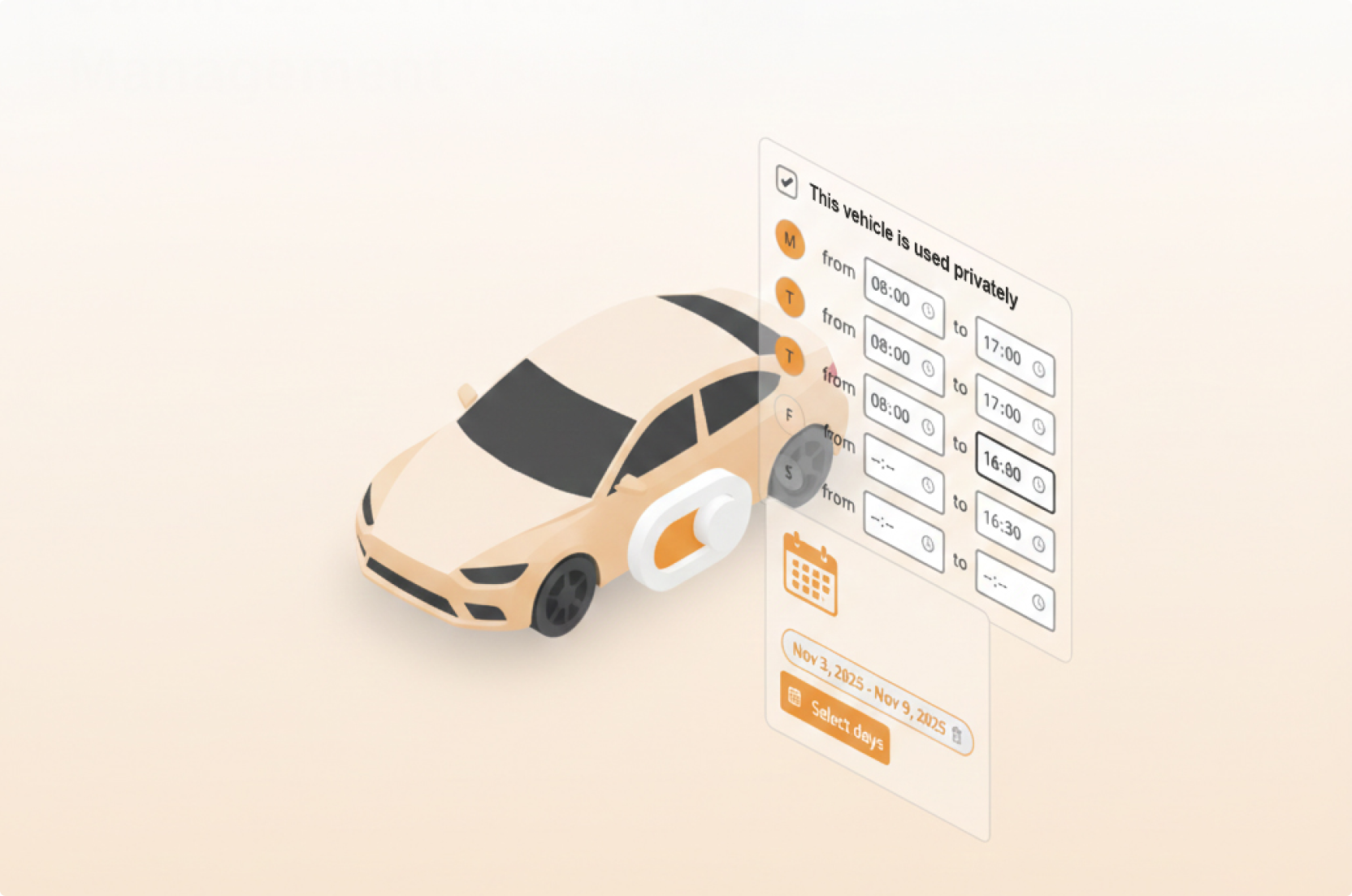
We are introducing the first phase of our Business & Private Trip Management module. This update establishes the foundational logic for classifying vehicle usage and ensuring data privacy for mixed-use fleets.
To start using this beta feature, please contact your Customer Success Manager (CSM).
Classification: Fleet managers can now define Working Hours (e.g., Mon–Thu 08:00–17:00) and Non-Working Days. Trips starting within this window are automatically marked as Business, while those starting outside are marked as Private.
Trips Privacy: When a trip is classified as Private, location data is automatically masked. The map component, start/stop addresses, and event lists are hidden to protect driver privacy.
Manual Control: Authorized users can manually switch trip classifications in the Web Trip Overview. This action requires a mandatory comment and is fully logged for audit purposes.
This is just the beginning. Future updates will expand this feature into a comprehensive solution, including:
Mobile Access: Enabling drivers to classify each trip individually on the go.
Tax Compliance: A fully tax-safe driver log, launching first for Germany and Austria, with support for more countries to follow.
 Advanced Cost Management: Total Control
We’ve updated the cost management workflow, making it easier to record and review operational expenses across both Web and Mobile.
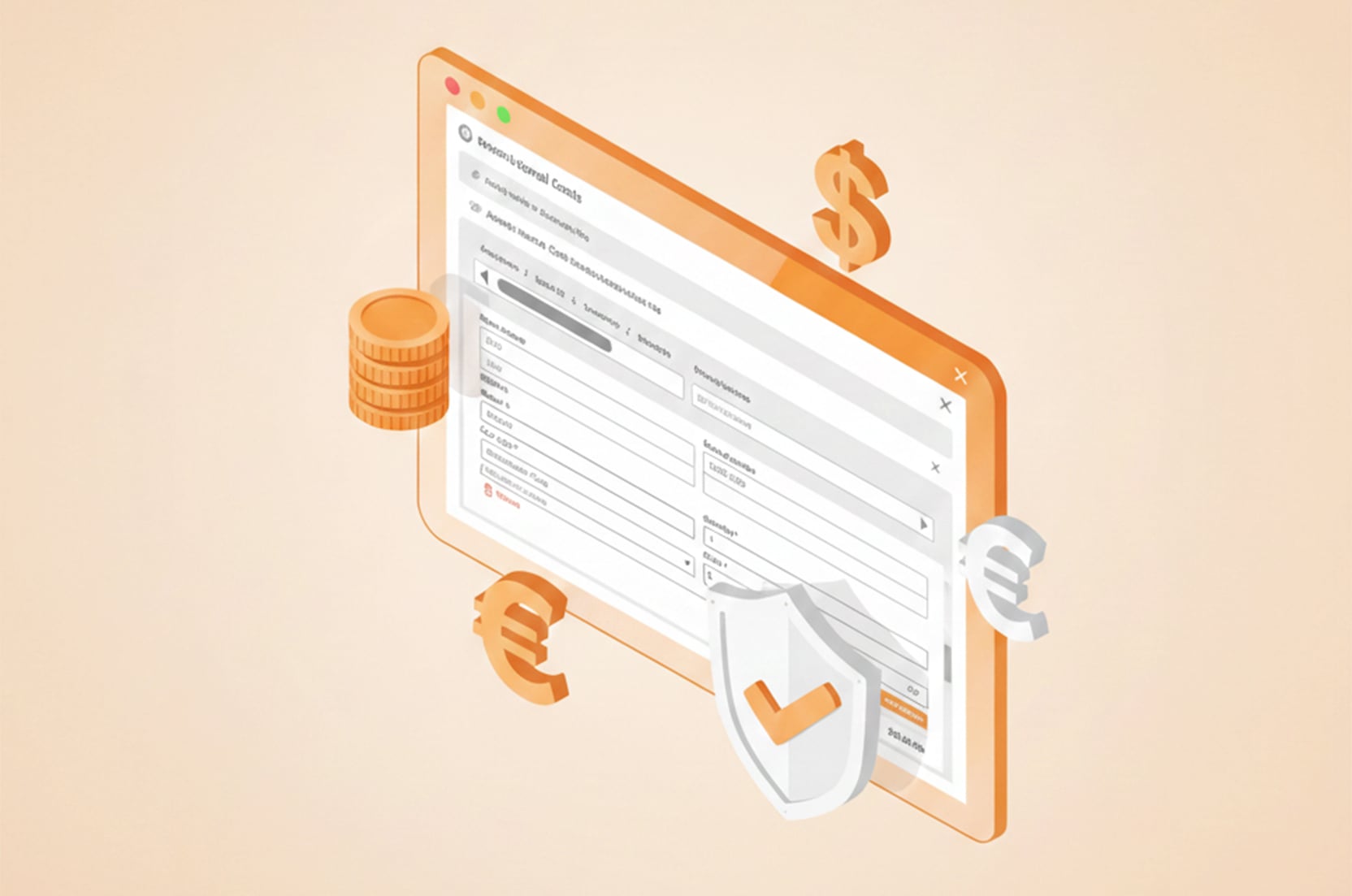
Expanded "Add Cost" Modal window: The updated window supports detailed bookkeeping with new fields for Invoice Number, Cost Center, Date, and Provider. You can also create Custom Cost Categories to match your internal accounting.
Operational Costs View: We added a dedicated list under the Assets section where you can search by invoice or cost title and export cost summaries.
 Cost Access Permissions: Admins can now control sensitive data with a new user-level checkbox. When disabled, all operational cost-related data is hidden across both Web and Mobile.
Financials in the Field: The mobile app mirrors these capabilities. Add costs directly within a Ticket or view a dedicated Operational Costs tab on any asset.
We plan to rework cost management later this year to include parts, operating costs, purchase, leasing, and rental data. This upgrade will allow you to run side-by-side cost comparisons of comparable assets with just a few clicks.
 Advanced Procedure Logic & New Input
We’ve upgraded the Procedure Builder to give you more flexibility when designing complex workflows.
Hidden Field Logic for Conditions (Beta): You can now use "Hidden in Form" fields as triggers within your conditional logic. Reference background data to trigger visibility for other elements without cluttering the user interface.
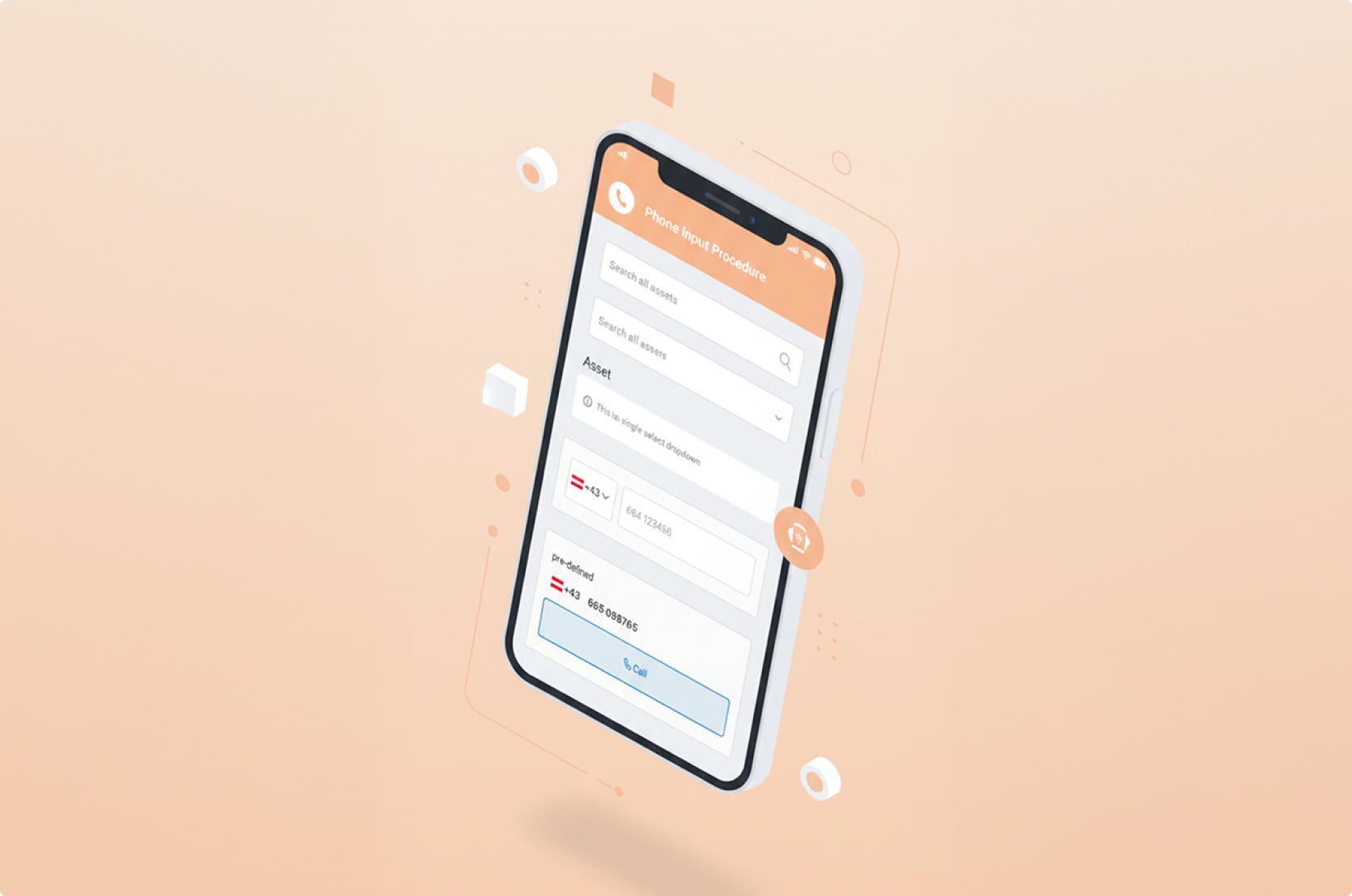
 Dedicated Phone Input: To ensure better data quality, we have introduced a specific Phone Number input type that formats contact details consistently.
 Turbocharged Speed: Procedures load faster. Tickets save quicker. We’ve optimized the entire editing and creation process to give you immediate results.
Improvements & Bug Fixes LocationMap Coordinates: You can now view and copy GPS coordinates (latitude/longitude) directly from the asset map label for precise navigation in external tools.
Asset Checks & IntegrationsIntegrations Reliability: Resolved bugs where assets connected to external fleet systems (like Hako) appeared with no data, and fixed synchronization issues for specific CAT machines.
Asset Check Intervals: Fixed a regression where defined intervals (e.g., "Monthly") were ignored after a check completion, causing the "Next Check Date" to incorrectly default to one year later.
Mobile & QR ExperienceQR Landing: Added toast notifications for successful asset creation and fixed UI anomalies (repeated cookie pop-ups, button colors). You can also now Add Costs directly from the QR landing page.
Offline Clarity: Fixed the display of user titles in Offline Mode and ensured asset availability displays correctly for unauthenticated users.
UI Improvements: Resolved a bug making it difficult to select the last item in mobile dropdowns and fixed "jumping" trip traces on the map.
Procedures & Tickets & EventsLogic Builder: Resolved missing date field options in Condition Logic (Beta) and fixed "is one of" selectors for asset fields.
Attachments: Fixed a bug where tickets created via procedures were occasionally missing their file attachments.
Notifications: Stopped the system from generating notifications for tickets that are automatically closed upon creation.
Event Overview Printing: A dedicated Print button on the Check Event pane allows for one-click generation of a formatted view suitable for physical records or PDF summaries.
Duplicate Rule Events: Resolved an issue where IoT maintenance rules generated duplicate events for every single data point exceeding a threshold, rather than triggering a single event.
Global StabilityExport Stability: Fixed a bug where the Trip List export would return empty if a search filter was active.
Time & Formatting: Synchronized time displays between Web and Mobile to ensure global consistency.
Site Organization: Corrected the ordering of Services within the Site overview for better navigation.
Dec 31, 2025
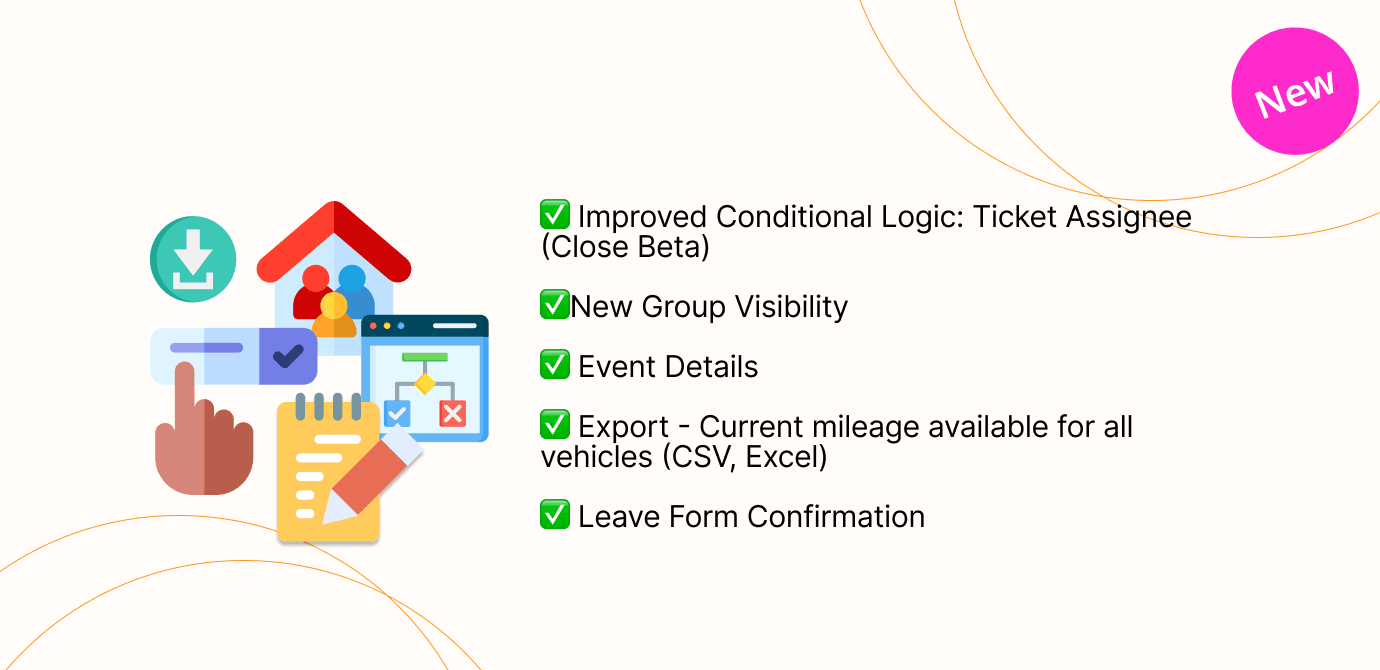
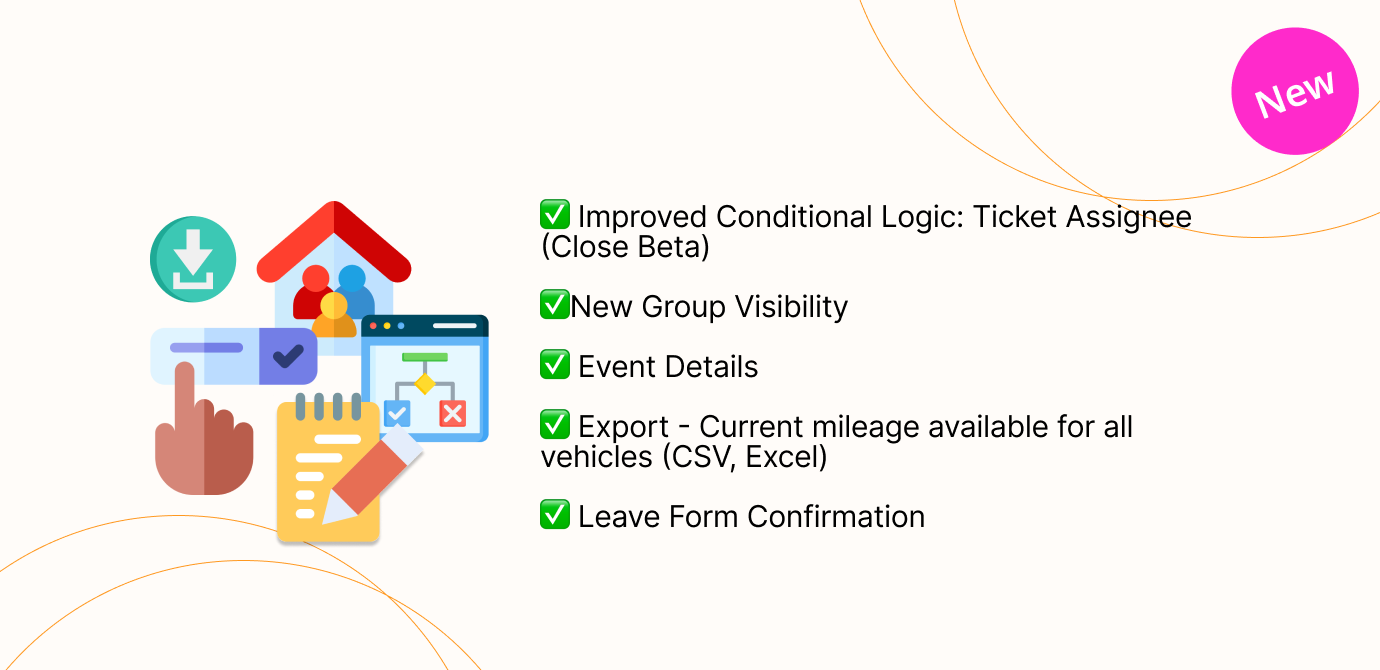
Release 112 includes updates to form safety, ticket instruction formatting, and editor role access. We are also introducing beta access for Assignee Conditional Logic and Multi-Group Visibility, alongside general stability improvements and bug fixes.
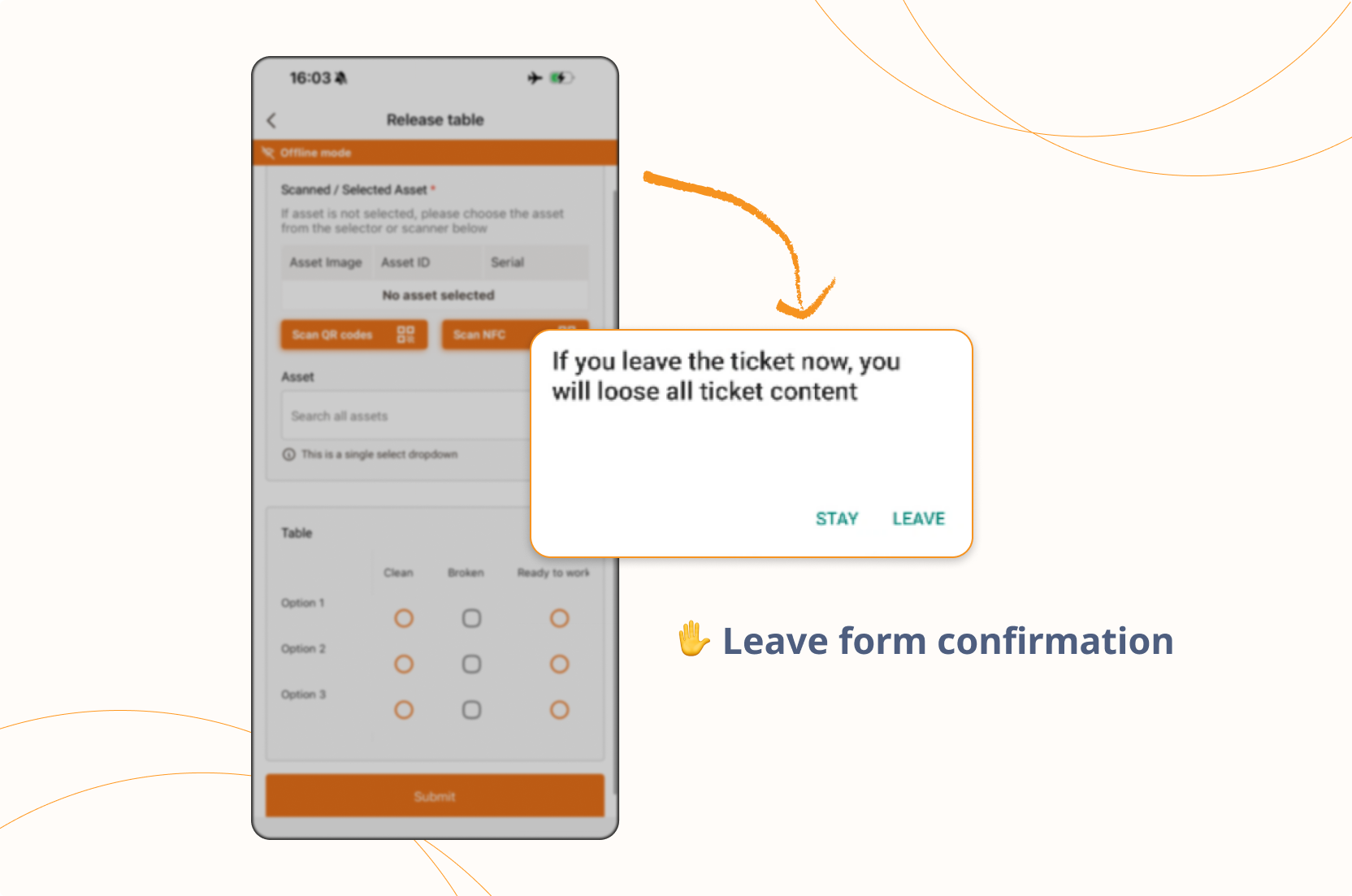
 Never Lose Your Progress: Safety Confirmations
We’ve implemented a vital safety net to protect your hard work in the field. To prevent the accidental loss of data during maintenance or inspections, a Safety Confirmation pop-up will now appear if you attempt to leave an active form (procedure based forms only) without submitting it.
Whether you are on the Web Client or the Mobile App, this warning ensures that important ticket content isn't accidentally discarded, giving you peace of mind that your data is secure until you hit "Submit."
 Full Context Everywhere: Enhanced Event Details
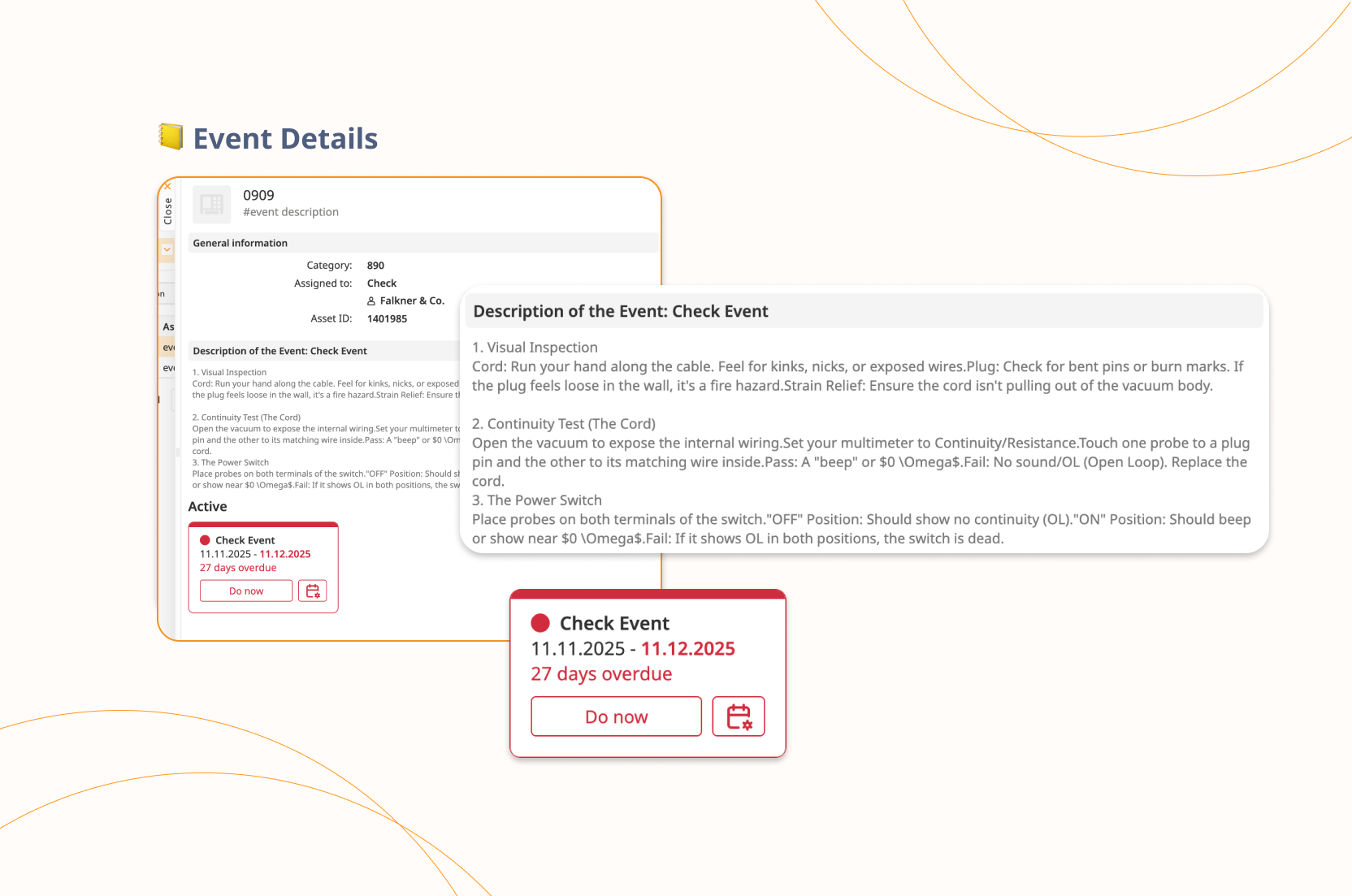
We’ve made sure your instructions follow the work from start to finish. Detailed descriptions and rule-defined instructions are now displayed exactly where they are needed most:
Event Overview & Ticket creation: View critical guidance the moment you start a task.
Resulting Tickets: All instructions are automatically inherited by the final ticket for full traceability.
We have also improved the text rendering to preserve your formatting, meaning paragraphs and line breaks stay exactly as you wrote them, making instructions much easier for field teams to read and follow.
 Intelligent Routing: Assignee Conditional Logic (Beta)
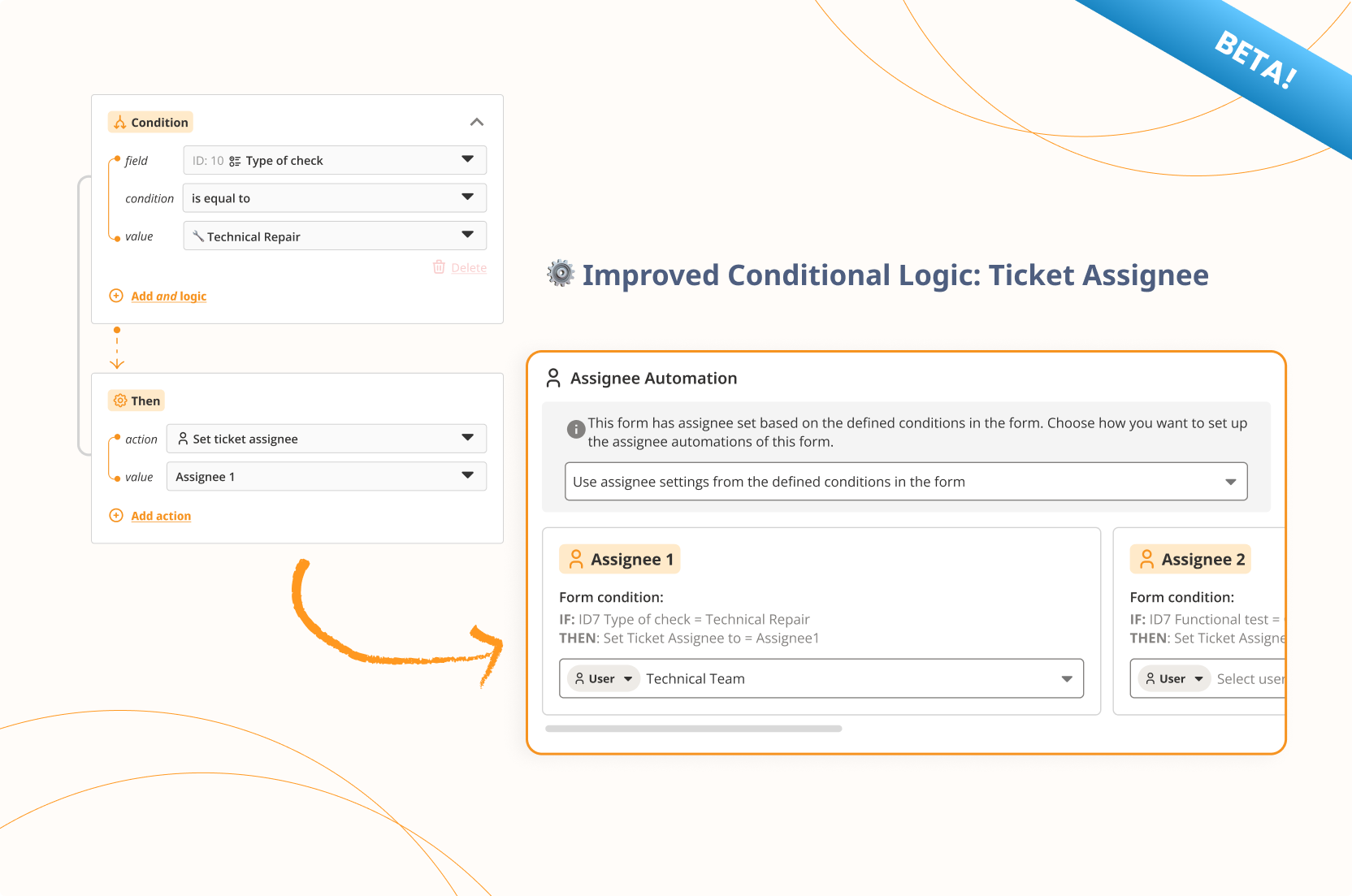
With our new Assignee Conditional Logic, you can set up procedure rules that automatically suggest or assign the correct person or team based on specific answers given during a procedure.
For example, if a technician reports a "Broken Lamp" during a check, the system can instantly route the ticket to an Electrician. This automated assignment ensures the right specialist is notified immediately, reducing manual coordination and getting the job done faster.
 Multi-Group Visibility: Manage the "Multiverse" (Beta)
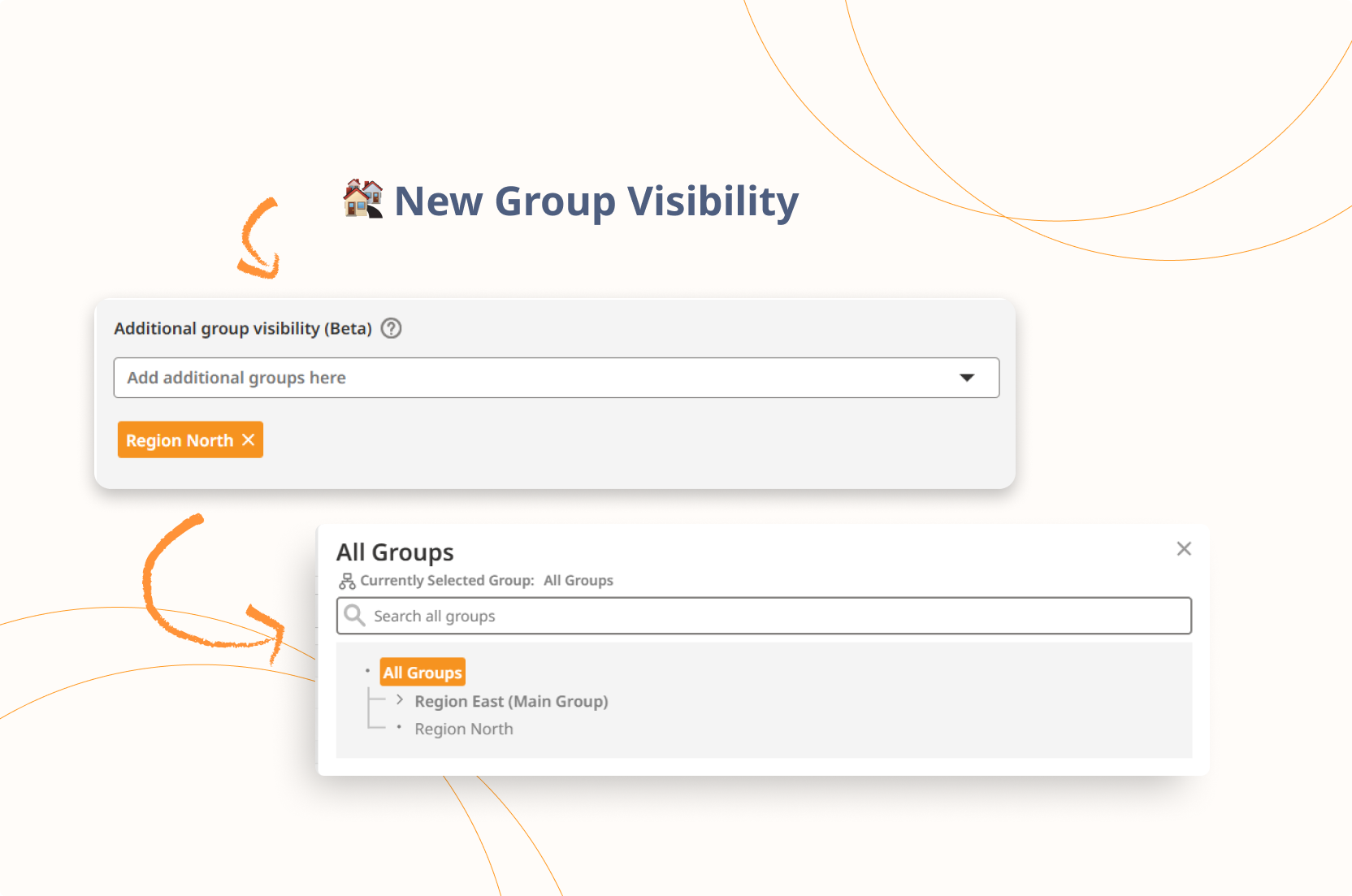
For managers overseeing multiple regions or departments, you can now see the big picture without annoying workarounds:
The "Multiverse" View: You can now be granted visibility into several different group trees simultaneously. You keep your primary group for daily actions but gain access to other territories for oversight.
Unified "All Groups" Selector: Toggle between specific groups or a combined "All Groups" view. This aggregates all your assets, tickets, and sites into one single screen.
To enable this for your team, please contact your Customer Success Manager (CSM).
 Improvements & Bug Fixes Precision Reporting & Asset Data
We’ve refined our data tools to ensure your exports and reports are professional, accurate, and easy to read.
Mileage at a Glance: A dedicated "Vehicle Mileage" column is now available in the Asset List and is fully exportable as an Excel file.
Context-Rich PDFs: Ticket exports now automatically bundle Type, Brand, and Category together. This provides full context for field teams and makes transfer protocols much clearer.
Deletion Safety: Administrators can now disable asset deletion for "Editor" roles, preventing accidental data removal in large, busy accounts. Please talk to your CSM if this is relevant for you.
Global Integration & Stability UpdatesOptimized Scanning: The Mobile QR scanner has been refactored for significantly faster processing and more reliable camera handling.
Dashboard Stability: Eliminated "jumping" screens to ensure a steady view of your data.
Offline Reliability: Fixed bugs where completed checks were invisible in offline history.