
Apr 23, 2026
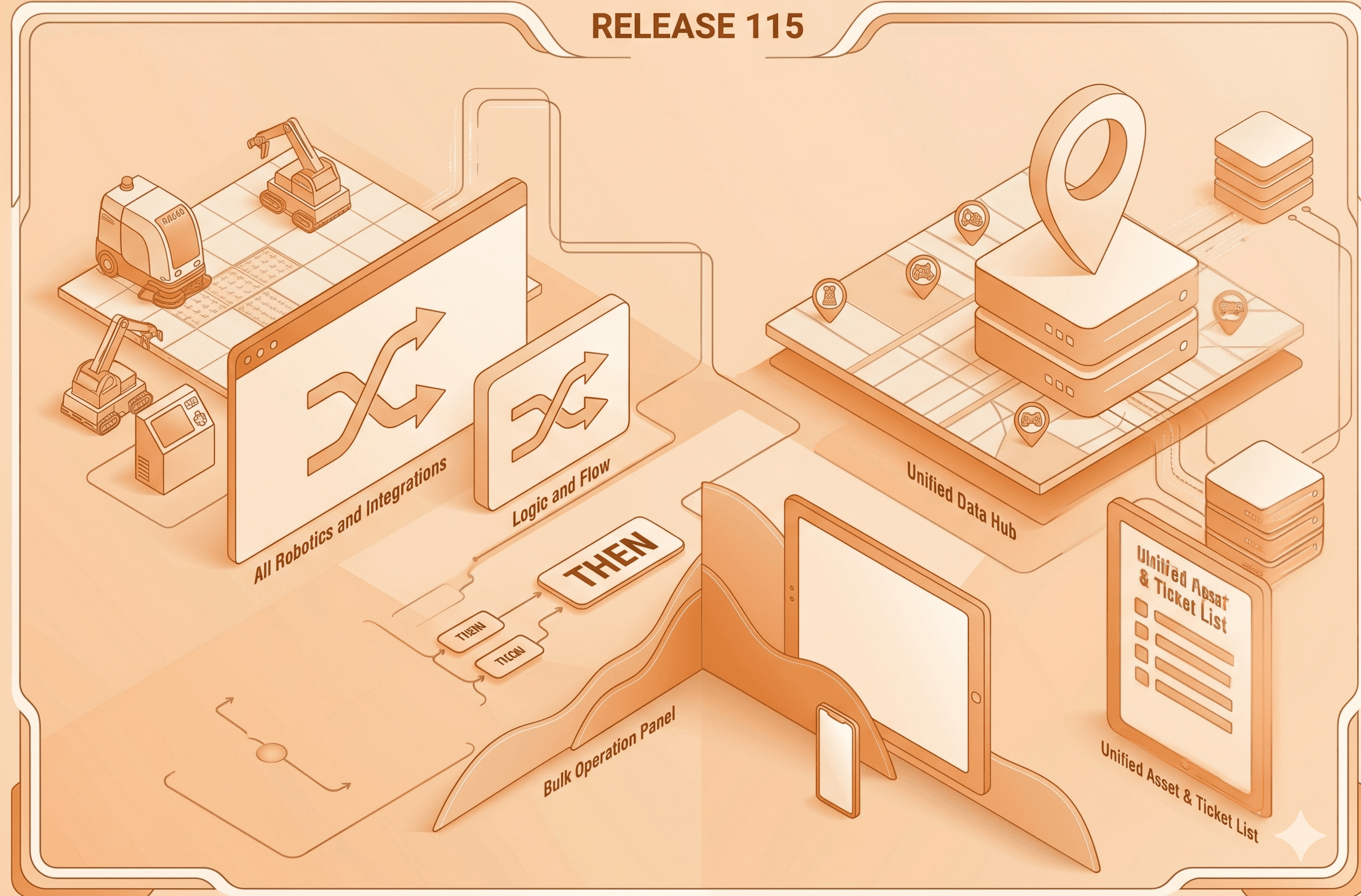
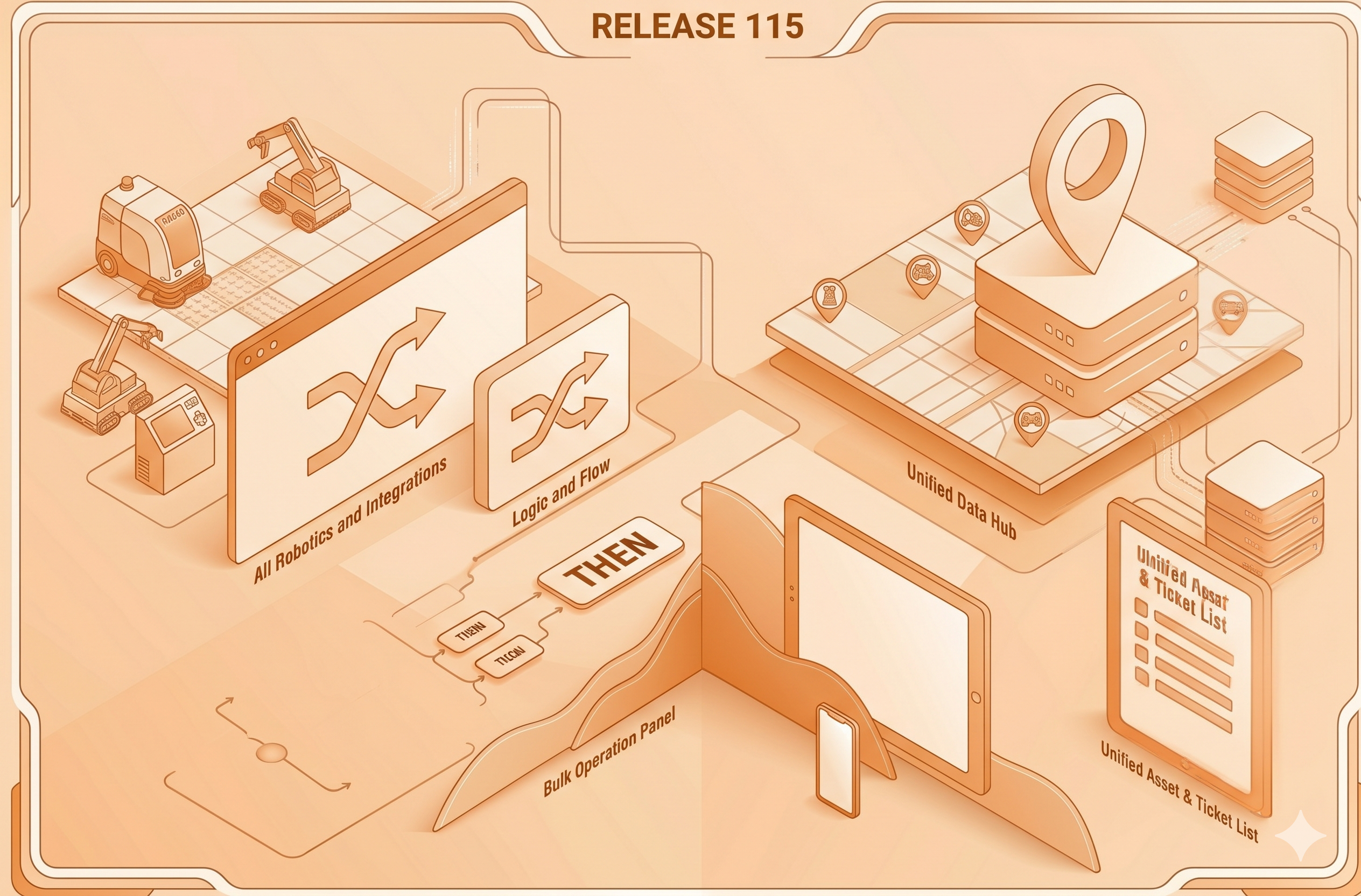
Welcome to Release 115! This update brings meaningful improvements to your daily workflows — from a powerful conditional logic engine for procedures to streamlined mass editing and faster, more reliable document handling.
Alongside these core upgrades, we've sharpened permission controls for standard users, improved asset visibility in ticket views, and made procedure management more efficient with instant attachment uploads and a "Save as New" shortcut.
 Parts Issuance on Tickets (BETA)
Track inventory consumption directly within your ticket workflow. Technicians can now issue parts from stock to a ticket as they work and return unused items instantly—ensuring stock accuracy without ever leaving the job.
Integrated Workflow: Issue or return parts with a single action. Quantities and total material costs are automatically summarized on the ticket view and the generated PDF.
Audit & Offline Sync: Every transaction is recorded in the activity log for full transparency. Updates made in the field sync automatically as soon as the device is back online.
Please contact your Customer Success Manager to enable this feature for your account.

 Reimagined Asset Map
A high-performance navigation tool for large fleets.
Filter & Color Sync: Map views now respect your active list filters. Toggle between Availability and Ownership color modes to visualize fleet health instantly.
Cluster Modals: Clicking a group of assets opens a searchable list, ensuring you can select specific machines even in high-density areas.
Detailed Tooltips: Lazy-loading info windows show site, group, and status details without slowing down map performance.

 Driver Visibility on the Vehicle Map
Know who is operating each vehicle without leaving the map. Pop-ups now display driver information alongside the standard vehicle details.
Current & Last Driver: Each vehicle pop-up shows the active driver by name. If the vehicle is stationary, the last known driver is displayed instead — so accountability is always clear even when the engine is off.

 Cleanfix RA660 Navi: Integrated Monitoring
Monitor your autonomous fleet with a unified overview and real-time status tracking.
Smart Data Mapping: Robots sync automatically via serial number. ToolSense maps Total Cleaning Area (m²) and Task Counts from successfully completed missions.
Runtime Logic: While total operating hours are tracked, path-finding (dry-run) sessions are automatically excluded from cleaning metrics to prevent data inflation.
Live Operational Status: Monitor 7 real-time states—including Running, Charging, and Error. Each robot is tracked independently, and ToolSense retains the last known status even if a robot goes offline.

 Advanced Conditional Logic
Our procedures are now faster and more efficient than ever. You can automatically set Ticket Status, Urgency, and Asset Availability based on how a user fills out a form—no manual follow-up needed.
Scenario: In the event of a critical breakdown where the machine cannot be fixed:
Rule: If a user selects "Machine not repairable," the ticket is automatically Closed and the asset status is updated to Unavailable.
Example 2: Safety Compliance Check
Scenario: During a routine electrical safety inspection:
Rule: If the "Leakage Current" reading exceeds 3.5mA, the ticket is automatically set to Open with a Critical urgency level.
User Choice vs. Strict Automation: You now have granular control over how conditions influence fields.
"Let users choose" Enabled: The logic updates the default field option, but users can still manually override it before submission.
"Let users choose" Disabled: The condition strictly enforces the value. Users will see a tooltip explaining that the option was set automatically.
Intelligent Status Visibility: Ticket statuses hidden in the workflow builder will automatically become visible if a condition triggers them during execution — so the workflow always progresses without getting stuck.
Full Mobile & Offline Support: Conditional ticket properties are fully supported on the mobile app and evaluate perfectly in Offline Mode using locally synced data.

 Asset Mass Edit: Powerful Bulk Operations (Closed BETA)
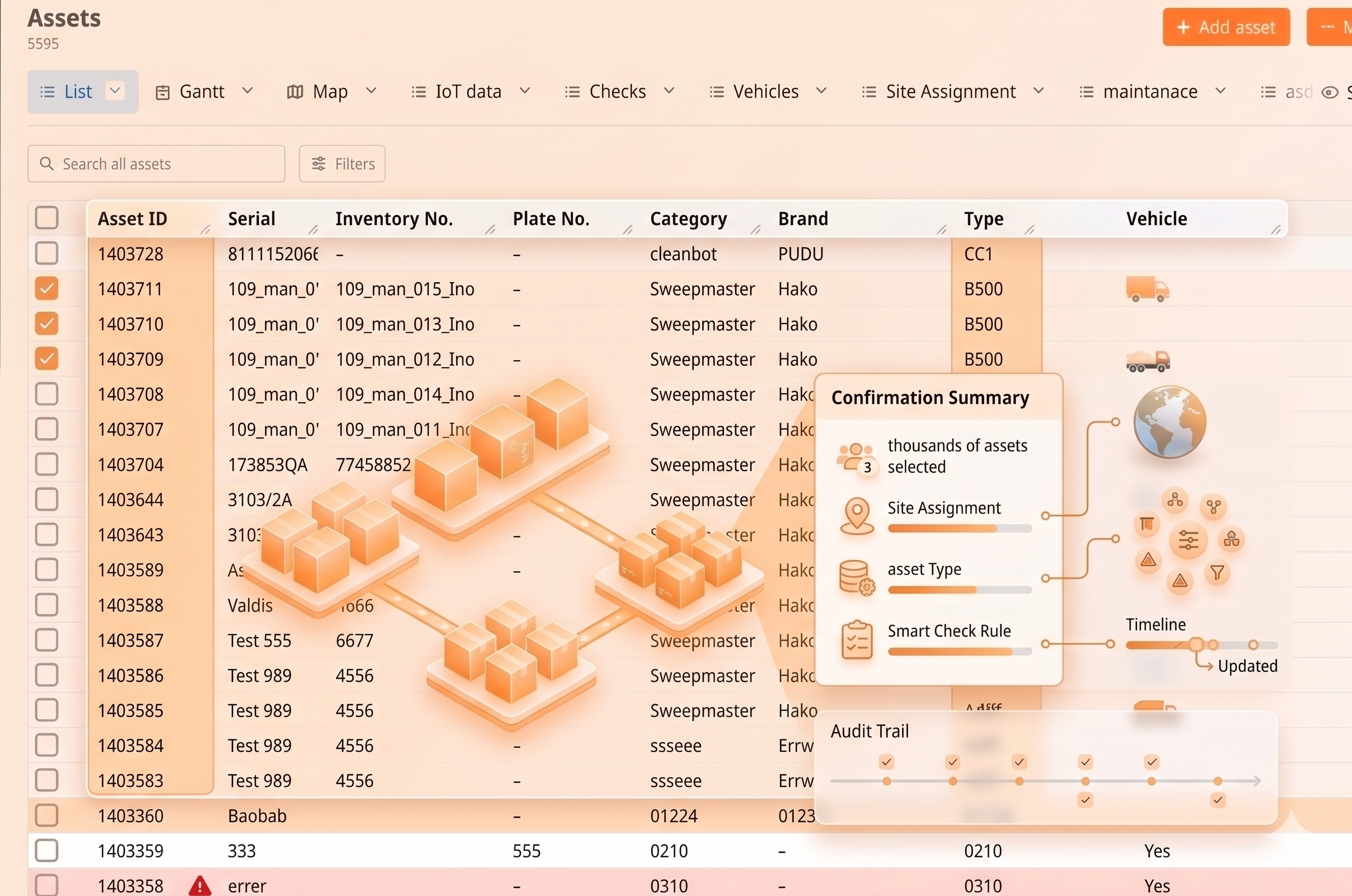
Keeping your data clean and organized just got significantly easier. We are introducing Asset Mass Edit, allowing Administrators to perform structural updates across thousands of records in seconds.
To ensure this feature meets the complex needs of our users, we are launching it in Closed Beta. We’ve prioritized the most frequent customer requests for this first version and plan to expand its capabilities further before the full public release.
Bulk Updates: Quickly change site assignments, update asset types, or assign check rules across your entire registry.
Safety & Transparency: Every mass edit includes a detailed confirmation summary and a full audit trail for complete accountability.
Guided Growth: We are actively adding more functionality to this tool based on early feedback.
How to get access
This feature is deactivated by default. If you are interested in testing these bulk operations and helping us shape the future of this tool, please contact your Customer Success Manager (CSM) to request access.
 Procedures & Collaboration
We’ve overhauled how you interact with data within procedures and tickets to make collaboration more fluid.
 Instant Attachment Uploads: Files are now transferred to storage the moment you pick them.
No More Slow Submissions: By the time you finish a form, your files are already uploaded.
Progress & Retry: A status indicator shows each file's state; retry individual failures without re-uploading the whole batch.
Mobile Aware: Uploads pause when connectivity is lost and resume automatically when back online.
Enhanced Procedure List: New columns for Preset types, Automations, and usage counters (Components/Tickets) provide at-a-glance insights.

 Mobile Intelligence & Hardware Tracking
We’ve enhanced our mobile capabilities to give field teams more control over IoT hardware and navigation.
IMEI Tracking on the Go: Users can now add or edit IMEI numbers for assets directly from the mobile app. To prevent data errors, we’ve included automatic uniqueness verification to stop duplicate entries.
Stable GPS Tracking: We resolved an issue where the GPS component would "jump" on mobile. The auto-detect feature is now smarter, preventing unnecessary re-renders.
Refined UI: We’ve resolved Android-specific crashes after QR scanning and fixed layout issues in procedures, ensuring text is never cut off and rows scale dynamically.
 Workflow Efficiency & Performance
Procedure "Save as New": Speed up template creation with our new split-button functionality. Effortlessly duplicate an existing procedure into a new template with a single click.
Asset ID Visibility: The public Asset ID is now a dedicated column in the Ticket List table, making it easier to identify specific machines at a glance.

 Improvements & Bug Fixes
 Integrations & IoT
Historical Data: Implemented aggregations for historical IoT data to boost graph performance and accuracy.
API Support: Provided a standard Postman collection for all active integrations to assist technical partners.
 Security & Permissions
Standard User Controls: Admins can now restrict Standard Users from editing tickets. These users will see helpful tooltips explaining why an element is locked.
Procedures & TicketsDecimal Precision: Number fields in the procedure builder now support decimal inputs and commas as separators across all platforms.
PDF Accuracy: Resolved a date mismatch where the Next Check Date incorrectly displayed the Last Check Date.
PDF Integrity: Fixed visual breaks in PDF generation caused by overly long descriptive titles in tables.
Logic & Duplication: Resolved bugs where phone numbers and location fields were improperly duplicated when copying procedure sections.
 Global Stability
Speed Improvements: We updated our backend systems to reduce loading times and improve overall app performance.
QR Reliability: Fixed a bug where QR exports were only capturing the first page of filtered items; bulk exports now capture all selected items.