

Mar 16, 2026
Release 114 introduces improvements and deeper automation to streamline your field operations. From tamper-proof signature watermarking and expanded PUDU robotics integration to automated PDF distribution and enhanced mobile navigation, this update is built to maximize transparency. Whether you are managing complex IoT telemetry or executing procedures in offline environments, Release 114 ensures your data remains accurate, secure, and accessible.

 Signature Watermarking
We've added a layer of protection to your digital signatures to prevent unauthorized reuse or tampering.
Dynamic Protection: Signatures during execution of a form, now feature a secure watermark in the created tickets.
Traceable ID: The watermark automatically displays the specific Ticket ID it belongs to, ensuring that a signature from one task cannot be "clipped" and used elsewhere.
Universal Coverage: This security feature applies across all Ticket views, PDF exports, and Email summaries.
How to use: Signature watermarks are applied automatically — no setup required. Whenever a user signs a form, the watermark with the Ticket ID is embedded into the signature image. You'll see it in the ticket detail view, in exported PDFs, and in email summaries. Required role: All users — this feature is active platform-wide with no configuration needed.

 Expanded Robotics & ERP Ecosystem
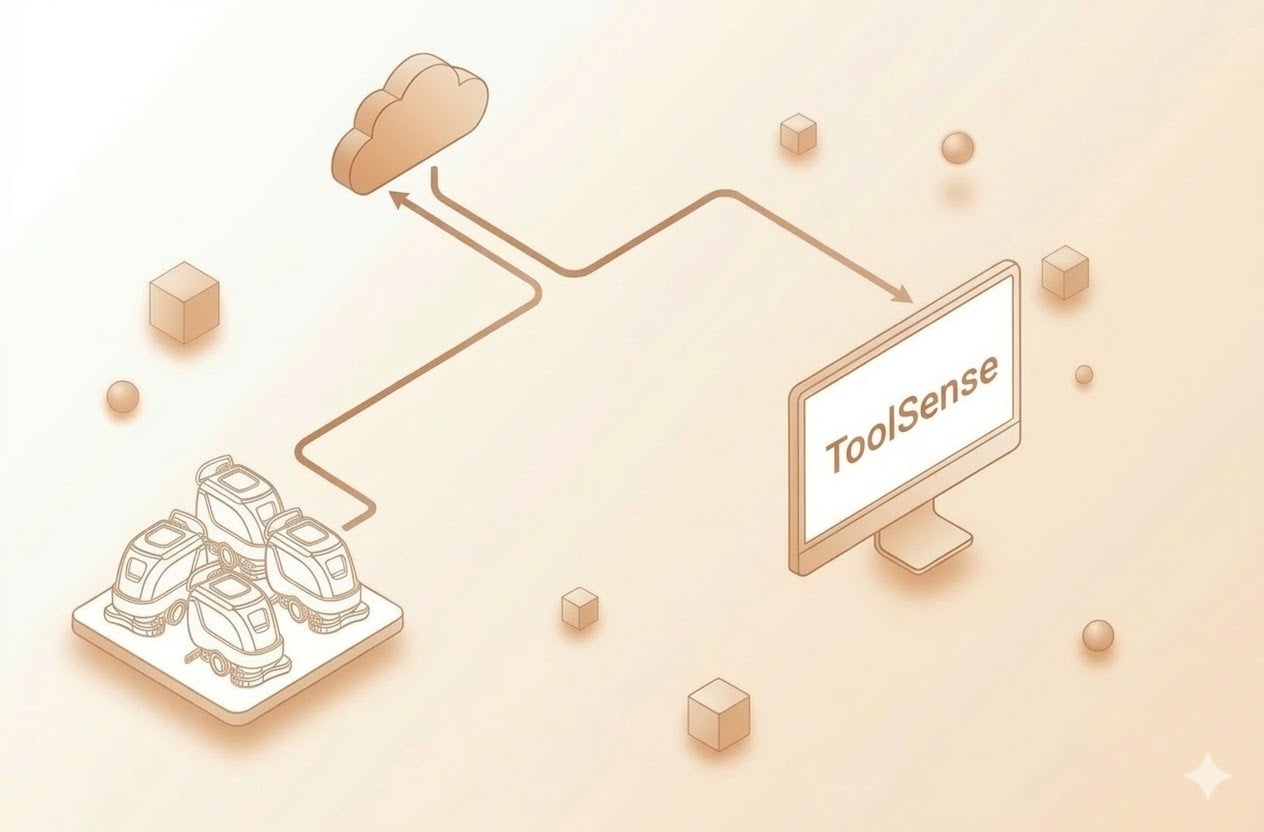
We’ve deepened our integration with PUDU Robotics to provide total visibility into your autonomous fleet.
Expanded Model Support: Full lifecycle support for SH1, MT1, and BellaBot models.
Standardized Metrics: We now fetch and display "Total Cleaning Area m2" across CC1, MT1, and SH1 models for unified reporting.
 Procedure Automation: Instant PDF Delivery
We've closed the loop on documentation by allowing you to share generated reports with external stakeholders automatically.
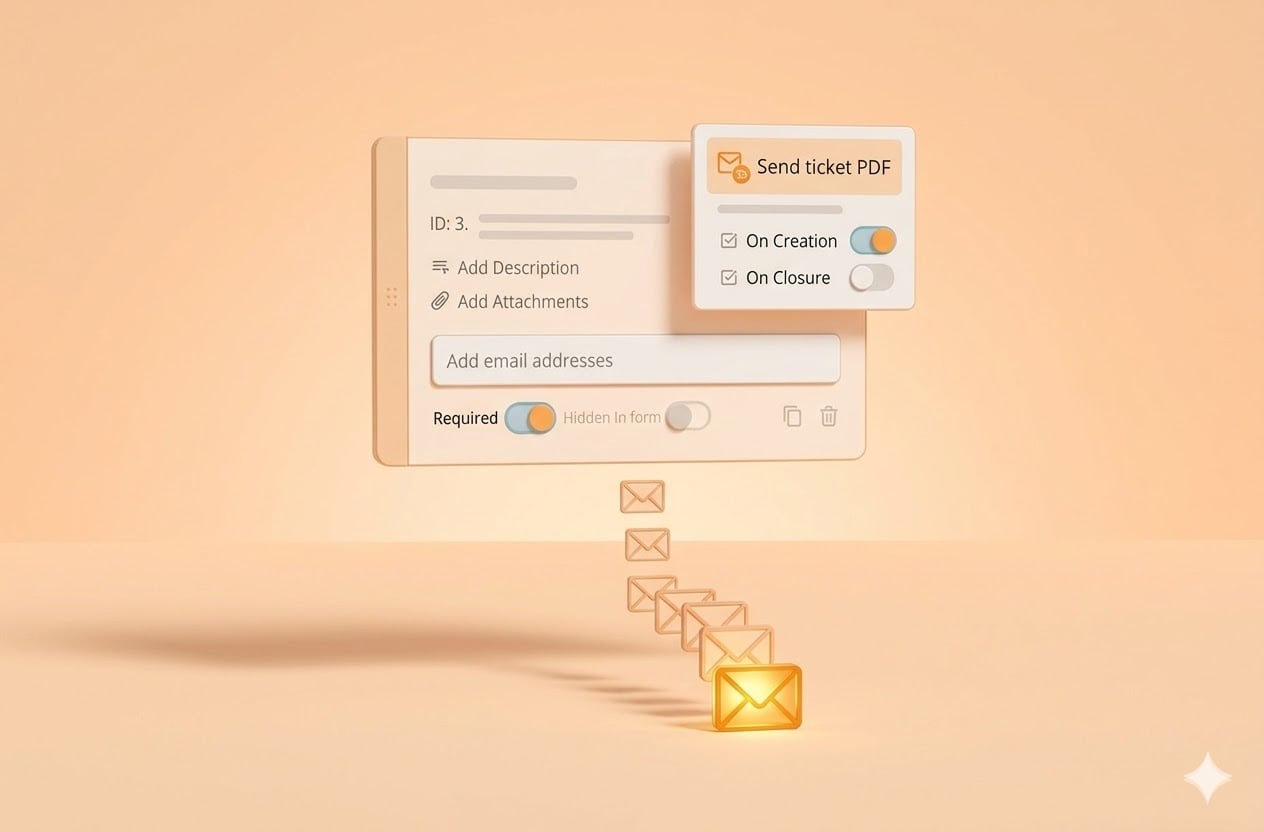
Direct Email Integration: A new email content field in the procedure builder allows you to designate up to 50 email addresses per from.
Automatic Attachments: Once a ticket is created or closed (dependent on the setting of the form), the system automatically generates the ticket PDF and sends it as an attachment to your contact list.
Mobile Compatibility: On the go? Field users can input multiple email addresses using a new input сomponent during execution.
Offline Queuing: If you are working without a signal, the app saves the ticket and email data locally, firing off the PDF the moment connectivity is restored.
How to use: Open the Procedure Builder and select the procedure you want to configure. In the procedure settings, you'll find a new Send ticket PDF automation. Choose whether the PDF should be sent on ticket creation or closure. On mobile, field users can add recipients on the fly using the email input while executing the procedure. Required role: Admin or Editor to configure email delivery in the Procedure Builder. All users can add email recipients during mobile execution.
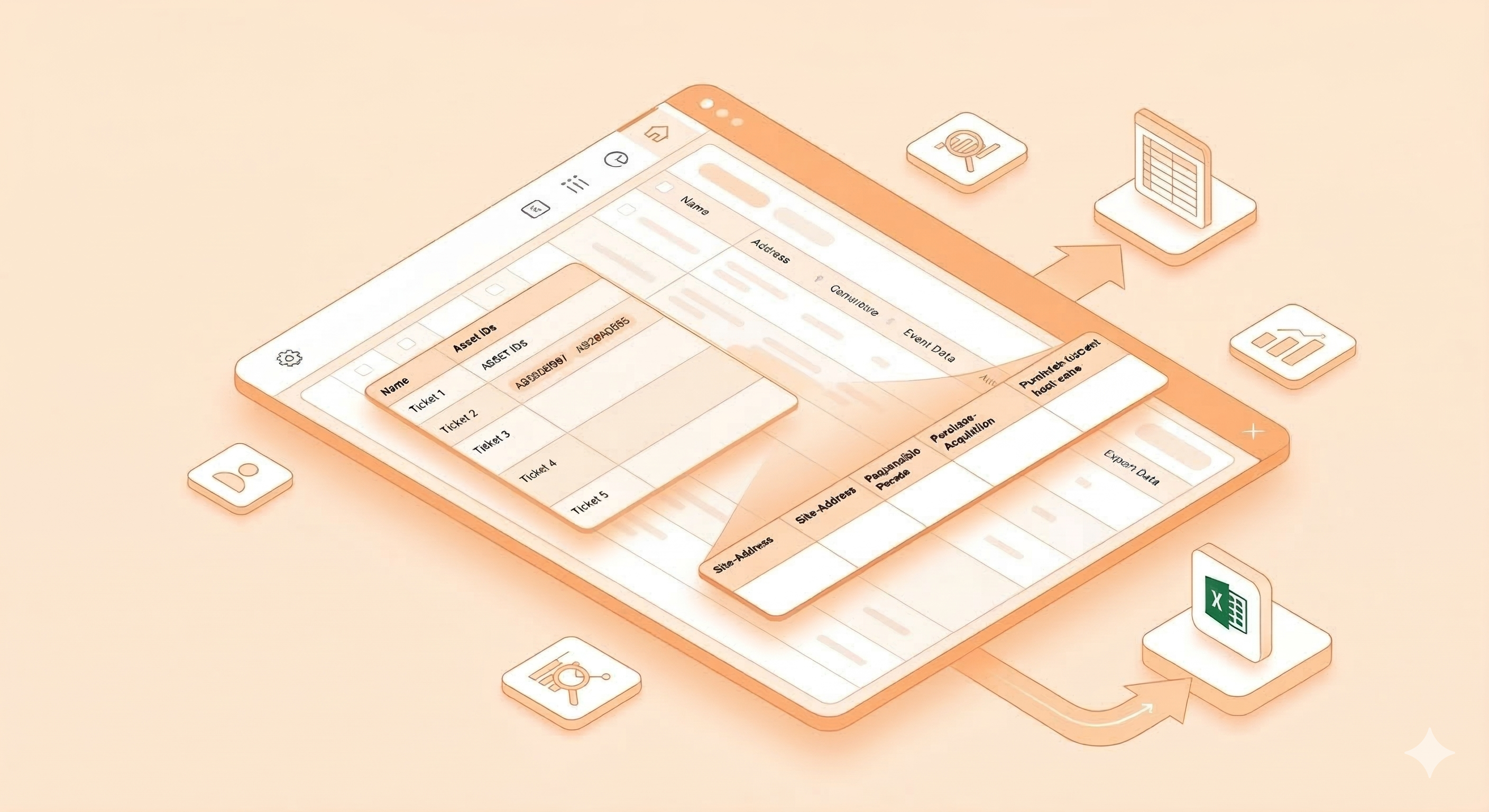
We have optimized our data tables to prioritize high-value information, eliminating the need for manual navigation and improving overall workflow efficiency
Expanded Event Details: The events table now includes dedicated columns for Site-Address, Responsible Person, Purchase-Acquisition cost and Purchase-Current book value
Seamless Exports: These new columns are fully supported in Excel exports, making your financial and inventory reporting more robust than ever.
 Standard Users: Document Permissions
We've refined how documents are handled to balance user autonomy with administrative control.
Limited Permissions: Standard users can be limited from editing and deleting asset-related documents added by other users.
Admin Safeguards: A new setting allows Admins to restrict users so they can only modify files they uploaded themselves, protecting sensitive documents added by management.
How to use: Admins can set this limitations per each User by checking "Restrict editing documents" checkbox which will prevent standard users from modifying or deleting documents they didn't upload. This applies to all asset-related documents across the platform. By default, the chechbox is unchecked for all Standard Users. Required role: Admin — to enable or disable the restriction. Standard users are affected by the policy once it is turned on.

 Refined Mobile Field Navigation
We’ve upgraded our mobile navigation to get you where you need to go, faster. With new precision tools and seamless map integration, locating and sharing assets has never been easier.
One-Tap Navigation: Open any asset location instantly in Google or Apple Maps.
Coordinate Sharing: Use the new "Quick-Copy" feature to grab exact GPS coordinates for effortless team handoffs.
How to use: To navigate to an asset, open the Asset Detail page on your mobile device and tap the location pin icon — you'll be prompted to choose Google Maps or Apple Maps. To copy GPS coordinates, long-press the location field. Offline caching happens automatically; just make sure you've opened the asset list at least once while online so data is stored locally. Required role: All users — available to anyone using the mobile app.

 Improvements & Bug Fixes
 Integrations & IoT
IoT Analytics: Added new database handling to reliably populate historical IoT charts, including blue bar charts for brush motor usage.
Runtime Accuracy: Corrected a calculation bug causing inaccurate runtime spikes for specific sweeper and scrubber integrations by correctly processing telemetry in seconds rather than minutes.
Heavy Machinery & Robotics: Fixed synchronization for check dates and historical GPS data. We also implemented retry mechanisms to prevent server errors during high-volume syncs.
 Performance & Reliability
Lightning-Fast Loading: Optimized data fetching for the Asset Check page, reducing load times drastically.
iOS Stability: Resolved a critical hang on the asset list loading screen for iOS users.
Analytics Fix: Fixed a bug that caused the Statistics panel to crash and disappear.
Mobile AppService Packages: Resolved a bug that prevented asset selection when completing procedures attached to team service packages.
Speed Accuracy: Corrected the trip trace view to ensure speed values accurately convert to mph when user preferences are set to miles.
Status Updates: Resolved an issue where asset status changes would fail silently without notifying the user.
Decimal Input: Restored the correct numerical keyboard on mobile and QR pages so you can properly enter prices and temperatures with decimals.
 Procedures & Tickets
Conditional Assignment: Fixed a failure where assignees determined by logic were not successfully assigned to generated tickets.
Cost Accuracy: Resolved an issue where existing ticket costs were missing from the new Operational Costs format and fixed decimal formatting in Excel exports.
Logic Corrections: Fixed the automated scheduling logic that was defaulting to 12-month intervals instead of 36-month presets.
 Web Platform & UI
Asset Management: Resolved an interface bug where the license plate field was visible for non-vehicle assets.
Trip Filtering: Fixed the trip list so that disabling the "live" toggle no longer bypasses active date filters.
Localization: Updated German translations for consistent terminology across business and private trip views.