May 29, 2026
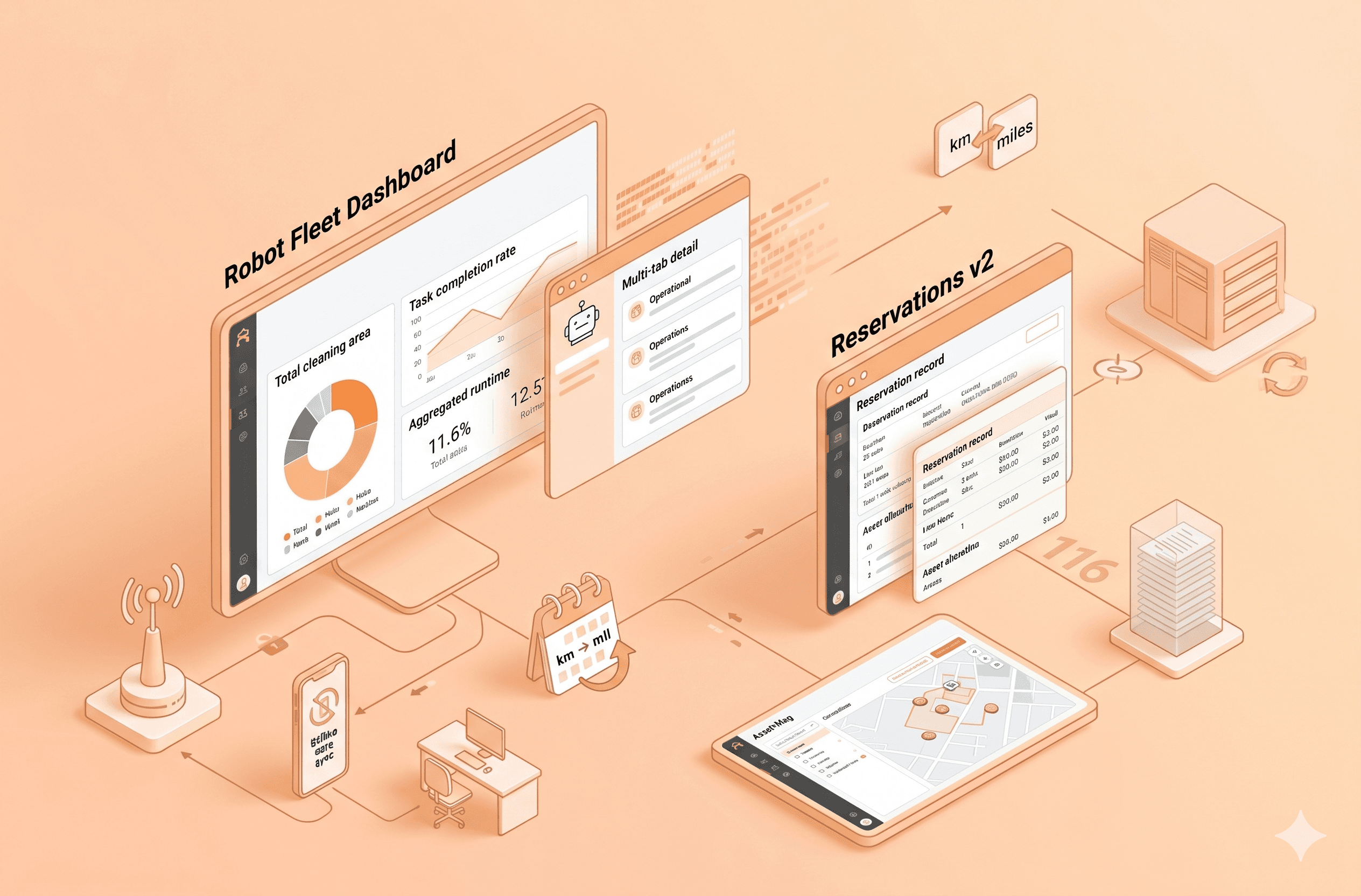
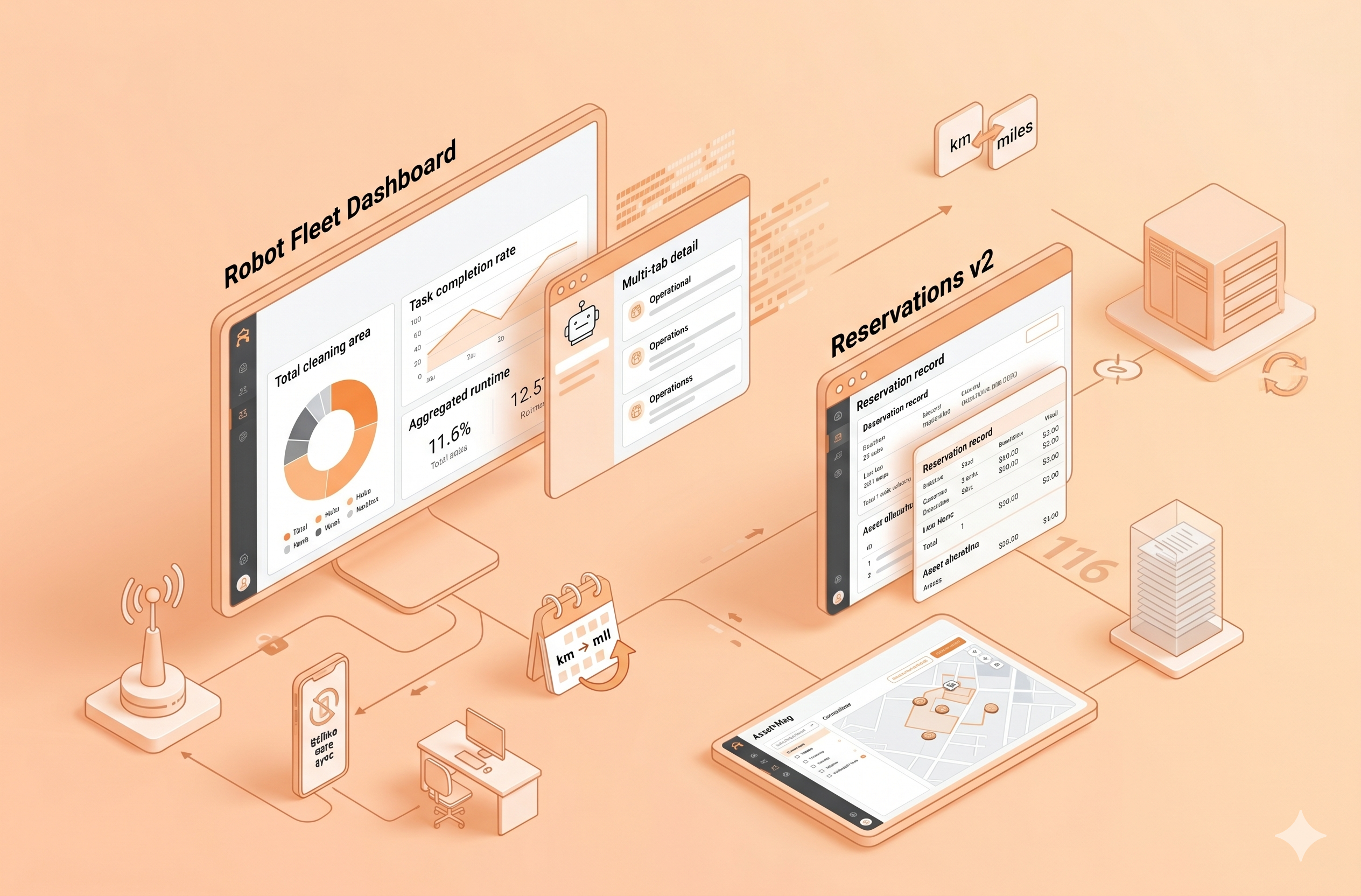
Release 116 introduces two major upgrades: a completely overhauled Reservations system featuring granular line items and easy to use ERP connectivity, and a dedicated Robot Fleet Dashboard that unifies your autonomous machinery into a single operational view.
Alongside these headline updates, we’ve delivered our most comprehensive suite of offline, PDF, and IoT stability enhancements to date—ensuring the platform performs with absolute precision whether your team is in the back office or working deep in the field without a signal.
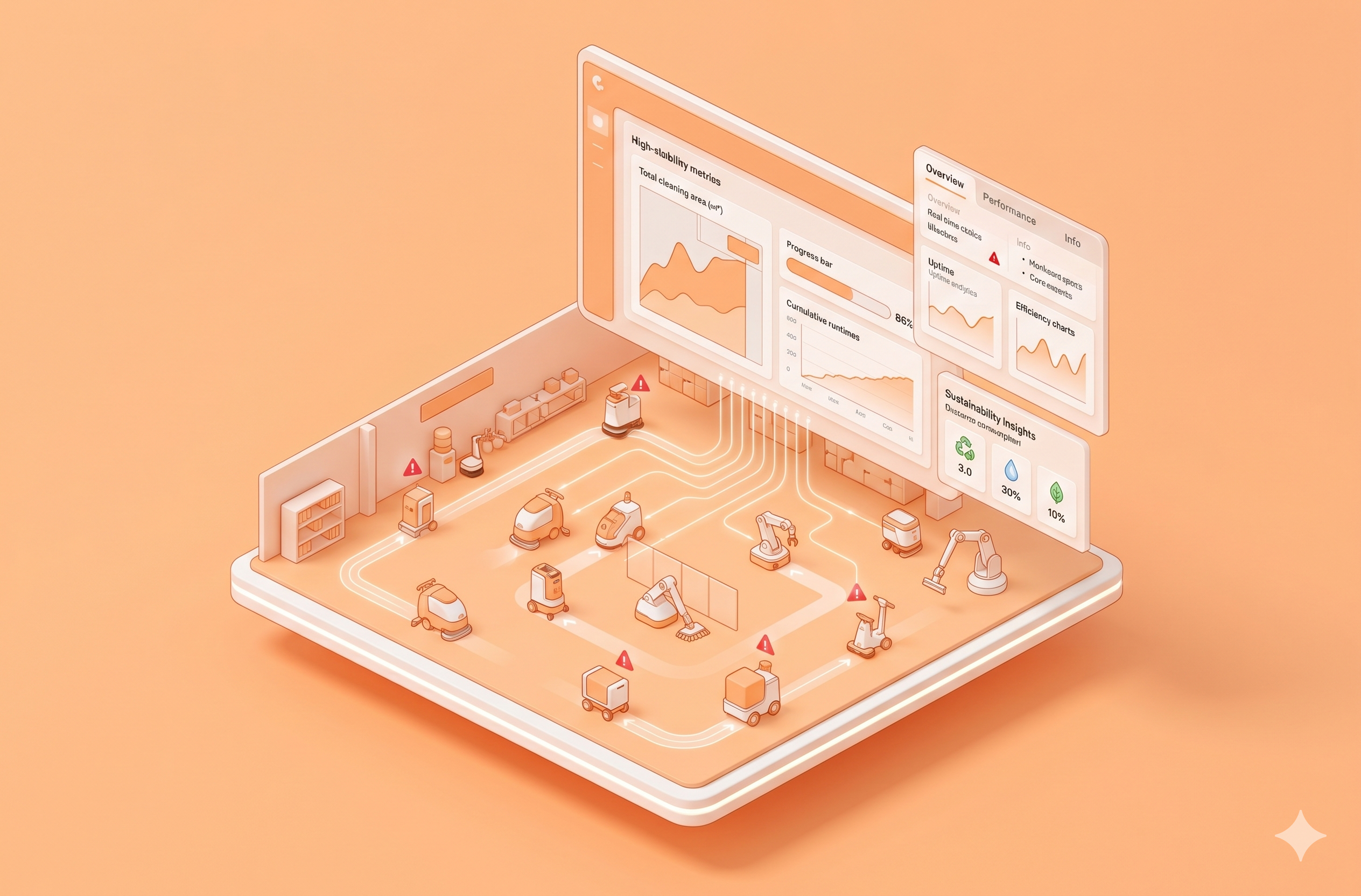
 Robot Fleet Dashboard (Closed BETA)
A central command center for mixed robotic fleets. Give your operations managers a live, aggregated view of robot performance, availability, and cleaning outcomes across multiple brands: including PUDU, Gausium, Lionsbot, Nexaro, Kärcher, Cleanfix, i-Team and more. All within a single workspace.
Fleet-Level KPIs: Get an instant snapshot of your entire fleet's productivity with high-visibility metrics for total cleaning area (m²), task completion rates, and cumulative runtimes.
Multi-Tab Detail Panel: Click any robot to slide open a dedicated side panel featuring three focused operational views:
Overview: Real-time operational status, current missions, and active error states.
Performance: Historical mission trends, outcomes, and uptime analytics.
Info: Hardware specifications, integration sources, and direct shortcuts to the core asset record.
Live Status Feeds: Telemetry and operational states refresh automatically via a live connection—keeping your data current without manual page reloads.
Mission & Alert Tracking: Capture completed missions, sub-zone tasks, and active faults per machine, allowing you to address issues before they impact your SLAs.
Sustainability Insights: A dedicated metrics tab tracks resource consumption and cleaning efficiency data to simplify your environmental and ESG reporting.
Universal Brand Compatibility: Connects natively with all ToolSense-supported robot manufacturers to completely eliminate fractured vendor portals.
Built for Scale: Engineered for enterprise fleets. Progressive page loading and smart pagination keep the dashboard lightning-fast, no matter how many autonomous assets you deploy.
How to get access: This dashboard is in Closed Beta to gather early feedback from high-density robotic fleets. Contact your Customer Success Manager (CSM) to turn on this view.
Who can use it: Available to all users with standard dashboard viewing permissions once enabled.
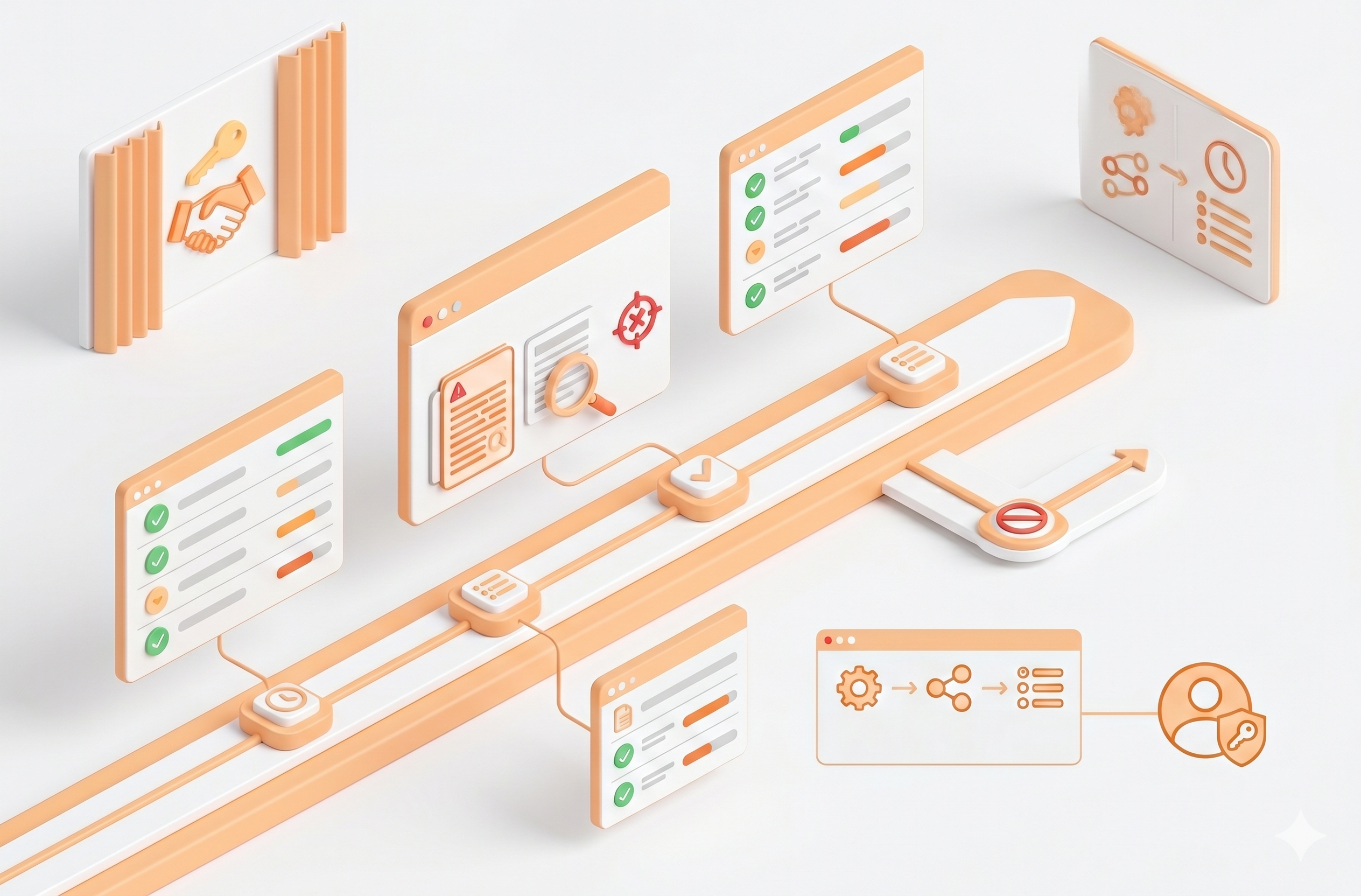
 Integration History: Run Details
Get complete transparency into when and how your active integrations execute, complete with per-run diagnostic logs.
Comprehensive Run Logs: A transparent, timestamped audit history of every integration execution, highlighting its exact status and processing duration.
Direct Error Visibility: Failed runs now explicitly surface detailed error logs directly inside the user interface, removing the guesswork from troubleshooting.
Hardened Cancelation Logic: Background processes now handle manual cancelations and invalid configurations gracefully, preventing background syncs from hanging silently.
Getting Started: New vendor integrations must first be activated behind the scenes by your ToolSense Customer Success Manager (CSM).
How to use it: Go to Settings ➔ Integrations, choose an active vendor platform, and select the History tab to audit past synchronization runs.
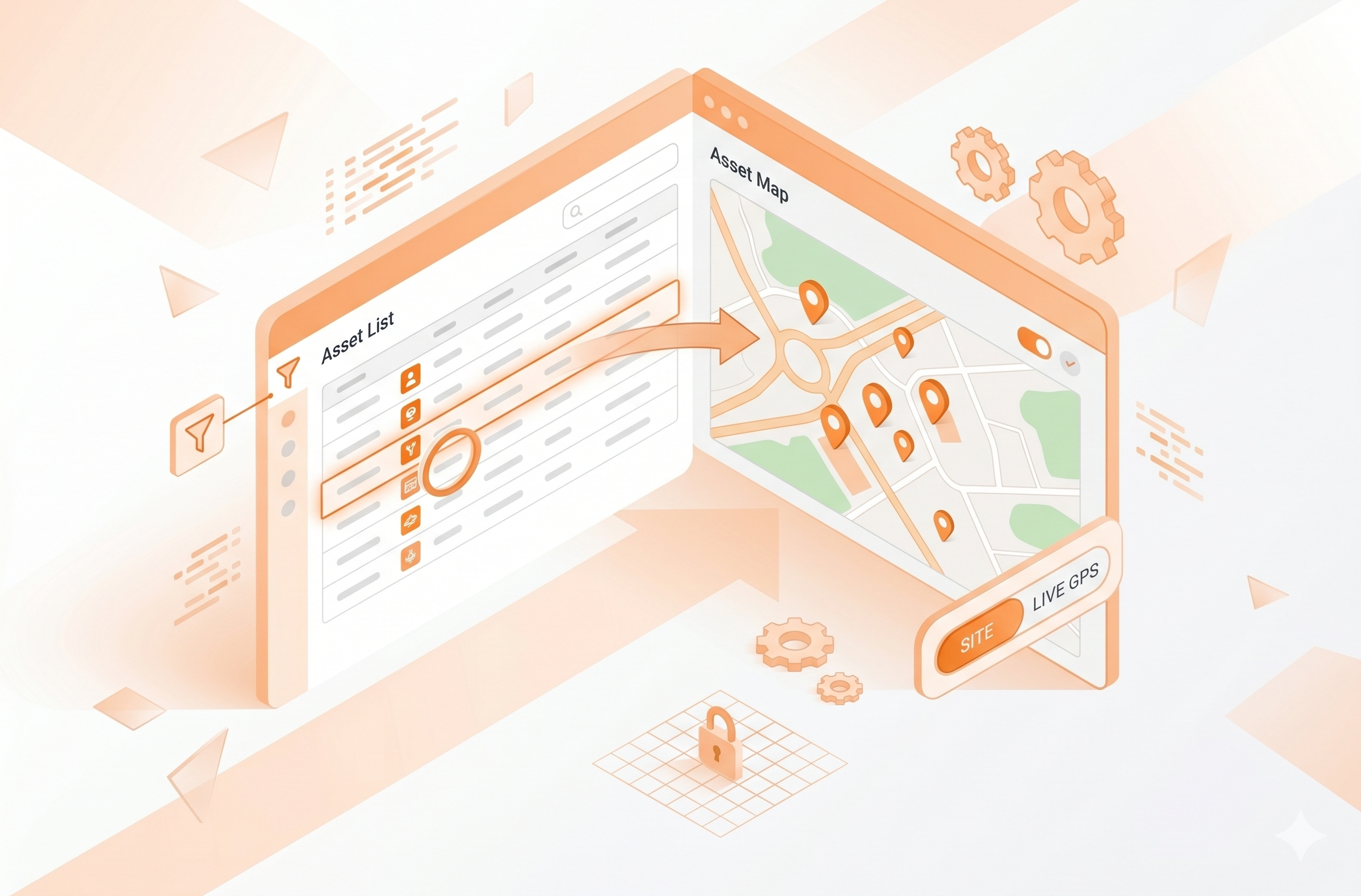
 Asset Map: Smarter Navigation & Filtering
The asset map now responds more intelligently to your active workspace. Filters, display modes, and fleet navigation all stay perfectly in sync.
Live Filter Mirroring: Active filters from your asset list carry over directly to the map view in real time, showing you only the context that matters to your current task.
Stabilized View Toggling: Switching between Site views and Live GPS tracking has been entirely optimized, completely eliminating stale marker data.
 Distance Unit Conversion
Switch between kilometers and miles based on your regional or client preferences.
Platform-Wide Integration: Toggle between kilometers (km) and miles (mi) seamlessly. The choice applies uniformly across asset details, IoT data, exports, and PDF reports.
Personal View (All Users): Tailor your own distance metrics at any time directly within your user Profile.
 Overnight Hours Support
Service schedules and time tracking now handle shifts that cross midnight naturally. No manual workarounds, split logging, or calendar adjustments required.
Cross-Midnight Shifts: Seamlessly configure working hours that start in the evening and end the following morning. Scheduling logic, automated reporting, and rules evaluate the range perfectly.
Precise Reporting: Overnight hours are accurately attributed to the correct shift and calendar date, eliminating double-counting and truncated entries.
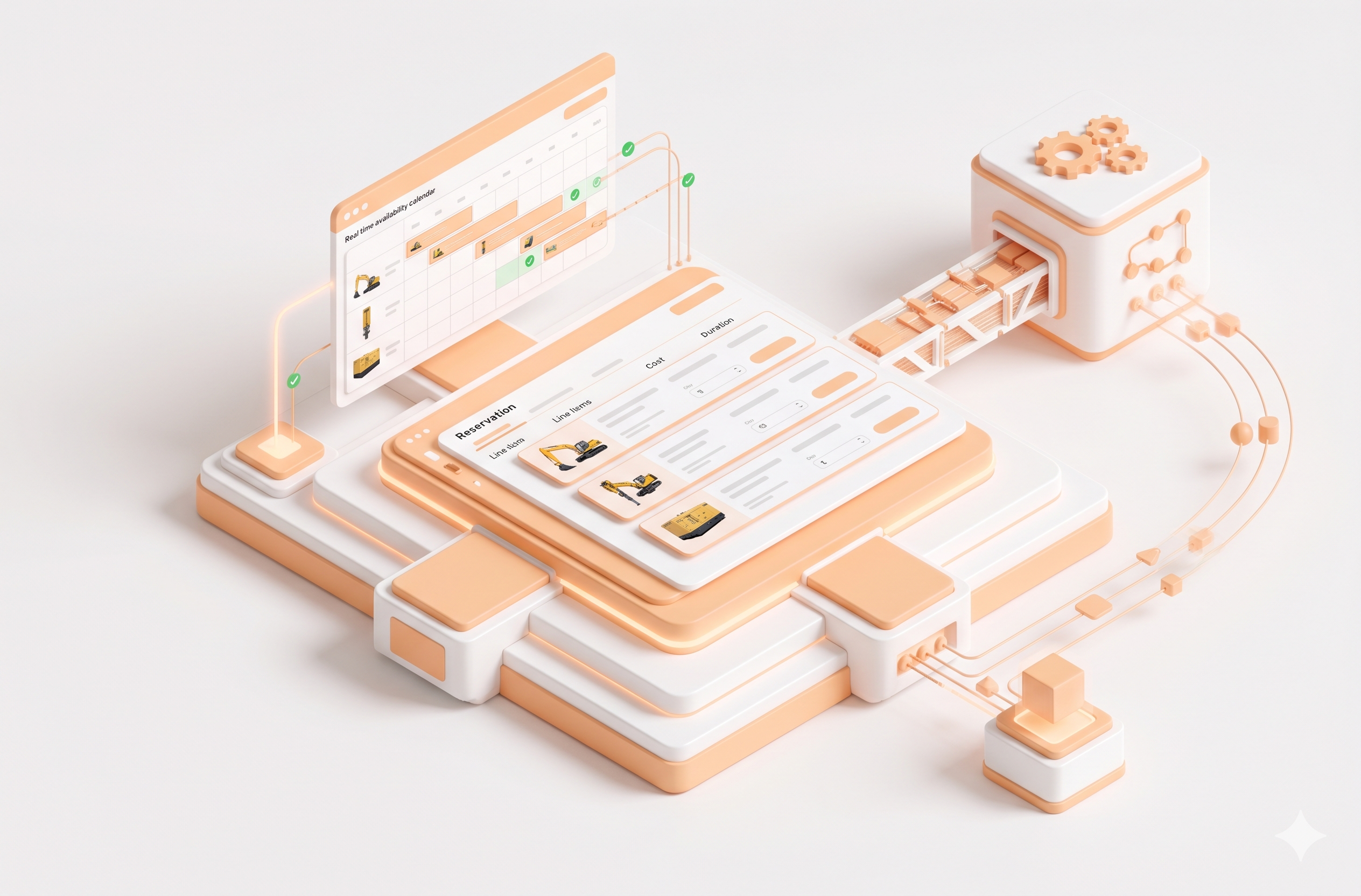
 Reservations v2 (Closed BETA): Line Items, Allocation & ERP Integration
Full asset reservation management, rebuilt from the ground up. Plan, allocate, and invoice resources directly within ToolSense, and sync the results to your ERP system without manual double-entry.
Granular Line Items: Define exactly what is being reserved, the precise duration, and the associated costs—all managed within a single, unified reservation record.
Live Allocation Management: Assign specific assets or tools to a reservation and monitor their real-time availability to completely eliminate scheduling conflicts.
Flexible ERP Syncing: Once confirmed, reservations and their individual line items are instantly ready to sync with your connected ERP system, simplifying your billing and inventory tracking workflows.
 Improvements
 Mobile App
Mobile Ticket Reopening: Technicians can now reopen closed or declined tickets directly within the mobile app interface.
Smarter Barcode Fallback: Scanning a non-QR barcode inside a procedure now automatically falls back to a global asset search to save time.
Broadened Offline Search: Expanded offline asset search parameters to better mirror backend behaviors, drastically reducing missed results when working in areas without a signal.
Duplicate Scan Warnings: Added a proactive warning prompt that alerts users if they scan an asset or site that is already attached to the active ticket.
 Parts & Inventory
Spare Parts Notes Visibility: The dedicated Notes field is now fully visible directly on the Spare Part overview page for quick reference.
 Integrations & IoT
Extended Telemetry Support: Expanded our integration capabilities by adding support for new vendor telemetry parameters for Hako fleets, alongside support for the PARTIAL observation status for Kärcher fleets.
 Performance Optimization
Rapid Offline Sync: Significantly optimized data compression for mobile field teams, drastically reducing the time required to pull data updates after reconnecting.
Asset Tree Loading: Re-engineered the relative tree query with map-based traversal patterns and active Redis caching, heavily reducing load times across all structural navigation menus.
IoT Event Processing: Refined per-asset IoT commit granularity to eliminate database lock contention, and introduced index-bound batch limits for notification polling loops to maximize platform speed.
 Email & Web Platform
Outlook Layout Refactoring: Upgraded HTML structures for buttons and layout grids to ensure clean, consistent rendering inside the Outlook Desktop client.
Jotform Timezone Mapping: Forms submitted via Jotform now automatically adapt to the submitting user's local timezone to ensure absolute date consistency.