

Feb 4, 2026
Release 113 is an update, introducing two major new modules: Business & Private Trip Management and a comprehensive Cost Management System.
Alongside these features, we are delivering advanced conditional logic for procedures, enhanced data privacy, and a suite of stability improvements across mobile and web.

 Business & Private Trip Management (Beta)
We are introducing the first phase of our Business & Private Trip Management module. This update establishes the foundational logic for classifying vehicle usage and ensuring data privacy for mixed-use fleets.
To start using this beta feature, please contact your Customer Success Manager (CSM).
Classification: Fleet managers can now define Working Hours (e.g., Mon–Thu 08:00–17:00) and Non-Working Days. Trips starting within this window are automatically marked as Business, while those starting outside are marked as Private.
Trips Privacy: When a trip is classified as Private, location data is automatically masked. The map component, start/stop addresses, and event lists are hidden to protect driver privacy.
Manual Control: Authorized users can manually switch trip classifications in the Web Trip Overview. This action requires a mandatory comment and is fully logged for audit purposes.

This is just the beginning. Future updates will expand this feature into a comprehensive solution, including:
Mobile Access: Enabling drivers to classify each trip individually on the go.
Tax Compliance: A fully tax-safe driver log, launching first for Germany and Austria, with support for more countries to follow.
 Advanced Cost Management: Total Control
We’ve updated the cost management workflow, making it easier to record and review operational expenses across both Web and Mobile.
 Expanded "Add Cost" Modal window: The updated window supports detailed bookkeeping with new fields for Invoice Number, Cost Center, Date, and Provider. You can also create Custom Cost Categories to match your internal accounting.
 Operational Costs View: We added a dedicated list under the Assets section where you can search by invoice or cost title and export cost summaries.
 Cost Access Permissions: Admins can now control sensitive data with a new user-level checkbox. When disabled, all operational cost-related data is hidden across both Web and Mobile.
 Financials in the Field: The mobile app mirrors these capabilities. Add costs directly within a Ticket or view a dedicated Operational Costs tab on any asset.
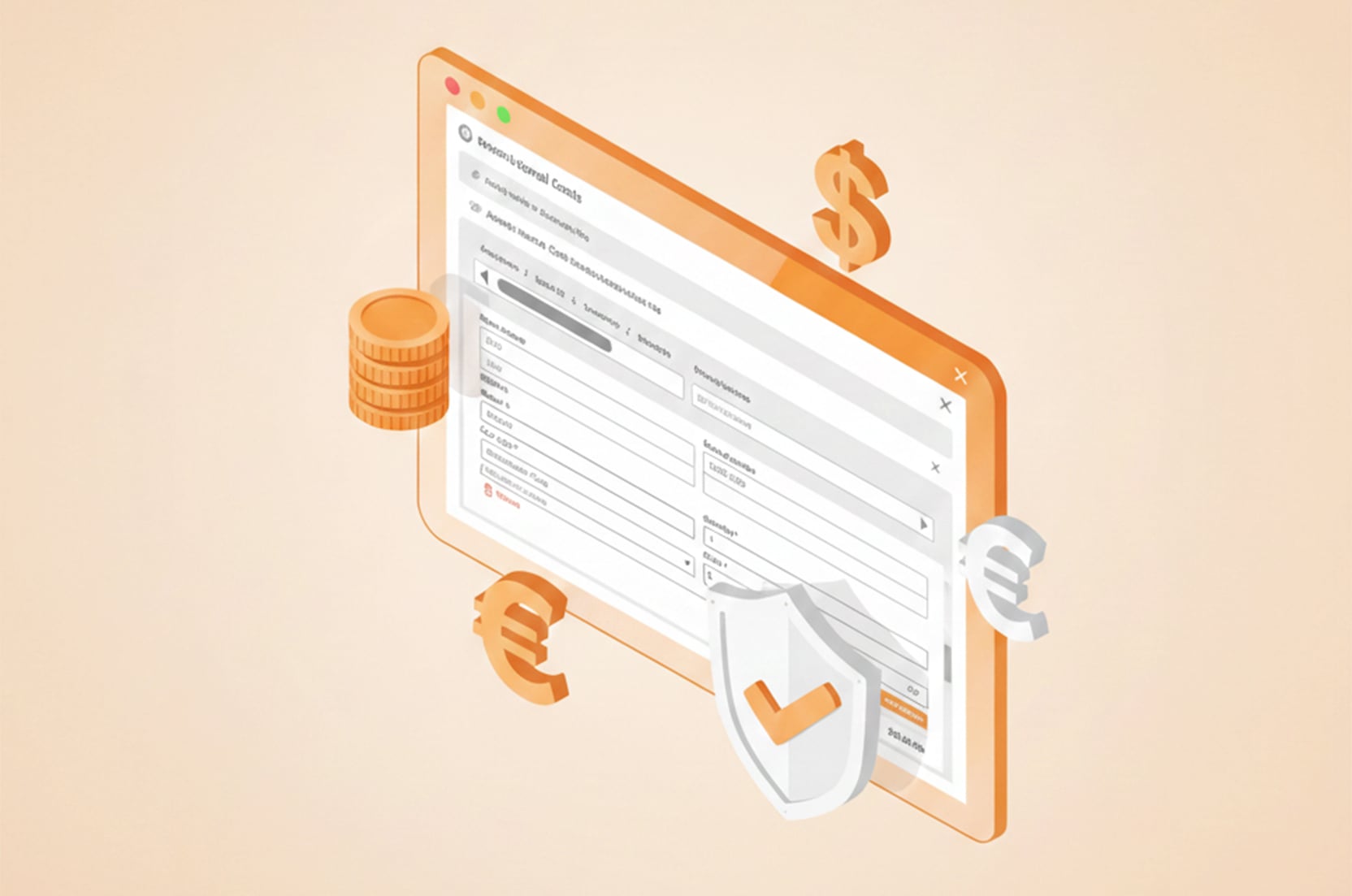
We plan to rework cost management later this year to include parts, operating costs, purchase, leasing, and rental data. This upgrade will allow you to run side-by-side cost comparisons of comparable assets with just a few clicks.
 Advanced Procedure Logic & New Input
We’ve upgraded the Procedure Builder to give you more flexibility when designing complex workflows.
 Hidden Field Logic for Conditions (Beta): You can now use "Hidden in Form" fields as triggers within your conditional logic. Reference background data to trigger visibility for other elements without cluttering the user interface.
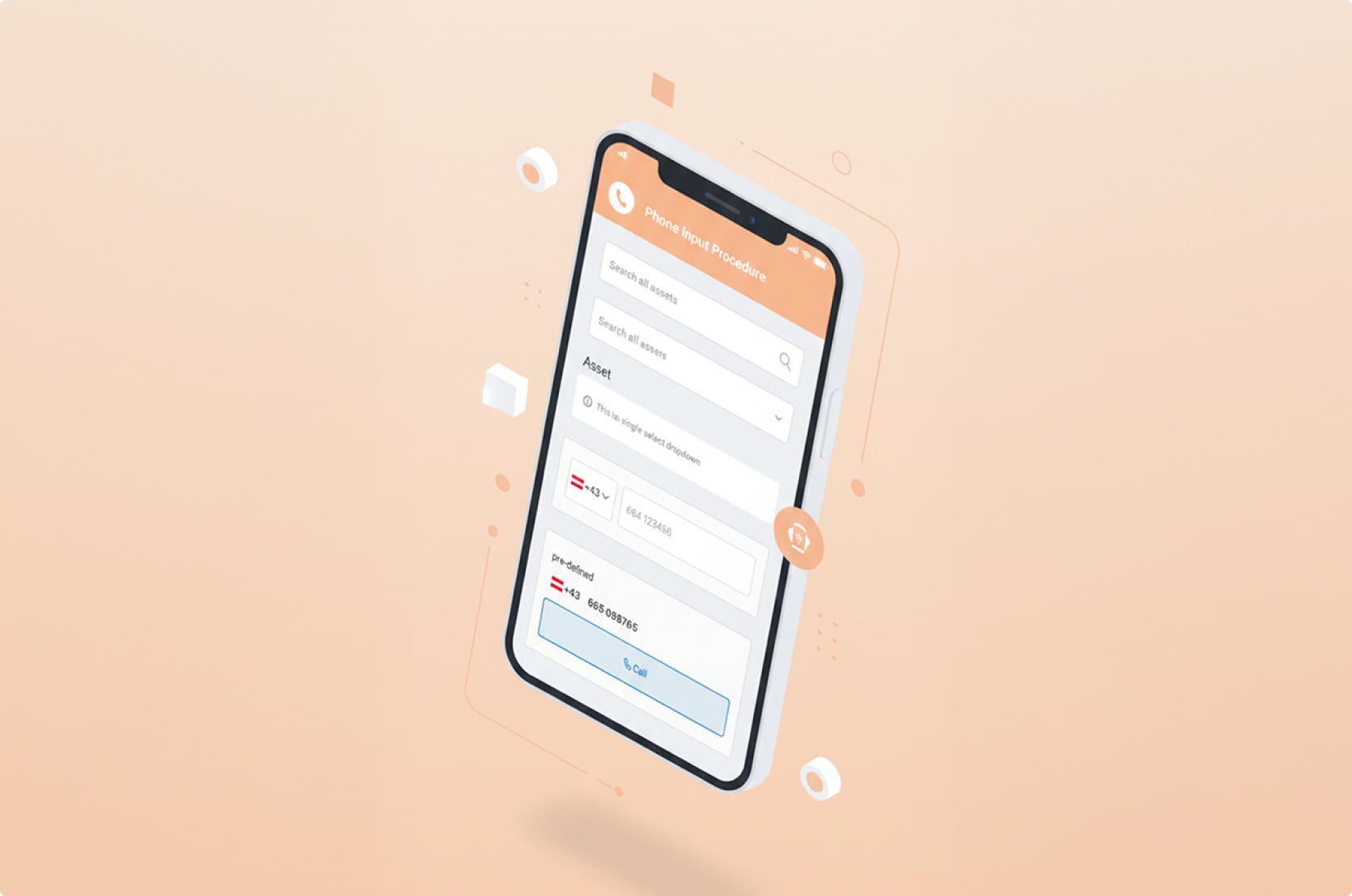
 Dedicated Phone Input: To ensure better data quality, we have introduced a specific Phone Number input type that formats contact details consistently.
 Turbocharged Speed: Procedures load faster. Tickets save quicker. We’ve optimized the entire editing and creation process to give you immediate results.
Improvements & Bug Fixes Location
Map Coordinates: You can now view and copy GPS coordinates (latitude/longitude) directly from the asset map label for precise navigation in external tools.
 Asset Checks & Integrations
Integrations Reliability: Resolved bugs where assets connected to external fleet systems (like Hako) appeared with no data, and fixed synchronization issues for specific CAT machines.
Asset Check Intervals: Fixed a regression where defined intervals (e.g., "Monthly") were ignored after a check completion, causing the "Next Check Date" to incorrectly default to one year later.
Mobile & QR ExperienceQR Landing: Added toast notifications for successful asset creation and fixed UI anomalies (repeated cookie pop-ups, button colors). You can also now Add Costs directly from the QR landing page.
Offline Clarity: Fixed the display of user titles in Offline Mode and ensured asset availability displays correctly for unauthenticated users.
UI Improvements: Resolved a bug making it difficult to select the last item in mobile dropdowns and fixed "jumping" trip traces on the map.
 Procedures & Tickets & Events
Logic Builder: Resolved missing date field options in Condition Logic (Beta) and fixed "is one of" selectors for asset fields.
Attachments: Fixed a bug where tickets created via procedures were occasionally missing their file attachments.
Notifications: Stopped the system from generating notifications for tickets that are automatically closed upon creation.
Event Overview Printing: A dedicated Print button on the Check Event pane allows for one-click generation of a formatted view suitable for physical records or PDF summaries.
Duplicate Rule Events: Resolved an issue where IoT maintenance rules generated duplicate events for every single data point exceeding a threshold, rather than triggering a single event.
 Global Stability
Export Stability: Fixed a bug where the Trip List export would return empty if a search filter was active.
Time & Formatting: Synchronized time displays between Web and Mobile to ensure global consistency.
Site Organization: Corrected the ordering of Services within the Site overview for better navigation.