
Dec 31, 2025
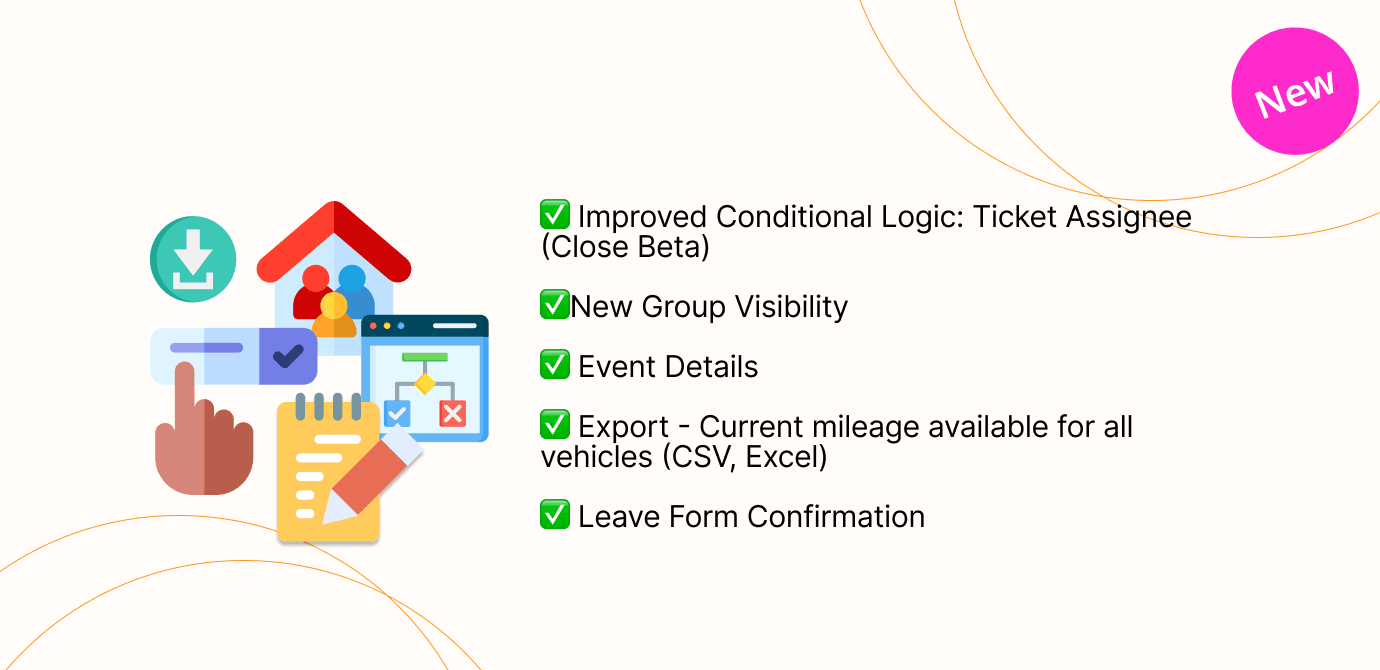
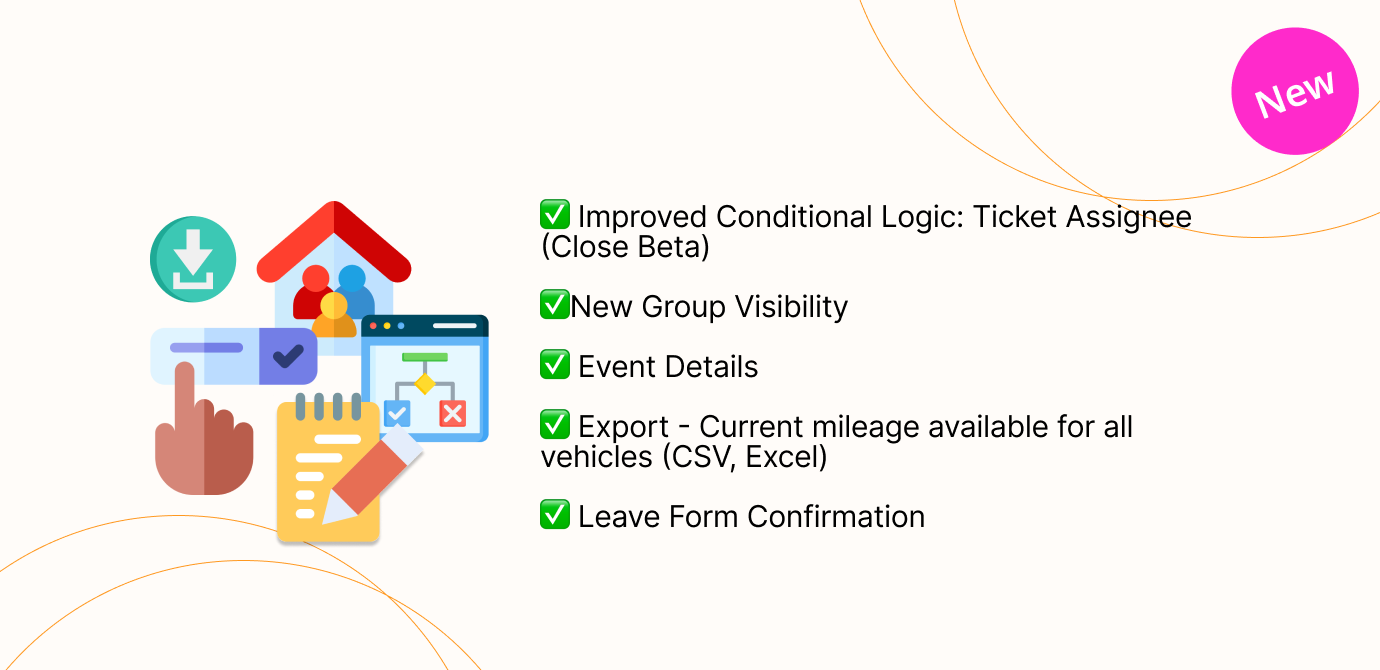
Release 112 includes updates to form safety, ticket instruction formatting, and editor role access. We are also introducing beta access for Assignee Conditional Logic and Multi-Group Visibility, alongside general stability improvements and bug fixes.
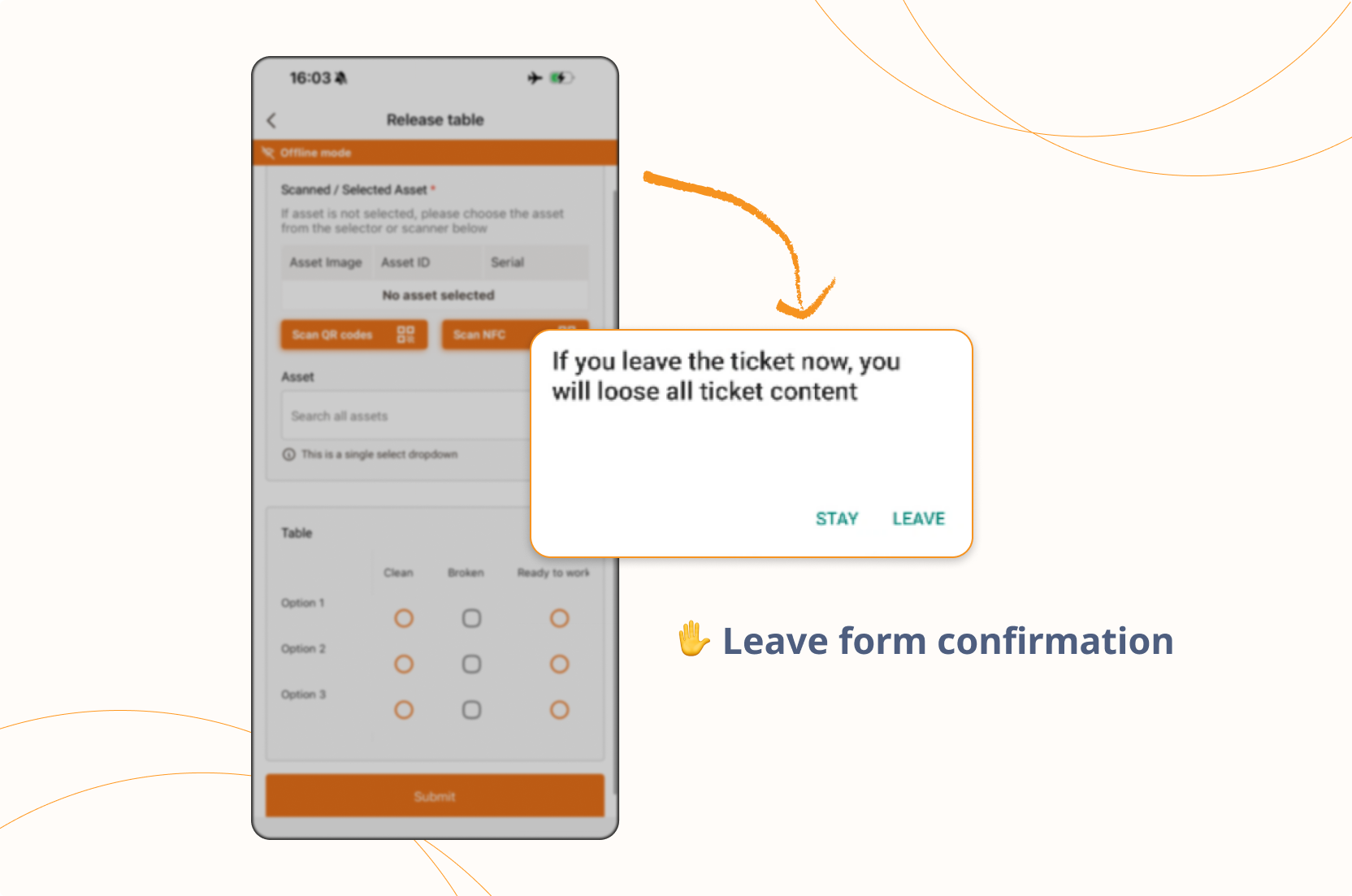
 Never Lose Your Progress: Safety Confirmations
We’ve implemented a vital safety net to protect your hard work in the field. To prevent the accidental loss of data during maintenance or inspections, a Safety Confirmation pop-up will now appear if you attempt to leave an active form (procedure based forms only) without submitting it.
Whether you are on the Web Client or the Mobile App, this warning ensures that important ticket content isn't accidentally discarded, giving you peace of mind that your data is secure until you hit "Submit."
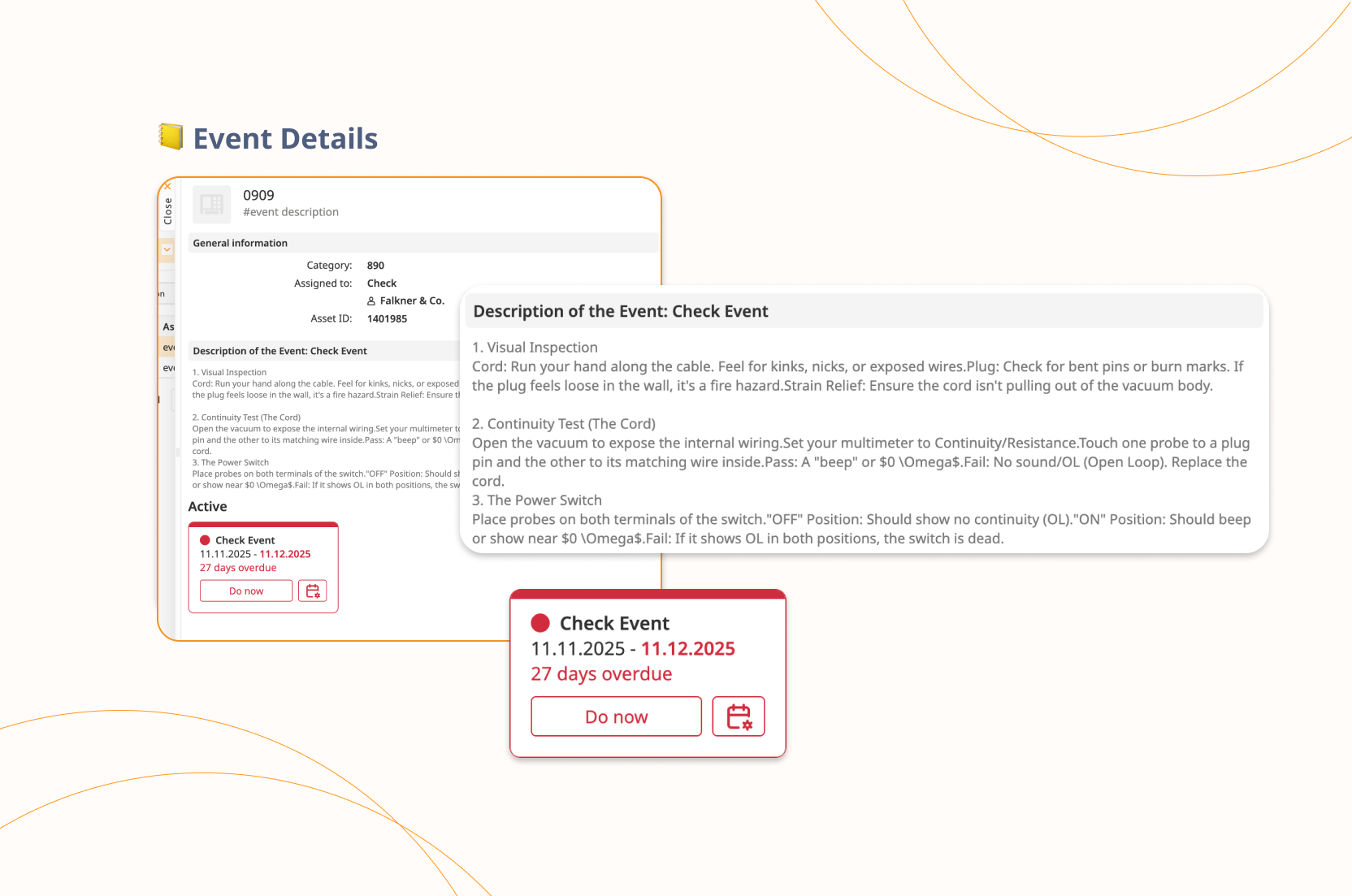
 Full Context Everywhere: Enhanced Event Details
We’ve made sure your instructions follow the work from start to finish. Detailed descriptions and rule-defined instructions are now displayed exactly where they are needed most:
Event Overview & Ticket creation: View critical guidance the moment you start a task.
Resulting Tickets: All instructions are automatically inherited by the final ticket for full traceability.
We have also improved the text rendering to preserve your formatting, meaning paragraphs and line breaks stay exactly as you wrote them, making instructions much easier for field teams to read and follow.
 Intelligent Routing: Assignee Conditional Logic (Beta)
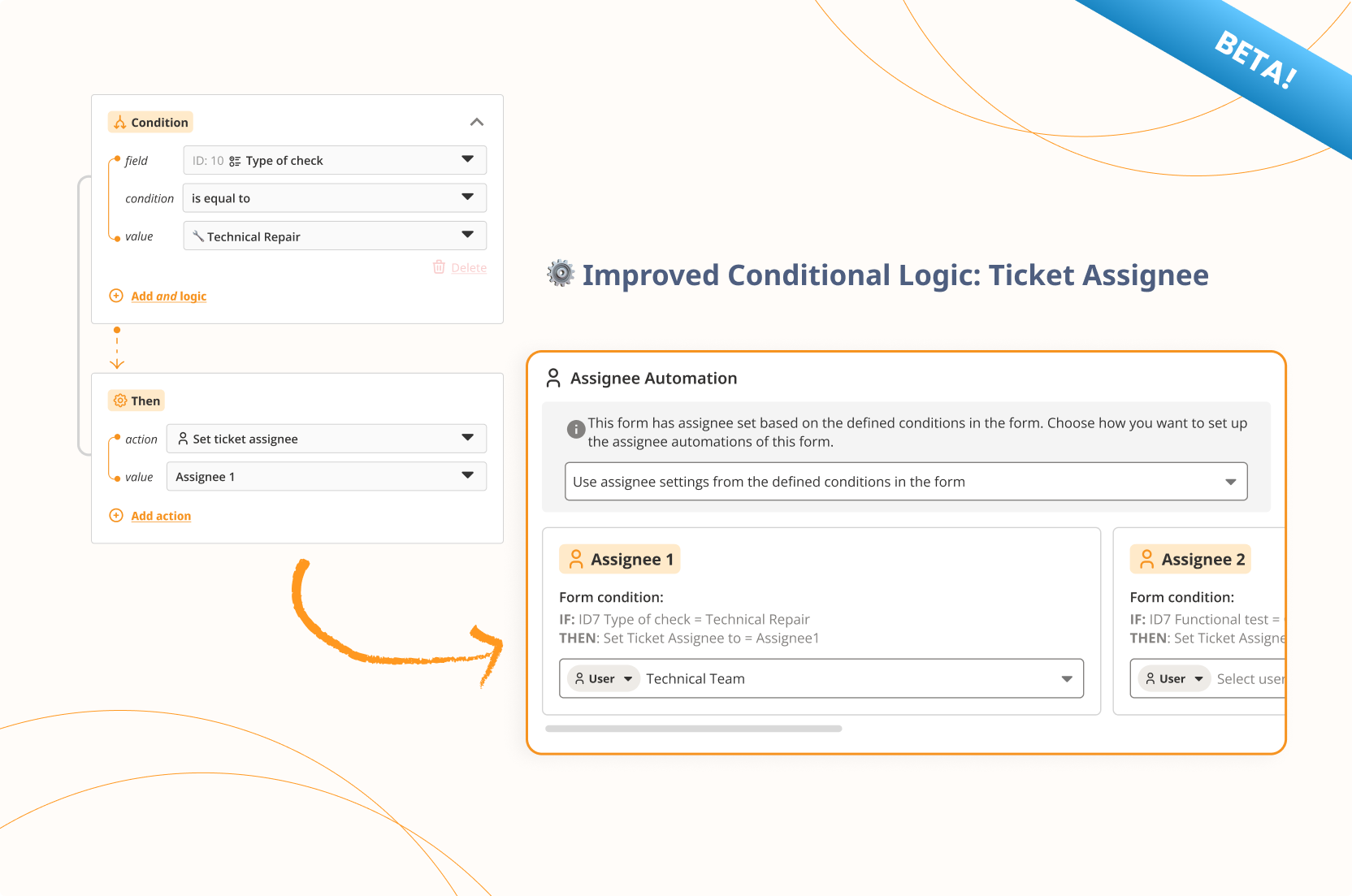
With our new Assignee Conditional Logic, you can set up procedure rules that automatically suggest or assign the correct person or team based on specific answers given during a procedure.
For example, if a technician reports a "Broken Lamp" during a check, the system can instantly route the ticket to an Electrician. This automated assignment ensures the right specialist is notified immediately, reducing manual coordination and getting the job done faster.
 Multi-Group Visibility: Manage the "Multiverse" (Beta)
For managers overseeing multiple regions or departments, you can now see the big picture without annoying workarounds:
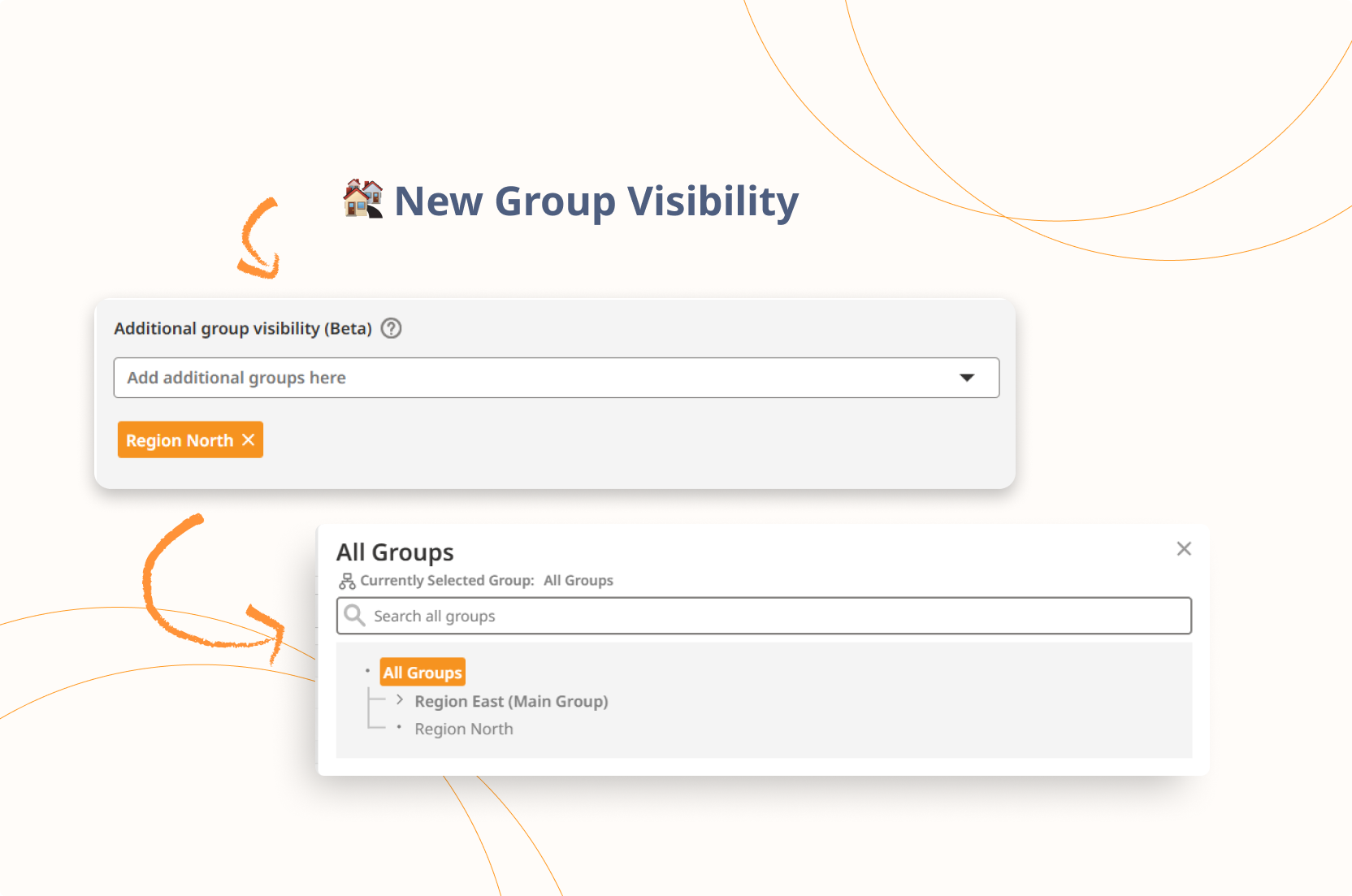
The "Multiverse" View: You can now be granted visibility into several different group trees simultaneously. You keep your primary group for daily actions but gain access to other territories for oversight.
Unified "All Groups" Selector: Toggle between specific groups or a combined "All Groups" view. This aggregates all your assets, tickets, and sites into one single screen.
To enable this for your team, please contact your Customer Success Manager (CSM).
 Improvements & Bug Fixes
 Precision Reporting & Asset Data
We’ve refined our data tools to ensure your exports and reports are professional, accurate, and easy to read.
Mileage at a Glance: A dedicated "Vehicle Mileage" column is now available in the Asset List and is fully exportable as an Excel file.
Context-Rich PDFs: Ticket exports now automatically bundle Type, Brand, and Category together. This provides full context for field teams and makes transfer protocols much clearer.
Deletion Safety: Administrators can now disable asset deletion for "Editor" roles, preventing accidental data removal in large, busy accounts. Please talk to your CSM if this is relevant for you.
 Global Integration & Stability Updates
Optimized Scanning: The Mobile QR scanner has been refactored for significantly faster processing and more reliable camera handling.
Dashboard Stability: Eliminated "jumping" screens to ensure a steady view of your data.
Offline Reliability: Fixed bugs where completed checks were invisible in offline history.